About this app
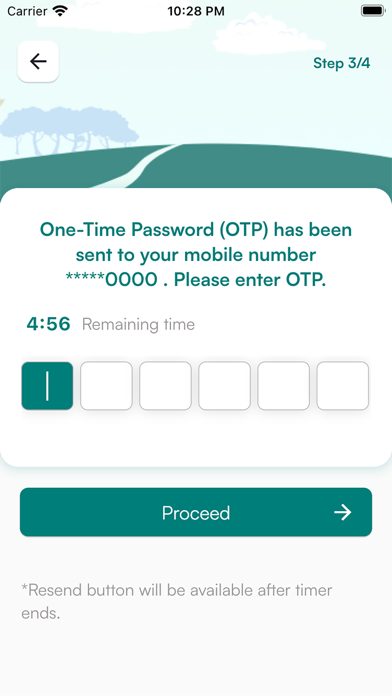
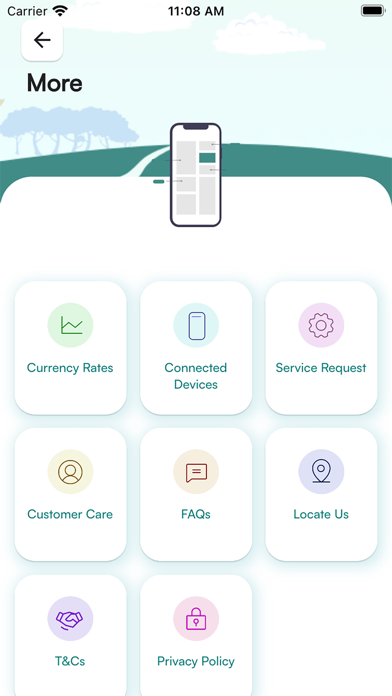
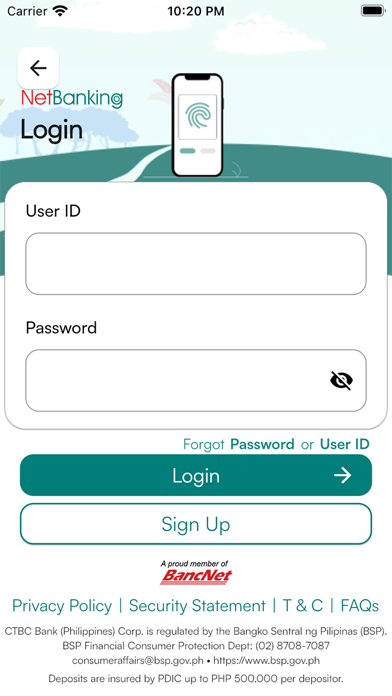
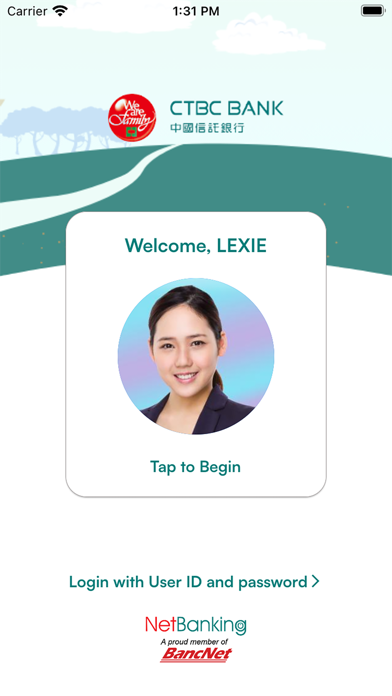
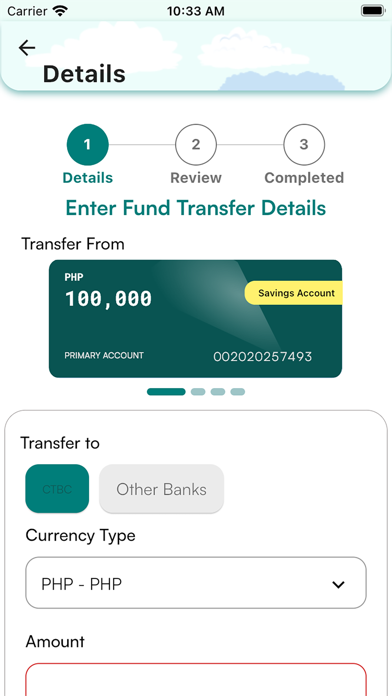
Upgrade to a friendlier, faster, more convenient, and secured online banking! Enjoy easier access to your account/s via your mobile device through the CTBC Bank PH Mobile App! Previously known as “CTBC Bank PH”, this enhanced mobile app was designed for CTBC Bank retail account holders to perform their online banking transactions more conveniently with just a few clicks. Here’s a quick rundown of some of the benefits you can get: EASY MONITORING OF YOUR ACCOUNTS View your account summary either by account type or currency and transaction history, anytime, anywhere. TRANSFER FUNDS AND PAY BILLS WITH EASE With just a few taps, you can easily transfer funds within CTBC Bank accounts, other local bank accounts, e-wallets, and also pay bills to over 80 merchants and billers. MORE SECURED MEANS TO ACCESS YOUR ACCOUNTS Have peace of mind when accessing your account/s with the added security of registering your preferred device, the use of biometrics to login, and encoding a One-Time Password (OTP) to authorize transactions. HASSLE-FREE SERVICE REQUESTS Save time going to the branch as you can send requests for the following services: - Debit and Cash Card Application - Statement of Account - Checkbook - Demand Draft or Manager’s Check - Bank Certification - Appointment with a Relationship Manager (RM) If you are ready to register, simply follow these steps: 1. Download this mobile app and click Sign Up. 2. Read the Terms and Conditions and the Privacy Policy. Click Agree to proceed to the succeeding registration procedures. 3. Key-in your active CTBC Bank Savings or Checking Account Number and date of birth. (Time Deposit, Loan Account Number/s, inactive, closed or dormant Savings or Checking Account Number/s will not be accepted.) 4. Enter the One-Time Password (OTP) sent to your registered mobile number for authentication. 5. Create your User ID and login password. 6. Click Login to start using the mobile app.
Latest release
What’s New
Transfer and Receive funds in more flexible amounts via Instapay and PESONet through our enhanced Retail Netbanking.
Audience growth
Ratings growth
Baseline captured. Growth appears after the crawler observes a changed rating count.
Momentum comes from crawler snapshots for the tracked storefront. “Viral growth signal” means unusually fast recent rating gains; it is an indicator, not download data.
Price tracking
Price intelligence
First snapshot captured. The trend line starts after the next crawler price observation.
- First observed Aug 19, 2026 · 6:30 AM Free
Screenshots