About this app
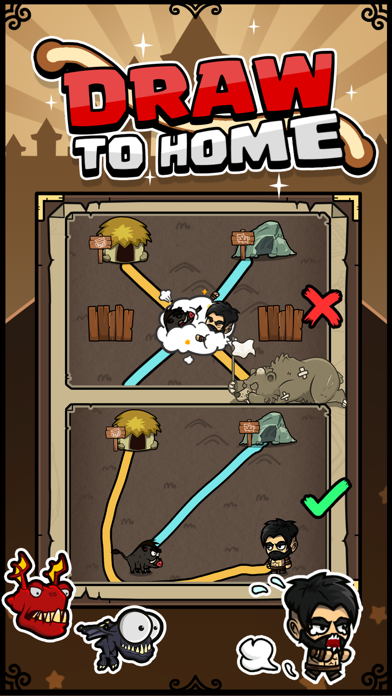
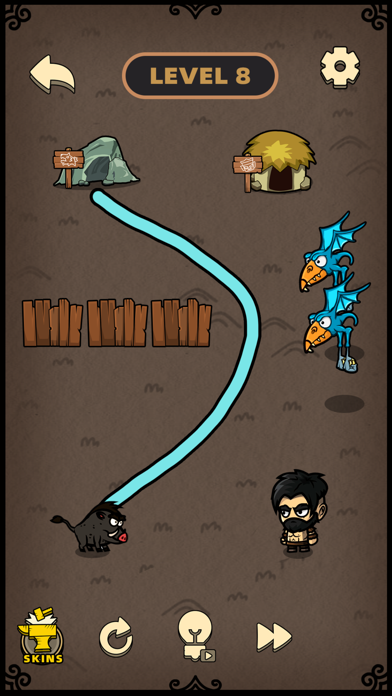
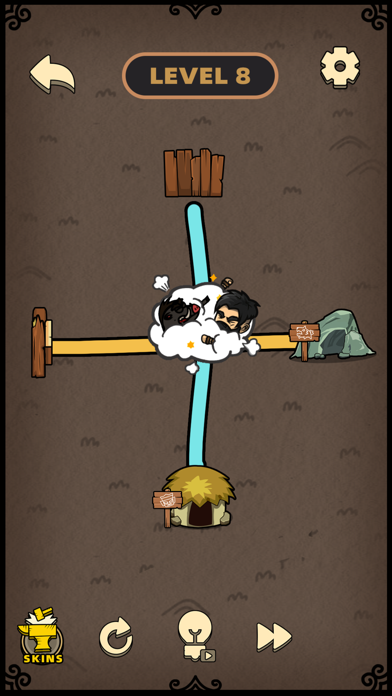
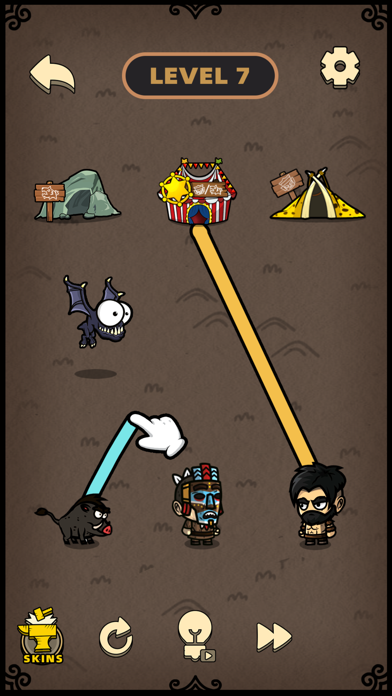
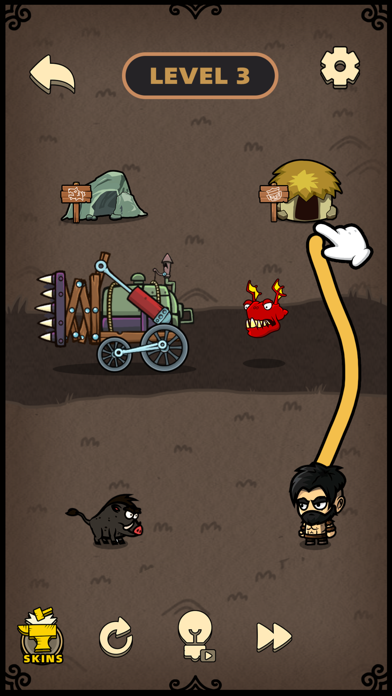
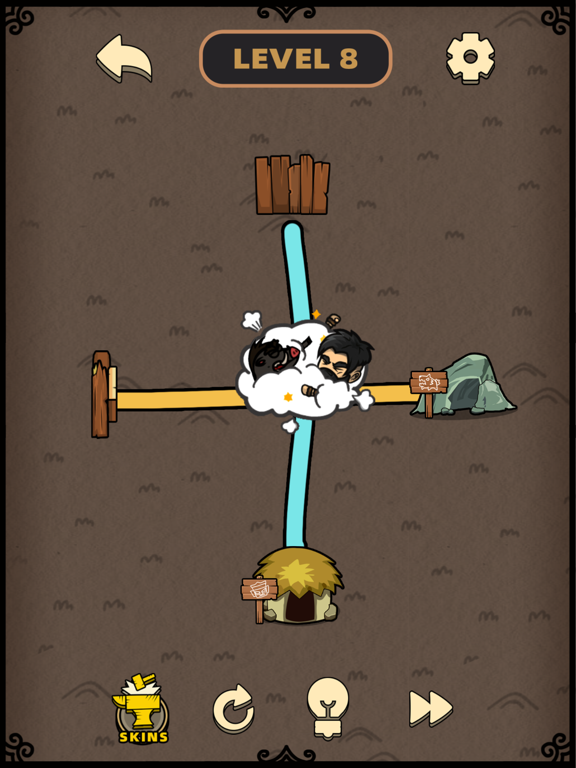
draw the line to help them get home Draw to Home is a casual puzzle game. You need to help humans find their way home, draw a line between humans and corresponding houses, and prevent humans and beasts from colliding with each other. If they collide, they will get dizzy and the game will fail. In order to avoid various obstacles, let all humans and beasts go home safely to win the game. How to play: 1. Click on the leg of the villain to start drawing lines; 2. Avoid collisions between humans and wild animals; 3. Pay attention to avoid wooden boxes, lifting columns, cars and thieves; 4. Reasonable use of Hercules makes customs clearance easier; 5. Try to collect all diamonds; 6. Make sure all humans and beasts get home safely and win the game. Game Features: 1. Rich and interesting levels; 2. A variety of customs clearance methods; 3. Fully exercise the puzzle-solving ability; 4. Interesting characters. Welcome to try our game, if you have any comments on the game, you can provide feedback in the game, thank you for your participation.
Latest release
What’s New
Fix bug
Audience growth
Ratings growth
Baseline captured. Growth appears after the crawler observes a changed rating count.
Momentum comes from crawler snapshots for the tracked storefront. “Viral growth signal” means unusually fast recent rating gains; it is an indicator, not download data.
Price tracking
Price intelligence
First snapshot captured. The trend line starts after the next crawler price observation.
- First observed Aug 18, 2026 · 5:13 AM Free
Screenshots