About this app
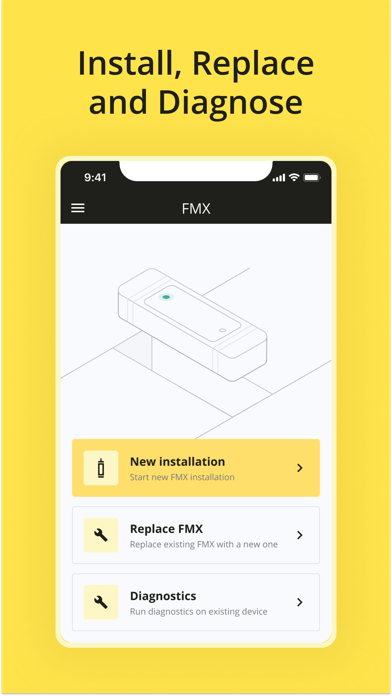
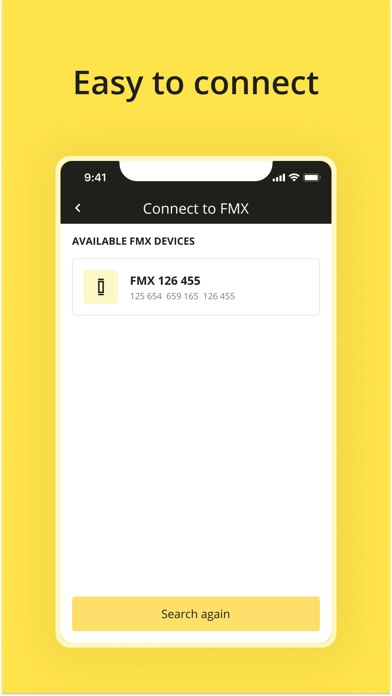
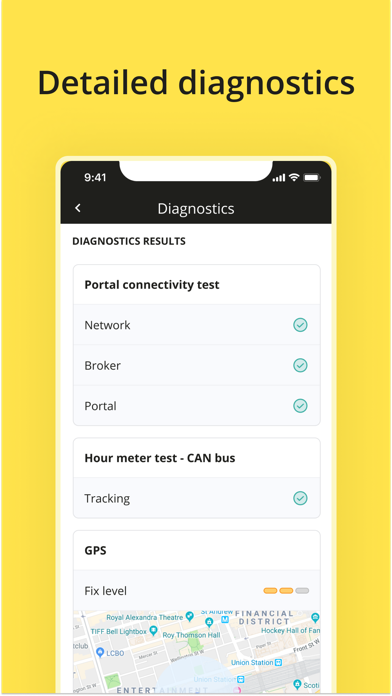
Use the mobile app Wireless View Hyster to install the Wireless View device on your equipment following the simple steps within the app: - assign the device to the right account site on the portal - programme the right settings onto the device - complete a diagnostics check - activate the units. After successful completion, the units will appear online in the Hyster Tracker portal www.hystertracker.com or in the Hyster Tracker mobile app. Hyster Tracker Overview Hyster Tracker Wireless asset management delivers data driven solutions in real time to your lift truck fleet. Data that can help maximize productivity, drive efficiency and reduce costs. Using a cloud-based system, events can send notifications in real time and can be accessed via any device with an internet connection. With features like utilisation and GPS location tracking, you’ll have transparency into your day to day operations. Protect your investment and create peace of mind knowing that your fleet are held to a higher standard of performance.
Latest release
What’s New
Remove Wi-Fi selection. Improve diagnostics UI.
Audience growth
Ratings growth
Baseline captured. Growth appears after the crawler observes a changed rating count.
Momentum comes from crawler snapshots for the tracked storefront. “Viral growth signal” means unusually fast recent rating gains; it is an indicator, not download data.
Price tracking
Price intelligence
First snapshot captured. The trend line starts after the next crawler price observation.
- First observed Aug 14, 2026 · 5:21 PM Free
Screenshots