About this app
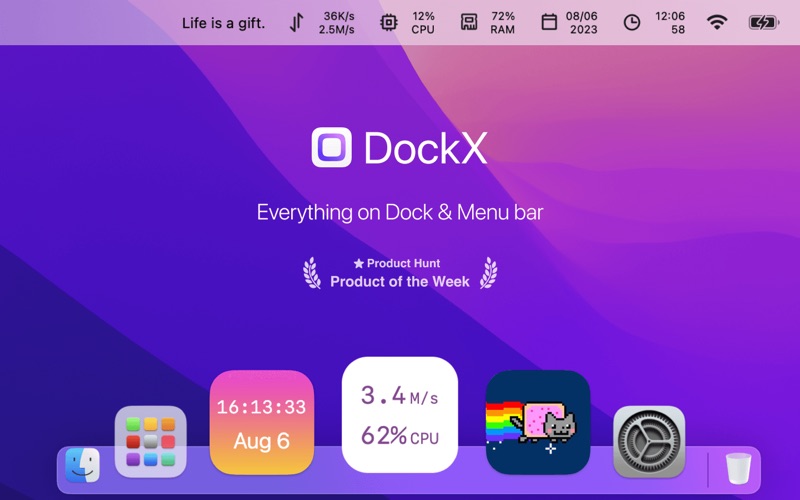
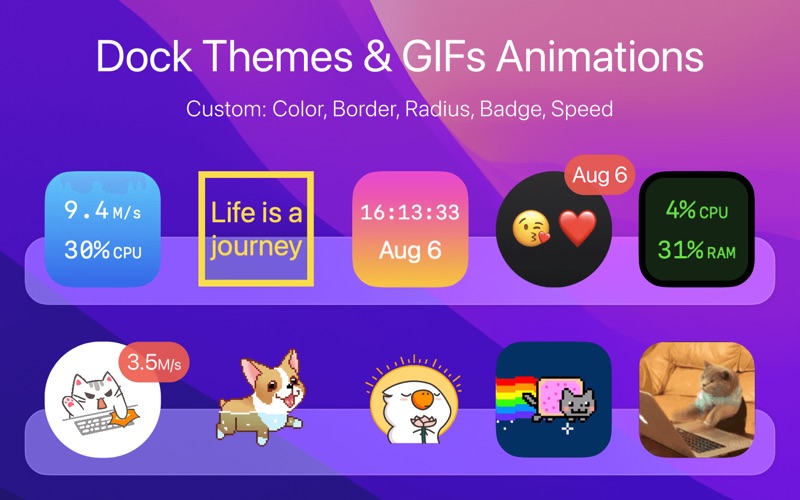
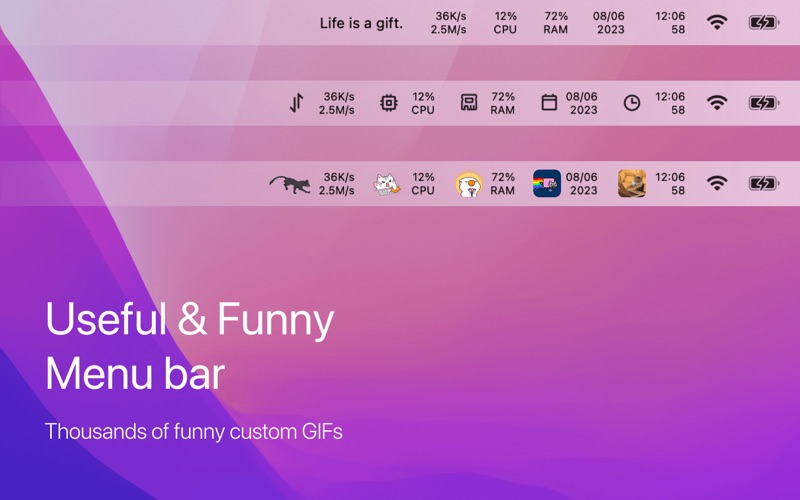
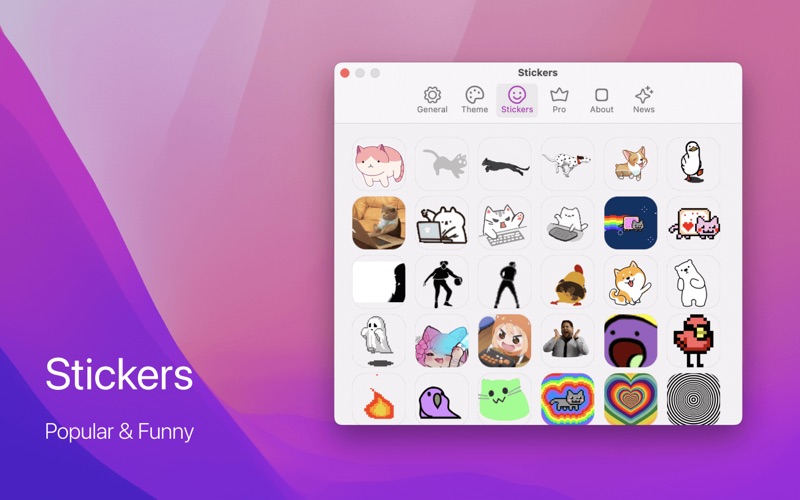
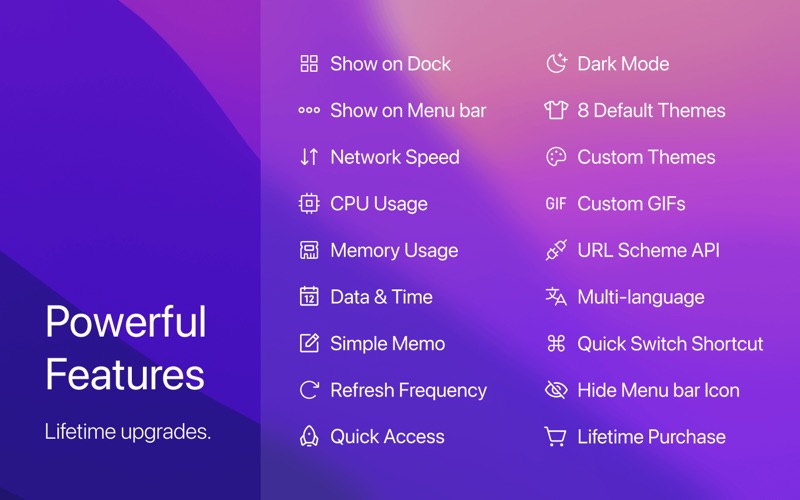
DockX is a magic app that allows you to display any content in the Dock and Menu bar, you can just sneak a peek anytime without opening any app. Whether you want to monitor network speed(download/upload), CPU/Memory usage, Date and clock with a second hand, even a reminder memo with red badges, or showing funky and entertaining GIFs, DockX makes it easy. * Awarded on ProductHunt Daily and Weekly * Reviewed as the most worthy DIY App (@monograph) It perfectly blends with the native macOS interface, enhancing your user experience and productivity in the most stylish way. With limitless fun and endless possibilities for creative thinking, it's the perfect platform for you to explore and unleash your imagination. It is a useful system activity monitor. Up to 20+ features: 1. Show on Dock 2. Show on Menu bar 3. Network Speed 4. CPU Usage / CPU Temperature 5. Memory Usage 6. Free Disk / Used Disk 7. Battery / Battery Health / Battery Cycle Count 8. Data & Time & Week & World Time 9. Weather, Simple Memo 10. Refresh Frequency 11. Quick Access 12 Dark Mode 13. 8 Default Themes 14. Custom Themes 15. Custom Animation Stickers 16. URL Scheme API 17. Multi-language 18. Quick Switch Shortcut 19. Hide Menu bar Icon 20. Uptime After Boot 21. Daily Network Traffic 22. IP Address: Public IP / Local IP 23. Lifetime Purchase Please encourage us with five stars, More powerful features will be developed. Also, feedback are welcome to tell me on Twitter:@DockX or DockXApp@gmail.com
Latest release
What’s New
• Improve: Display IP supports two lines showing public and local IP separately • Fix: Occasional blurriness of menu bar icons after switching external display • Fix: Network speed issue caused by proxy Recent Updates: • New: Display IP addresses: Public IP / Local IP • New: Custom menu bar icon for quick launching specified App • New: Memory field supports displaying absolute numbers / • entages • Improve: Optimized settings page layout for scroll support • Improve: GIF support for play/pause on Logo/Sticker pages • Fix: Fixed crash issues and thread instability
Audience growth
Ratings growth
Baseline captured. Growth appears after the crawler observes a changed rating count.
Momentum comes from crawler snapshots for the tracked storefront. “Viral growth signal” means unusually fast recent rating gains; it is an indicator, not download data.
Price tracking
Price intelligence
First snapshot captured. The trend line starts after the next crawler price observation.
- First observed Aug 8, 2026 · 12:17 AM Free
Screenshots