About this app
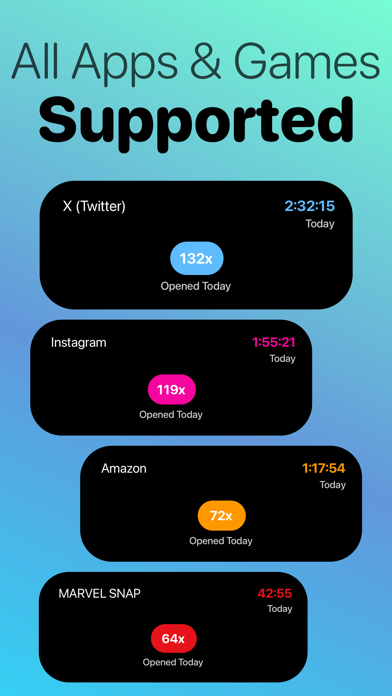
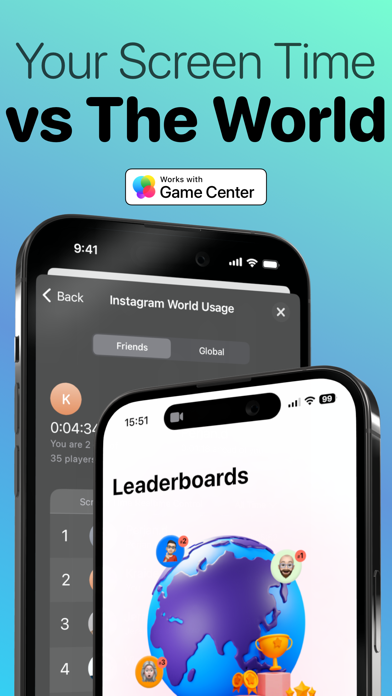
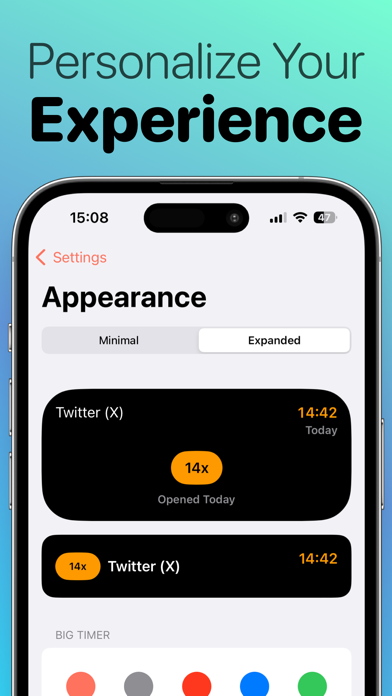
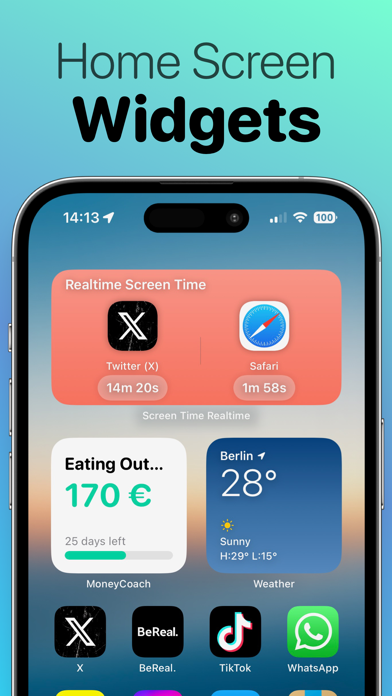
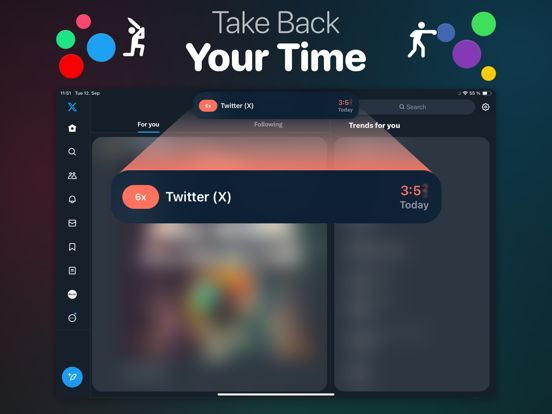
Sandflow - Screen Time Control helps you control your app usage & develop healthier digital habits. Sandflow - Screen Time Control uses Shortcuts Automation to toggle a stopwatch on the Dynamic Island whenever you open one of your configured apps (TikTok, Twitter, Facebook, Instagram...) or any games (Clash of Clans, Marvel Snap, Genshin Impact). It works with all apps. LEADERBOARDS With Leaderboards powered by Game Center, you can now compare your times against their friends, family or with the rest of the world. The one with the least amount of time spent on social media wins the #1 place. INSIGHTS Learn more about your app usage, pickup times and other cool insights that will help you take back control of your time. Check how much time you've "wasted" on an app, how many times you have opened it and much time you've spent each time. EVEN MORE THINGS - Modern design with gorgeous icons and animations - Support for Light and Dark Modes - Check your usage of your apps in real time using the Home Screen interactive widgets BENEFITS: - Enhanced Self-Awareness: By tracking your app usage, you gain a clearer understanding of how you spend your time on your device, leading to better self-awareness and more intentional behavior. - Improved Productivity: Identifying time-wasting apps allows you to reclaim those minutes and redirect them toward more productive tasks or meaningful activities. - Digital Well-being: Developing healthy app usage habits promotes better overall well-being by reducing stress, anxiety, and the feeling of being constantly connected. - Better Time Management: With insights into your app usage patterns, you can allocate your time more efficiently and strike a balance between screen time and other aspects of life. - Mindful Technology Use: Tracking app usage encourages a more conscious and mindful approach to technology, where you use your devices with purpose rather than impulsively. - Family-Friendly Monitoring: Sandflow - Screen Time Control is also suitable for parents who want to monitor and manage their children's app usage in a supportive and responsible manner. PREMIUM: - Unlimited Apps: Add as many apps to track the real time usage as you want - Insights: Check how much time you've "wasted" on an app, how many times you have opened it and much time you've spent each time - Customization: Personalize the colors of different elements in the Dynamic Island and Live Activity - Custom App Icons: Change the app icon to fit your vibe and Home Screen --------- Price may vary by location. Subscriptions will be charged to your credit card through your iTunes account. Your subscription will automatically renew unless canceled at least 24 hours before the end of the current period. You will not be able to cancel the subscription once activated. Manage your subscriptions in Account Settings after purchase. Any unused portion of a free trial period will be forfeited when the user purchases a subscription. Check our Terms - https://appscreentime.com/legal/terms-of-use EULA - https://www.apple.com/legal/internet-services/itunes/dev/stdeula/
Latest release
What’s New
Better Notification Taps Tapping a notification now takes you to the right screen more consistently. Whether youre returning to Whats New, viewing Leaderboards, or continuing a subscription flow, you should land where you need to go without getting stuck. Smoother Background Motion The animated background now moves more gently and updates less often, so it feels calmer and uses fewer updates. It also respects Reduce Motion, keeping the experience consistent when that setting is enabled. More Reliable Stopwatch Shortcuts Starting and stopping tracking from App Intents is now more dependable. Premium access is verified from a synced entitlement state, so shortcut behavior matches your subscription more accurately. Cleaner Settings Flow Settings are now reorganized for easier browsing. Premium controls, notifications, app requests, support, sharing, and app info are grouped more clearly so you can find what you need faster. Improvements Fixed session ordering so tracked app usage appears in the correct timeline order. Improved switching between tracked apps so the previous session closes before the next one starts. Made session saving safer when ending tracking, reducing avoidable failures. Improved how subscription state is shared with widgets, Dynamic Island, and shortcuts. Updated navigation across the app to use the newer iOS navigation experience.
Audience growth
Ratings growth
Momentum comes from crawler snapshots for the tracked storefront. “Viral growth signal” means unusually fast recent rating gains; it is an indicator, not download data.
Price tracking
Price intelligence
- First observed Aug 17, 2026 · 1:01 PM Free
Screenshots