About this app
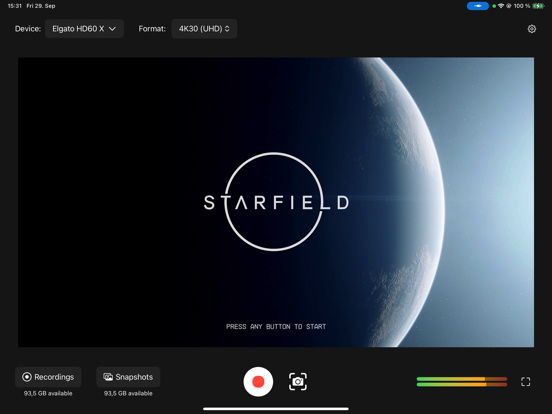
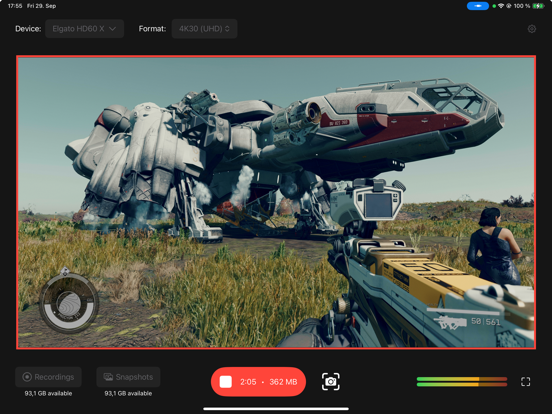
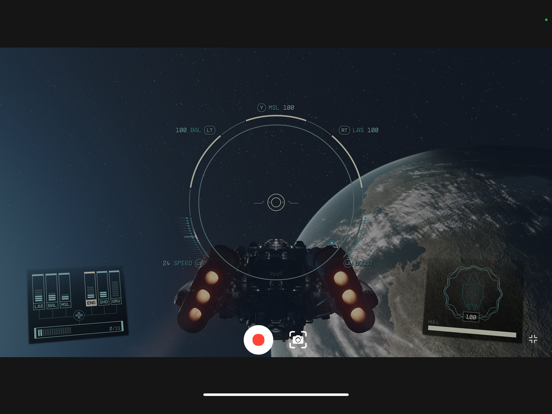
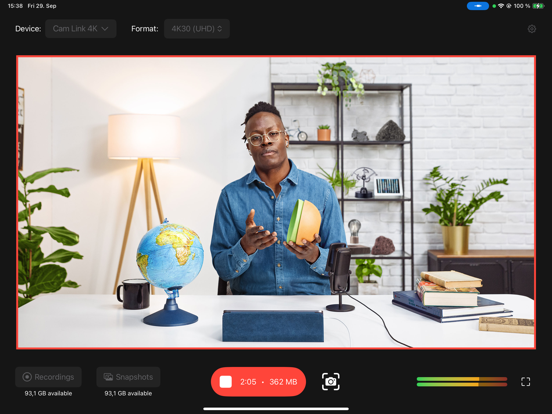
Your Elgato capture card or camera now works with iPad! Meeting up? Throw your iPad and capture card into your bag. Traveling? Leave your laptop at home. Now you have an ultra-compact yet powerful capture setup that can go anywhere whether you're an aspiring streamer, a content creator, or just want to relive your gaming moments. Connect one of these Elgato devices to your setup and unlock a world of possibilities: - HD60 X: Experience crisp, high-quality game capture with ease. - HD60 S+: Elevate your streaming game with seamless, low-latency recording. - Cam Link 4K: Unleash the potential of 4K video recording. - Facecam and Facecam Pro: Perfect for vlogging – try recording with the integrated iPad microphone or connect an Elgato Wave:3. With Capture, you have complete control over your recording experience: - Custom Video Settings: Choose your preferred video input format, including resolution and frame rate, to ensure your content looks exactly the way you want it. - Audio Management: Choose your preferred audio input from your capture device, or the iPad’s integrated front microphone. Toggle passing the audio to the speakers on and off as needed. An integrated audio meter ensures your audio setup is always on point. - Capture and Store: Record your gaming sessions, take screenshots, and effortlessly store them in your preferred location – Photo Library, Internal Storage, or even External Storage like a USB SSD or SD card. - iPad Monitoring: Utilize your iPad as a dedicated full-screen monitor, so you can game on-the-go. Elevate your content and share your gaming journey with the world like never before. Download Capture today and start capturing your epic moments with your Elgato devices! Compatibility: Works on iPads with native USB-C connector, i.e. iPad Pro 12.9-inch (3rd generation and later), iPad Pro 11-inch, iPad (10th generation and later), iPad Air (4th generation and later), and iPad mini (6th generation and later). Does not work on iPads with Lightning connector.
Latest release
What’s New
What’s new in Elgato Capture? # Stream Deck Integration You can now control Elgato Capture using your Stream Deck! Simply download the Elgato Stream Deck Connect app from the App Store, follow the instructions to activate the driver, and connect your Stream Deck. - All current Stream Deck models are supported - This feature is available only on iPads with Apple M-chips # New in 1.2.2 Fixed an issue with photo library permissions. # Developer Spotlight Interested in adding Stream Deck support to your app? Get started with the Stream Deck Kit for iPad. Learn more at docs.elgato.com/ipad. What do you think of the latest Elgato Capture update? Leave us a review and let us know!
Audience growth
Ratings growth
Baseline captured. Growth appears after the crawler observes a changed rating count.
Momentum comes from crawler snapshots for the tracked storefront. “Viral growth signal” means unusually fast recent rating gains; it is an indicator, not download data.
Price tracking
Price intelligence
First snapshot captured. The trend line starts after the next crawler price observation.
- First observed Aug 11, 2026 · 4:41 PM Free
Screenshots