About this app
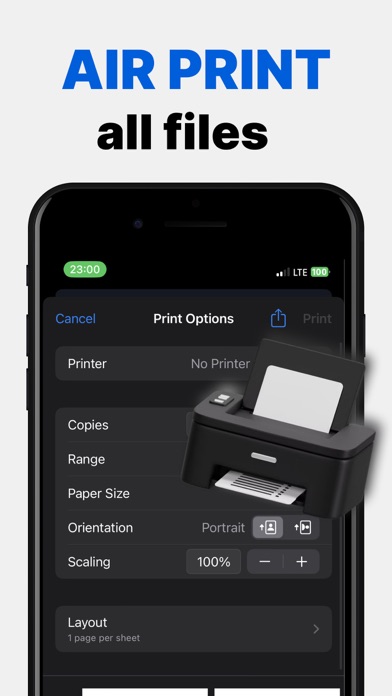
The PDF Scanner App transforms your iPhone or iPad into a high-powered mobile scanner, enabling rapid scanning, editing, storage, and sharing of various documents. Our intelligent scanning tool is indispensable for individuals engaged in remote work, on-the-go tasks, students, educators, as well as those participating in small-scale businesses such as accountants, real estate agents, managers, and lawyers. Convert essential files—contracts, tax forms, tickets, receipts, handwritten notes, assignments—into digital formats like PDF, JPG, DOС, XLS, PPT, or TXT, and effortlessly export them. With the PDF Scanner App, you can seamlessly work and study from anywhere, even in situations where a laptop or scanning/ printing equipment is unavailable. Features: - Smart Scanning - Security & Privacy - Document Organization - Available for iPhone and iPad Privacy Policy: http://pdf-scannerapp.tilda.ws/policy Terms of Use: http://pdf-scannerapp.tilda.ws/terms
Latest release
What’s New
Bug fixes
Audience growth
Ratings growth
Baseline captured. Growth appears after the crawler observes a changed rating count.
Momentum comes from crawler snapshots for the tracked storefront. “Viral growth signal” means unusually fast recent rating gains; it is an indicator, not download data.
Price tracking
Price intelligence
- First observed Aug 11, 2026 · 12:25 AM Free
Screenshots