About this app
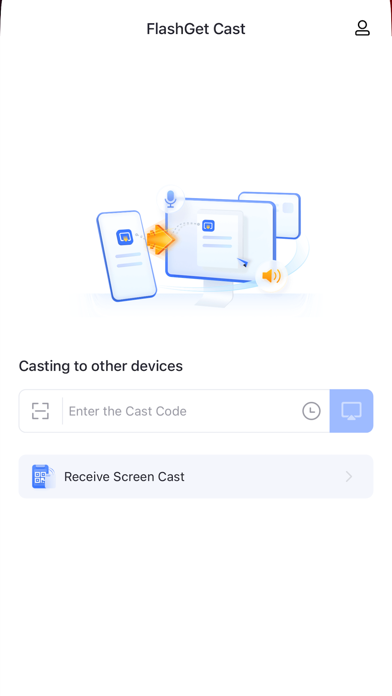
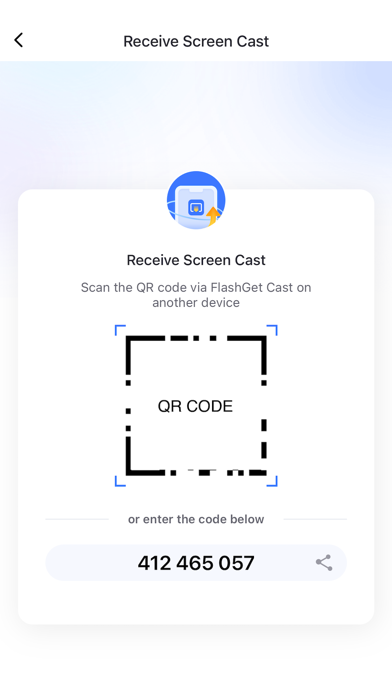
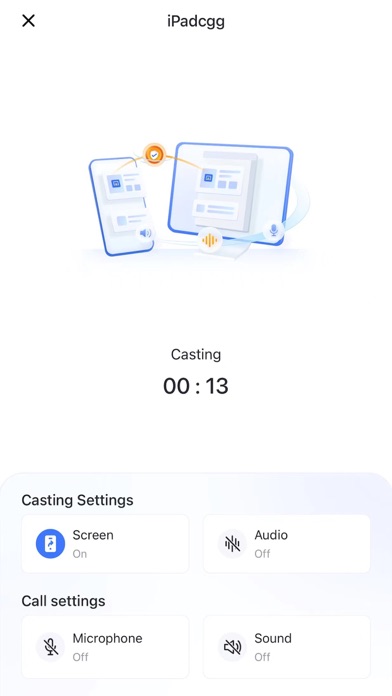
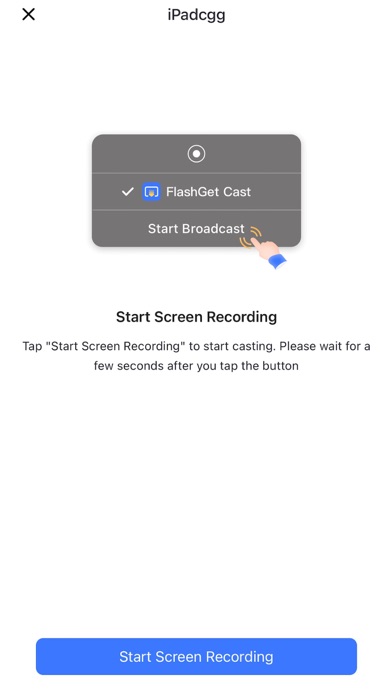
FlashGet Cast - screen cast is a powerful wireless remote screen casting tool that can project your iPhone screen wirelessly to another device. What can you do with FlashGet Cast? 1. In online teaching, you can wirelessly project teaching materials and courseware from your iPhone or iPad to a device with a larger screen. 2. During online meetings, you can demonstrate the screen of your iPhone to the participants, share your notes and documents, and share content with everyone. 3. During gaming and live-streaming, you can easily cast your iPhone gaming situation to your other device, and stream it to the fans. 4. Supports inputting code or scanning QR code for screen casting, the data is secure and reliable. SSL technology ensures that all transmitted data is securely encrypted to prevent external access to your shared content. How to use FlashGet Cast: 1. Install FlashGet Cast on both the device that needs to be screen casted and the device that receives the screen cast. 2. On the receiving device, choose to accept the screen cast from other devices. The screen will display a QR code or a code. 3. Enter the code on the device that needs to be screen casted, and you can share the content on the screen cast device to the receiving device in real time. Below is FlashGet Cast's Privacy Policy and Terms. Privacy Policy: https://cast.flashget.com/privacy-policy Terms of Service: https://cast.flashget.com/terms-of-service Help and Support: contact us via email: support@flashget.com
Latest release
What’s New
Here comes the new version of FlashGet Cast: 1.App supports more languages, add support for Turkish, Thai, Korean, Czech, Greek, Croatian, Hungarian, and Swedish 2.Optimize remote connection stability and improve user experience 3.Optimize the display of App on iPad
Audience growth
Ratings growth
Baseline captured. Growth appears after the crawler observes a changed rating count.
Momentum comes from crawler snapshots for the tracked storefront. “Viral growth signal” means unusually fast recent rating gains; it is an indicator, not download data.
Price tracking
Price intelligence
First snapshot captured. The trend line starts after the next crawler price observation.
- First observed Aug 14, 2026 · 10:43 AM Free
Screenshots