About this app
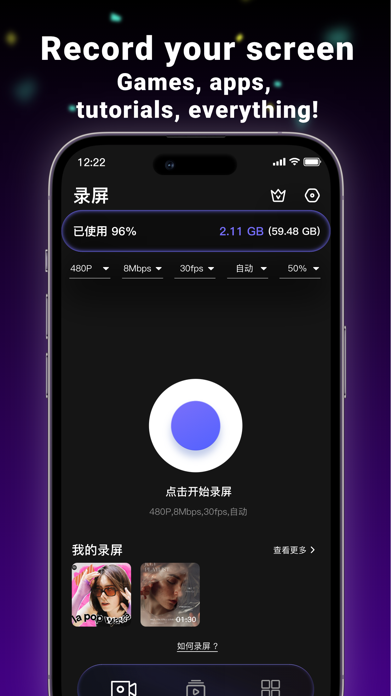
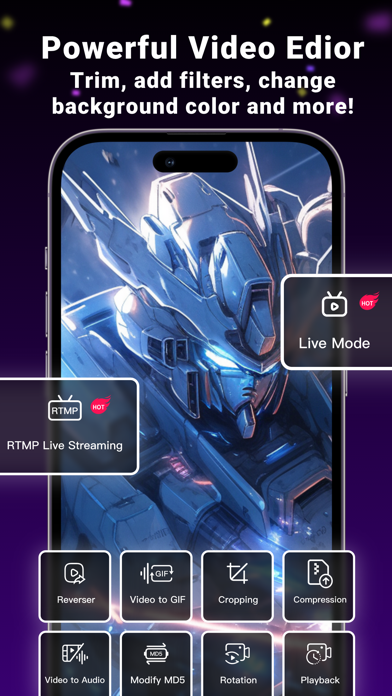
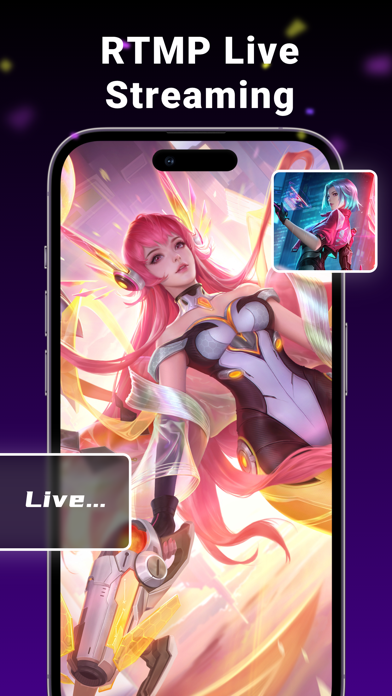
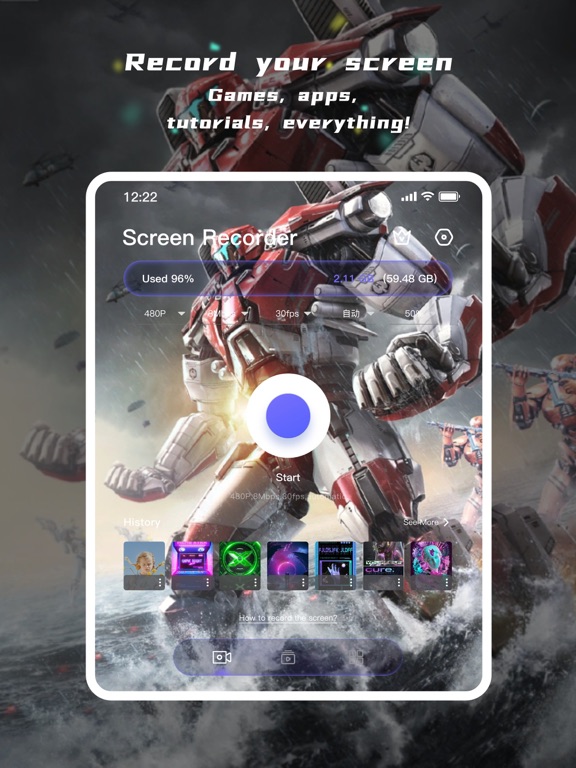
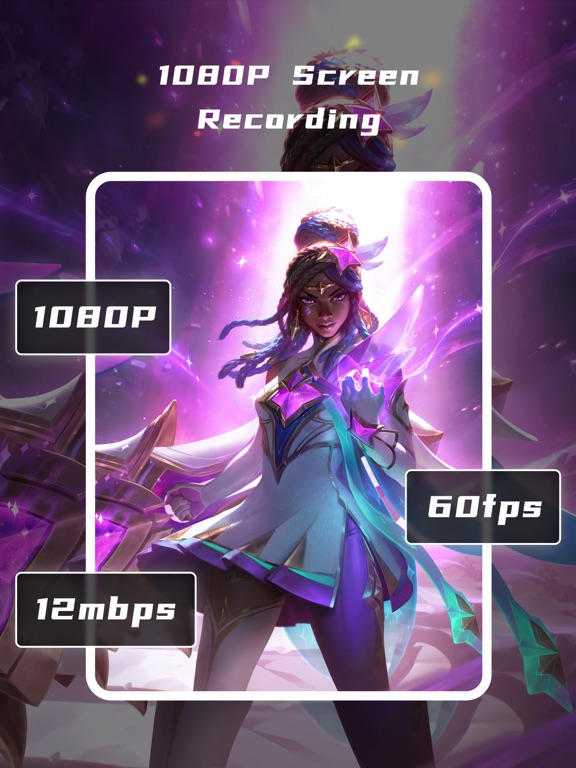
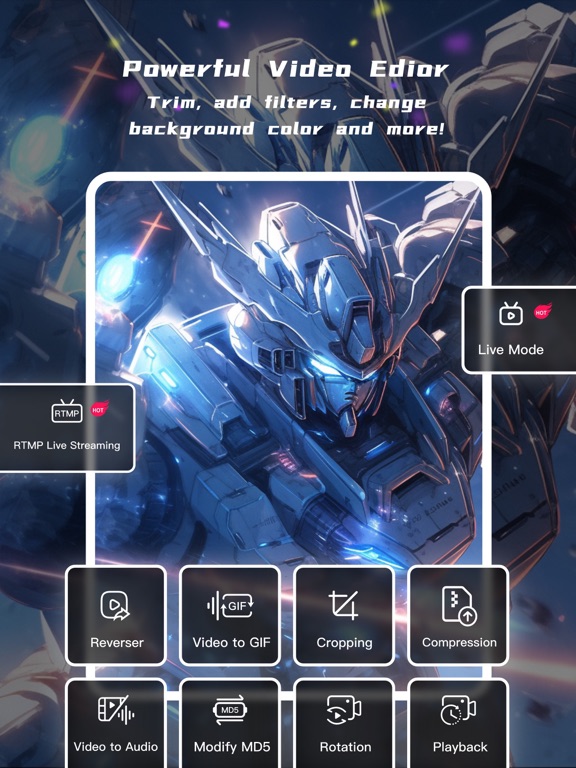
Welcome to Screen Recorder - an efficient and user-friendly iOS screen recording application! Screen Recorder is your ideal tool for capturing screen activities, creating tutorials, sharing gaming achievements, or recording memorable moments on your iPhone. Key Features: High-Definition Recording: Screen Recorder supports high-quality screen recording, including clear audio and smooth video. Multiple Recording Modes: Choose from full-screen recording, selected area recording, or audio-only recording to meet various recording needs. Built-In Audio Recording: Simultaneously record internal audio and microphone sound to make your tutorials and presentations more appealing. Video Editor : The video can be simply compressed / variable speed / mute and other convenient operation, easy to share. Open facecam : add your reaction to the video. Use microphone to add audio commentary. Live stream your screen : Live Video Streaming Effortlessly live stream iPhone screen anytime you wish. Broadcast games or live stream on YouTube, Twitch, and Facebook directly with just a few taps. This is one of the best live streaming apps for recording and creating content on the iPhone. Export and Share: After completing your recording, easily export videos and share them on various social media platforms or via email, messages, and more. Screen Recorder is perfect for: • Lovers of video production and video editor • Podcast Maker, Talk Show producer and ASMR anchor • Youtube and TikTok video secondary creation • Musicians and Professional Music Producers • Students and teachers • Lover of game Feature Highlights: * Record high-quality video: you can choose resolution, frame rate and bit rate. * Live stream your screen * All-in-One Video Editor - Trim video: Keep only the most exciting parts and cut out the unnecessary parts - Add music to your video - Compressed video, easier to share with friends - Rotate the orientation of the video - You can add narration and voiceover to your video - Crop video area, change video aspect ratio - Change the playback speed of a video - Remove watermark from video - Turn your video into a GIF * Unlimited recording time! * No watermark on the video! * Add a custom watermark, you can set your own trademark or brand as a watermark to prevent the video from being used by others without authorization. Terms of Service: https://www.freeprivacypolicy.com/live/43665f1a-836b-4fc9-9d18-33977d15b277 Privacy Policy: https://www.freeprivacypolicy.com/live/ee39fab3-8b9f-416d-a33a-d592be7b04de About Screen Recorder Pro subscriptions: Try Screen Recorder Pro with a free trial. You'll be charged a subscription fee when the trial ends only, except if you cancel the subscription before. Screen Recorder Pro subscriptions are charged monthly or annually to your iTunes.
Latest release
What’s New
Fixed some bugs
Audience growth
Ratings growth
Baseline captured. Growth appears after the crawler observes a changed rating count.
Momentum comes from crawler snapshots for the tracked storefront. “Viral growth signal” means unusually fast recent rating gains; it is an indicator, not download data.
Price tracking
Price intelligence
First snapshot captured. The trend line starts after the next crawler price observation.
- First observed Aug 19, 2026 · 6:05 AM Free
Screenshots