About this app
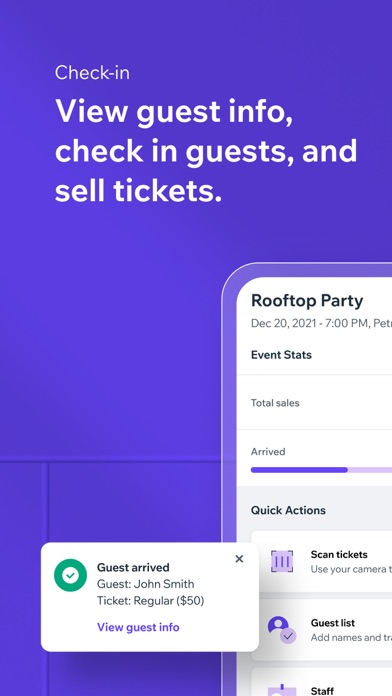
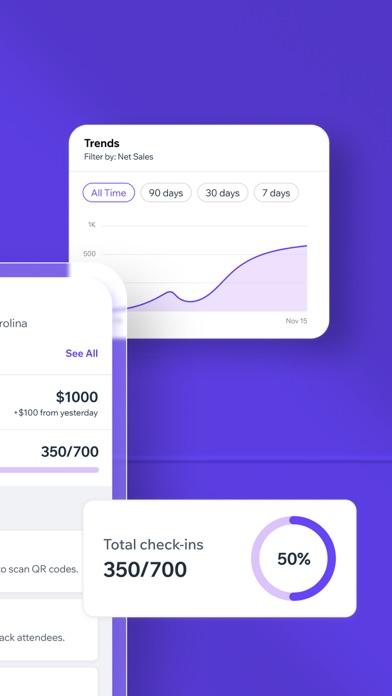
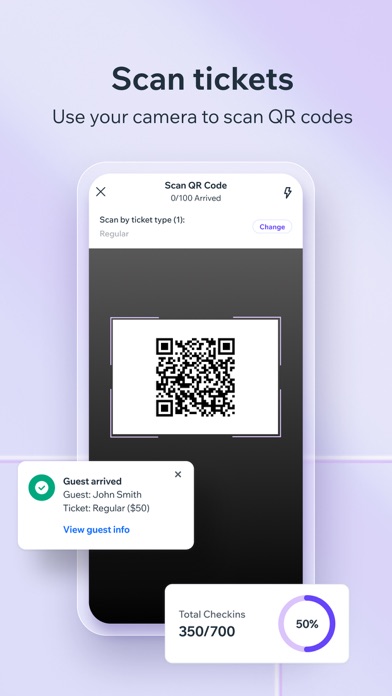
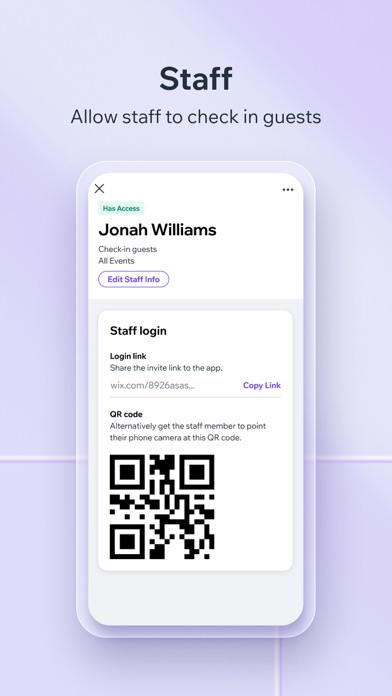
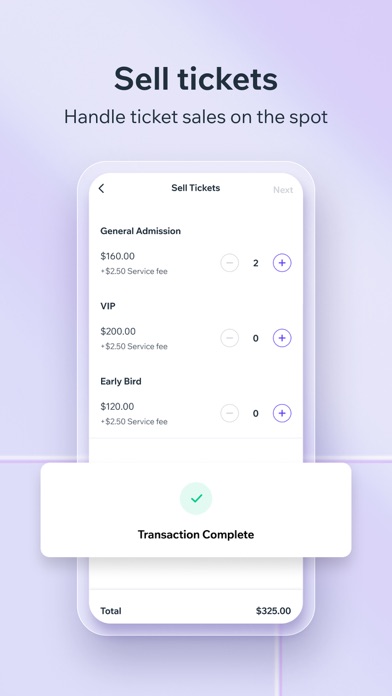
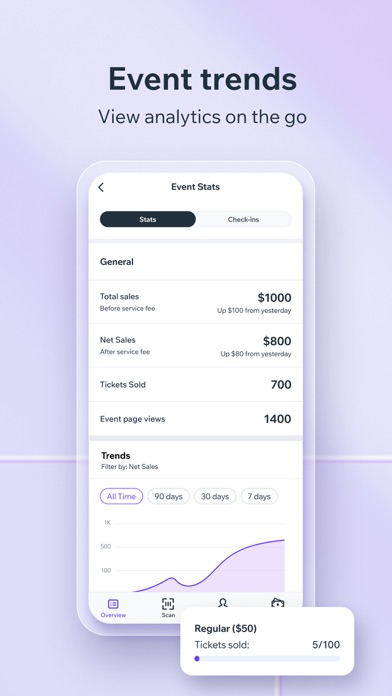
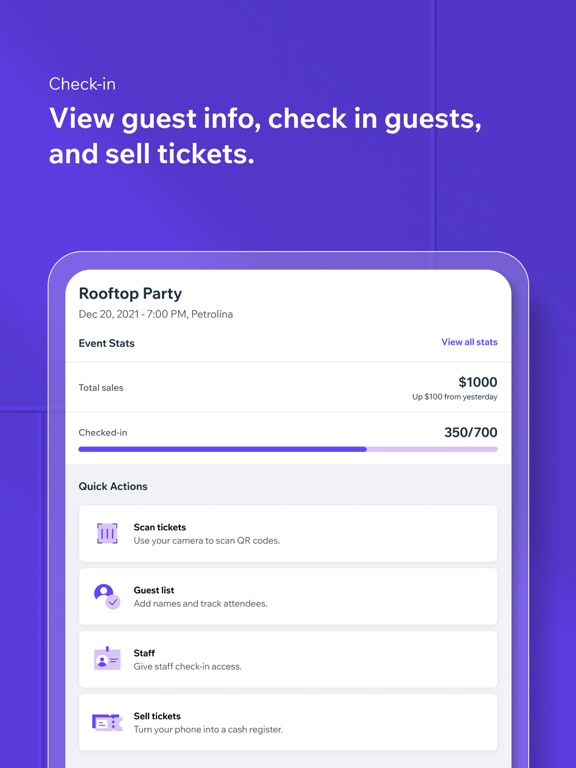
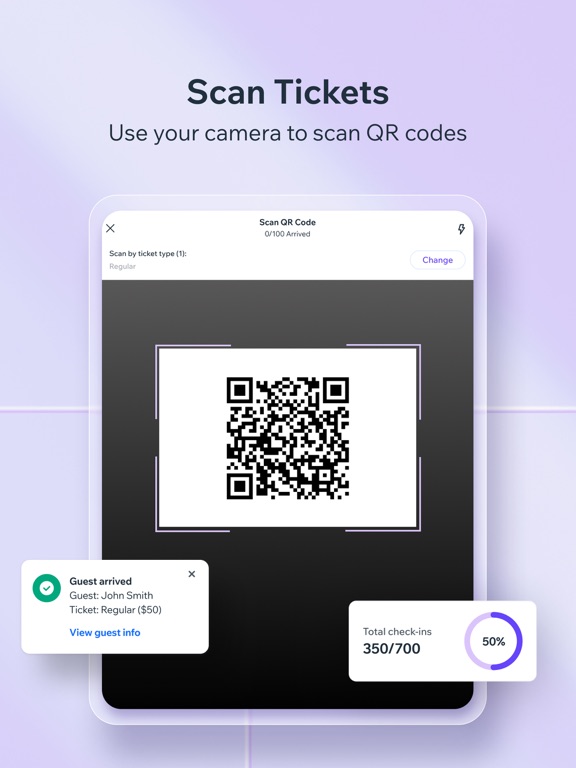
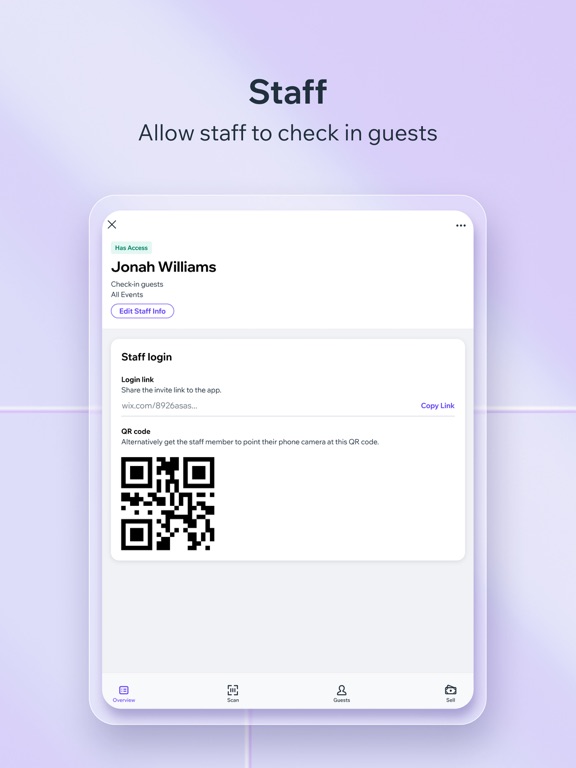
The Check-in by Wix app takes the stress out of event door management. Whether you’re planning a small club event or selling out a large venue, you can use the app to simply check-in guests on the go, take payments, manage staff, view stats in real-time and much more. CHECK-IN & MANAGE GUESTS Check guests in as they arrive at the event door either manually or by scanning a QR code. For areas with poor internet connection, you can use offline check in to keep track of guests entering your event. Manage your guest list from wherever you are by using a searchable guestlist to keep track of everyone arriving and see who has or hasn’t paid for different ticket types. You can also reach out to individual guests to let them know if they need to complete a payment, reissue tickets to those who’ve misplaced them and add or remove guests from lists as needed. SELL TICKETS ON THE SPOT WITH A MOBILE POS Sell event tickets at the door or collect payments in person from guests who booked tickets online with a mobile point of sale (POS) system. Speed up event lineups and make secure, contactless sales on the spot and allow walk-ins to quickly buy their tickets right up until the last minute. Please note, tap-to-pay is only relevant for those based in the USA. There may also be some limitations on card types dependent on your location. For more information, read here: https://support.wix.com/en/article/about-wix-payments. MANAGE STAFF Adding staff members to all your events or specific ones, is a seamlessly intuitive process. Your team can effortlessly join by scanning a QR code or following a provided link. EVENT STATS Look at guest lists and see specific tickets types (e.g. early bird), plus see who’s been checked-in or not. You can also see stats about: total sales, net sales, tickets sold, number of page views for your event and then view each over certain periods of time. Get stats on your guests order info including ticket number, ticket/s purchased, if they’ve paid and how much, when they paid and more.
Latest release
What’s New
Bug fixes & improvements
Audience growth
Ratings growth
Baseline captured. Growth appears after the crawler observes a changed rating count.
Momentum comes from crawler snapshots for the tracked storefront. “Viral growth signal” means unusually fast recent rating gains; it is an indicator, not download data.
Price tracking
Price intelligence
- First observed Aug 7, 2026 · 1:39 PM Free
Screenshots