About this app
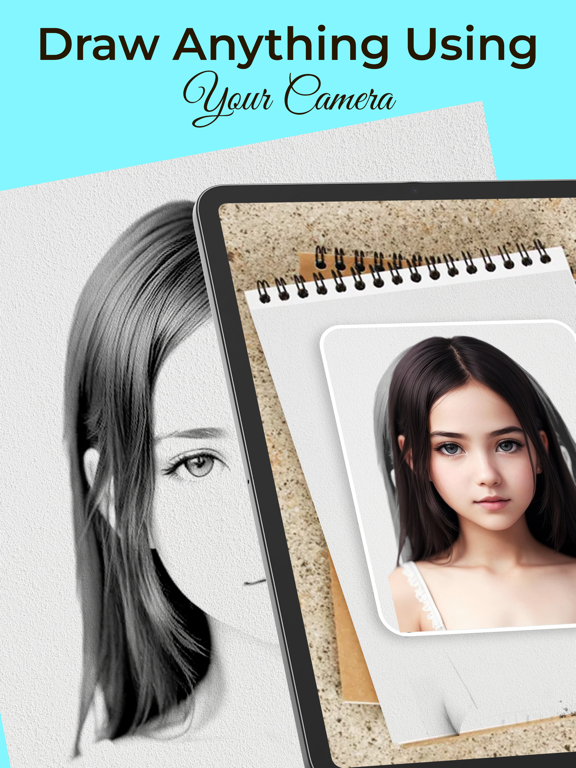
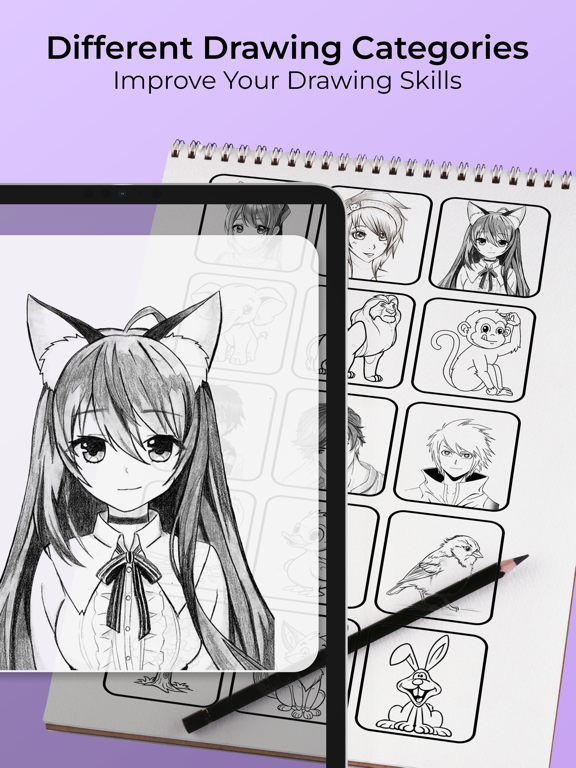
AR draw - sketch & draw is a great app for anyone who wants to learn how to draw. It's easy to use, fun and has various features that make it a great learning tool. If you're looking for a way to improve your drawing skills, then Trace to Sketch is the app for you! ar draw - sketch & draw is the perfect app for anyone who wants to express their creativity through drawing. With its easy-to-use interface and powerful features, Sketchar is sure to help you create beautiful sketches and illustrations that you'll be proud of. Simply, select an image from your gallery or take a photo with your camera. Then, the app will apply a transparent overlay to the image so that you can trace the lines. You can adjust the overlay's opacity to make it easier or harder to see the original image. How to use it To use ar draw - sketch & draw, follow these steps: • Open the app and select an image from your gallery or take a photo with your camera. • The app will apply a transparent overlay to the image. • Use the drawing tools to trace over the lines of the image.
Latest release
What’s New
Bugs Fixed & Performance enhanced
Audience growth
Ratings growth
Baseline captured. Growth appears after the crawler observes a changed rating count.
Momentum comes from crawler snapshots for the tracked storefront. “Viral growth signal” means unusually fast recent rating gains; it is an indicator, not download data.
Price tracking
Price intelligence
First snapshot captured. The trend line starts after the next crawler price observation.
- First observed Aug 10, 2026 · 5:34 PM Free
Screenshots