About this app
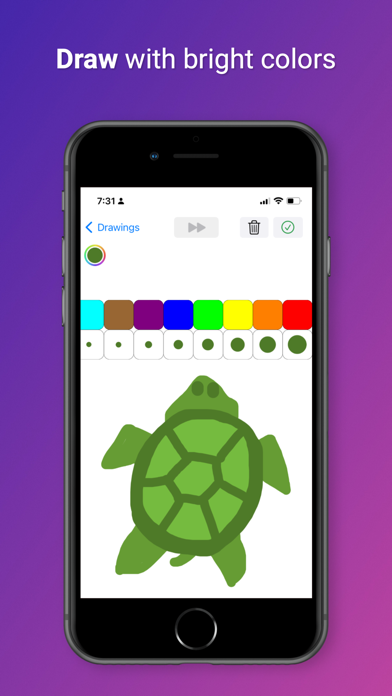
This is a simple drawing application. Tips: - To start a new drawing, press the '+' button. - To erase part of a drawing, select the color white. - To save the current drawing, press the 'Check Mark' button. - To delete the current drawing, press the 'Trash Can' button. - To access an existing drawing, select it in the table. - Then press the 'Timelapse' button, at the top. You should see a timelapse. - To edit an existing drawing, ensure that the timelapse is complete.
Latest release
What’s New
Fixed a bug.
Audience growth
Ratings growth
Baseline captured. Growth appears after the crawler observes a changed rating count.
Momentum comes from crawler snapshots for the tracked storefront. “Viral growth signal” means unusually fast recent rating gains; it is an indicator, not download data.
Price tracking
Price intelligence
First snapshot captured. The trend line starts after the next crawler price observation.
- First observed Sep 8, 2026 · 1:41 AM Free
Screenshots