About this app
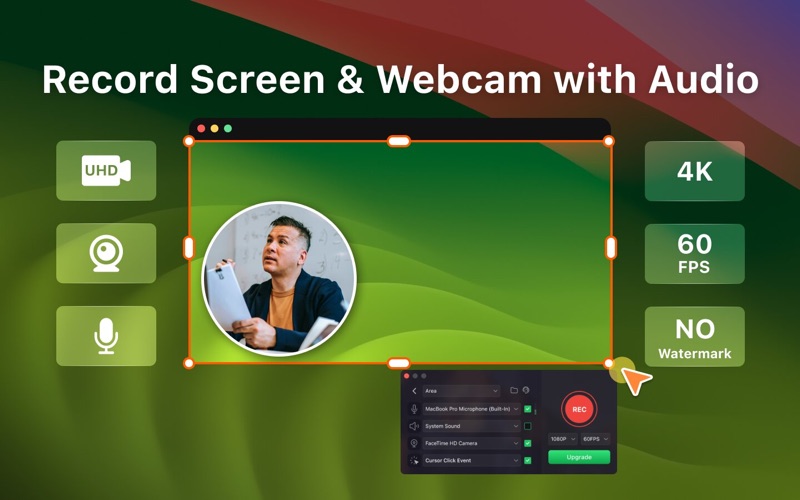
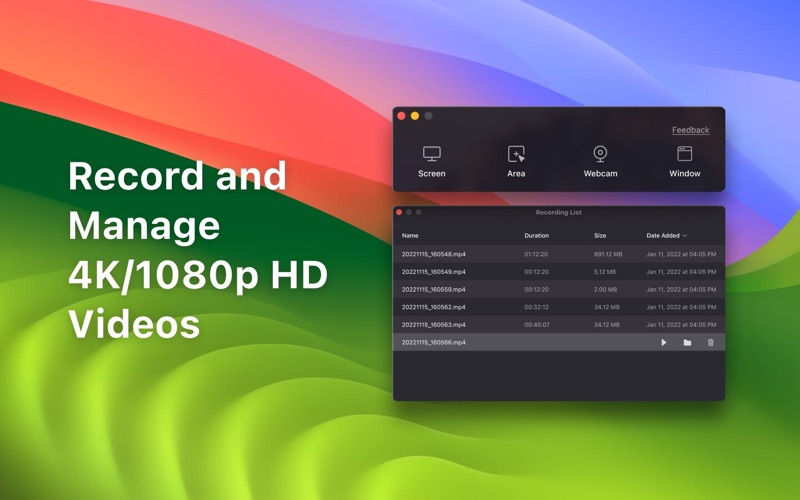
Record Go: Screen Recorder is a user-friendly and practical application for screen capture. No matter whether it is to record tutorials, courses, demonstrations, meetings, games, film/TV series, or videos, Record Go: Screen Recorder could always save your time and offer great convenience. Key Features: • UHD Recording: Record the screen clearer with UHD resolution • Full-Screen Recording: Record full screen as you need • Area Recording: Customize the recording area easily • Windows Recording: Set a target window to record • Record Webcam: Support recording webcam in screen recordings or solely • Record Sound: Enable system sound, and microphone in recordings • Record Mouse Action: Record mouse click events in recordings • Manage Recordings: Manage all recordings in a list, and play recordings in one-click Record Go provides several upgrade options for their PRO service, granting users access to all advanced features, including: Recording in 4K super quality video Recording a specific target window Using a virtual camera background Upgrade to PRO to enjoy unlimited access with: A one-time purchase for lifetime access A yearly subscription Note: Prices may vary by location. Terms of service: https://www.pdfgear.com/terms-conditions/ Privacy Policy: https://www.pdfgear.com/privacy/ Contact us at https://www.pdfgear.com/contact-us/
Latest release
What’s New
Optimizing for macOS Tahoe's new capabilities.
Audience growth
Ratings growth
Baseline captured. Growth appears after the crawler observes a changed rating count.
Momentum comes from crawler snapshots for the tracked storefront. “Viral growth signal” means unusually fast recent rating gains; it is an indicator, not download data.
Price tracking
Price intelligence
First snapshot captured. The trend line starts after the next crawler price observation.
- First observed Aug 14, 2026 · 12:24 AM Free
Screenshots