About this app
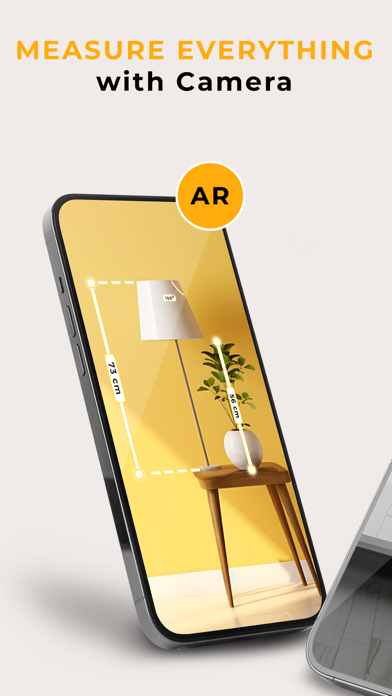
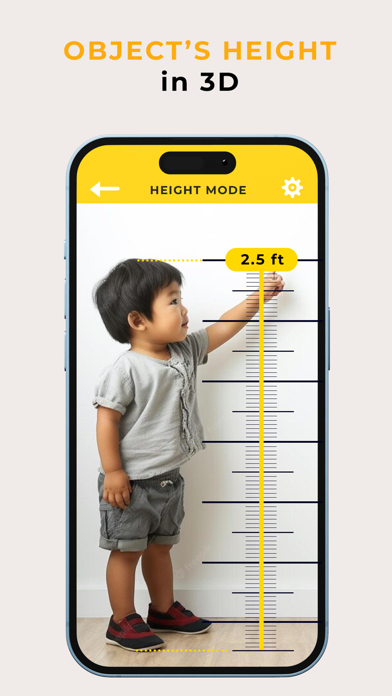
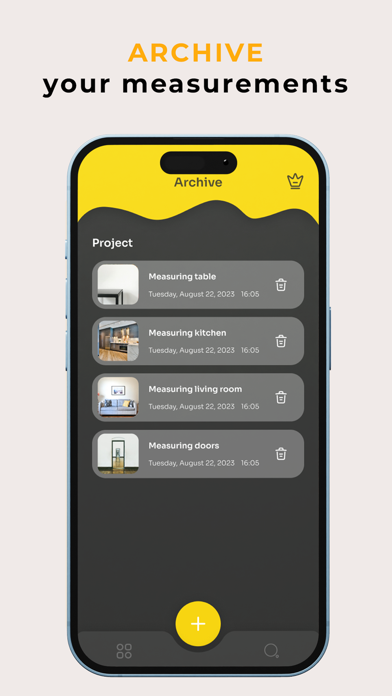
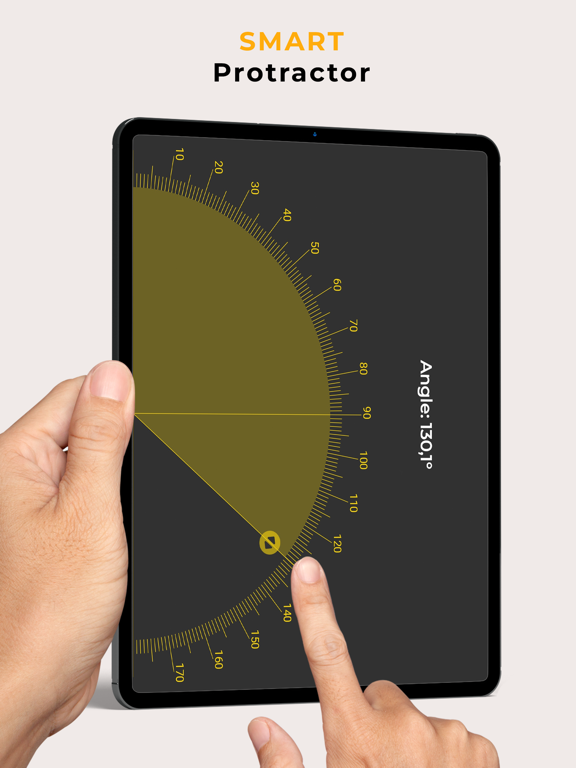
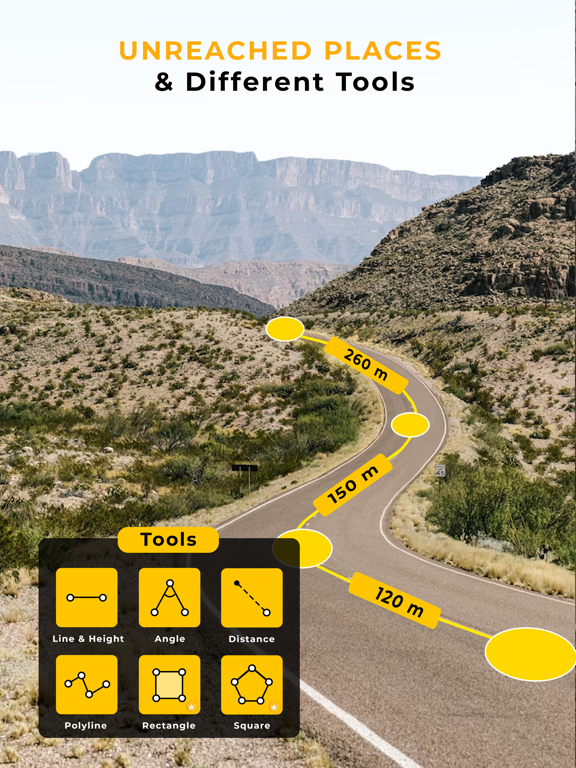
Ruler AR - Tape Measure App is an AR measurement app that allows you to measure any object in the real world using augmented reality (AR) technology. With its Ruler AR, you can accurately use the length measure, width measure, height measure,… of any object, even if it is not flat or straight. Imagine you're decorating your house and need to know the exact size of a wall. Or, you're building a piece of furniture and need to make sure all the parts fit together perfectly. Or, you're a contractor and need to submit accurate measurements to a client. Or maybe you just want to measure the things you want right away without a ruler or tape measure nearby. Ruler AR - Tape Measure App, on-screen ruler can help you with all of these tasks and more. Feature of Ruler AR - Tape Measure App Tape measure everything Ruler AR - Tape Measure App can be used to measure on multiple different surfaces. Simply point your device's camera at a textured surface (horizontal or vertical) and AR Ruler will do the rest. With Ruler AR - Tape Measure App, you can measure the distance between your device's camera and a fixed point on a 3D surface. This measure app allows you to estimate the height of any object or structure in your view with the 3D height measurement scanner. You can also measure the corners of 3D planes and the size of a 3D object with the volume scanner feature. Physical Ruler AR Ruler provides a standard ruler feature (Ruler). You can use this feature by placing the object to be measured vertically on the device and selecting the unit of measurement. Various measurements in units Ruler AR - Tape Measure App supports a variety of units, including inches, millimeters, centimeters, meters, yards, and feet. You can quickly choose units of measurement without having to use multiple measure tools. Take Photos Camera measurement allows you to take photos of your measurements. The results can be downloaded and saved for you to review later. Measurement archive If you want to search and review all the objects you have measured and compare them to each other, you need to store them. AR Ruler allows you to save your measurements for future reference. How to use Ruler AR - Tape Measure App Open Ruler AR - Tape Measure App and select AR ruler. Aim the camera at the surface where the object to be measured is placed. You can move the camera to detect the plane. Start measuring on the object. The measurement results will be displayed on the screen. Capture to save the results. Ruler AR - Tape Measure App is a free digital tape measure. With AR Ruler, the measure tool helps you to measure distance, height, length, width, angle and more by simply scanning your device. You can use this measure app in any indoor or outdoor environment, including rooms, fields, and construction sites.With just a phone and AR Ruler, you can measure everything around you. Note: Please note that the AR Ruler app requires the ARCore library (also known as lidar iOS) developed by Google. ARCore (lidar iOS) is constantly being improved, which has a positive impact on the quality of room scanning and the accuracy of image measurements in the AR Ruler augmented reality app. Ruler AR - Tape Measure App quickly, easily, and accurately. So what are you waiting for? Download Ruler AR - Tape Measure App today and start measuring like a pro! Terms of Use: https://www.apple.com/legal/internet-services/itunes/dev/stdeula/
Latest release
What’s New
- Performance improvements
Audience growth
Ratings growth
Baseline captured. Growth appears after the crawler observes a changed rating count.
Momentum comes from crawler snapshots for the tracked storefront. “Viral growth signal” means unusually fast recent rating gains; it is an indicator, not download data.
Price tracking
Price intelligence
First snapshot captured. The trend line starts after the next crawler price observation.
- First observed Aug 7, 2026 · 11:03 AM Free
Screenshots