About this app
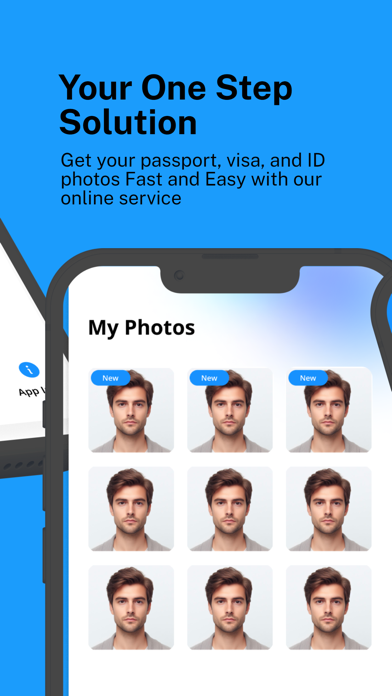
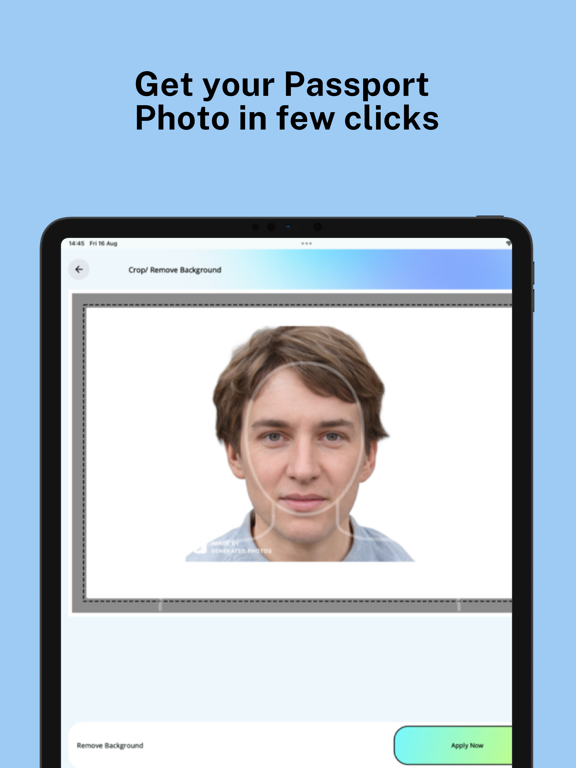
ePassport Photo Maker - Visa & ID Photo Creator | Your Personal Photo Studio Transform your iPhone into a professional photo studio with ePassport Photo Maker - Visa. Say farewell to expensive photo booths and complex editing software; now you can create official passport, visa, and ID photos in just a few taps, anywhere, anytime. *** Worldwide Photo Standards *** Whether you need a passport photo for the USA, a visa photo for Australia, or an ID photo for Japan, ePassport Photo Maker - Visa ensures your photos meet the exact specifications for over 100 countries. *** Standout Features *** -> Instant Passport Photos: Precisely format your passport photos to match the official guidelines, including background color and dimensions. -> Visa & ID Photos: Create visa and ID photos that are ready for submission, compliant with international standards. -> Advanced AI Background Removal: Achieve a perfect background with our AI-driven technology, ensuring every photo is flawless. -> Tailored for DV Lottery & Green Cards: Specialized settings for Diversity Visa Lottery and Green Card photos ensure you meet every requirement. -> Custom Print Layouts: Choose from a variety of print sizes like 3R, 4R, 5R, and combine multiple photos on one sheet for convenience. -> Easy Printing Options: Print your photos at your favorite stores, including Walgreens, CVS, Walmart, Costco, Target, or any local print shop. -> Data Security: Your photos are securely handled and automatically deleted from our servers after three hours. *** Why ePassport Photo Maker - Visa Stands Out *** -> Unlimited Retakes: Perfect your photo with unlimited attempts until you’re fully satisfied. -> User-Friendly Design: Navigate effortlessly through the app with intuitive controls and helpful guides. -> Cost-Free Convenience: Save, share, or print your photos directly from your iPhone without any additional charges. -> Quick & Efficient: Create ready-to-use photos in less than a minute, eliminating the need for professional photo services. -> Versatile Document Support: Not just for passports, create photos for visas, driver’s licenses, student IDs, and more, all within the same app. *** Simple Steps to Create Perfect Photos *** Step1: Select the new passport/visa photo maker option, custom size, or popular documents. Step2: Select the country if you chose the new passport/visa photo maker option. Step3: Snap a new photo or import one from your gallery. Step4: Customize the photo with size adjustments and background removal. Step5: Save your photo, or print it directly from your iPhone. *** Join Thousands of Satisfied Users *** Download ePassport Photo Maker - Visa today and experience the convenience of creating professional-grade photos on your iPhone. *** Disclaimer *** This app is provided "AS IS." Users are responsible for ensuring their photos comply with specific requirements. All trademarks are the property of their respective owners.
Latest release
What’s New
- Fix some bugs and made some improvements.
Audience growth
Ratings growth
Baseline captured. Growth appears after the crawler observes a changed rating count.
Momentum comes from crawler snapshots for the tracked storefront. “Viral growth signal” means unusually fast recent rating gains; it is an indicator, not download data.
Price tracking
Price intelligence
First snapshot captured. The trend line starts after the next crawler price observation.
- First observed Aug 14, 2026 · 3:08 AM Free
Screenshots