About this app
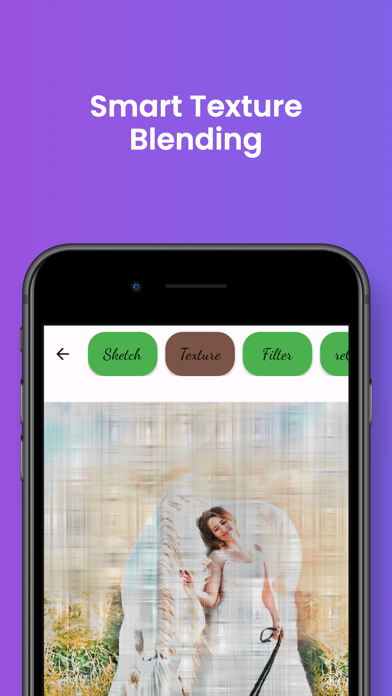
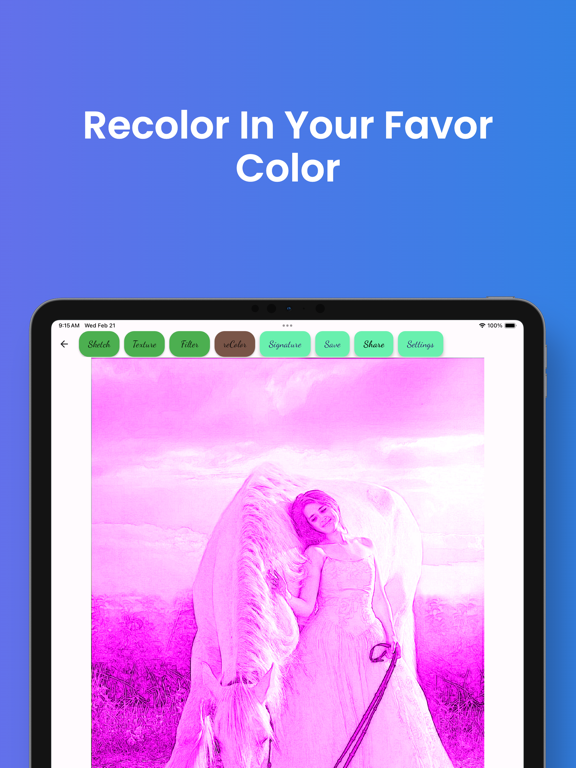
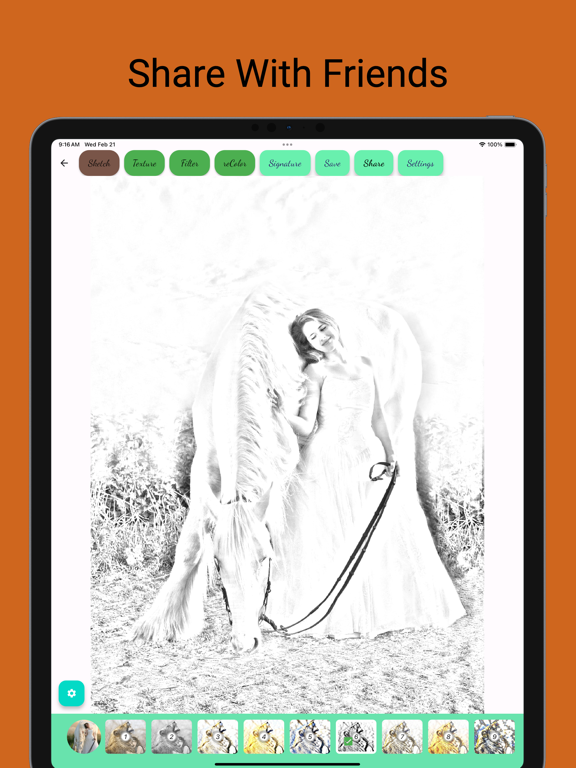
Ink Sketch: Photo to Pencil Drawing Transform your ordinary photos into stunning pencil and ink sketches with Ink Sketch – the ultimate photo editing app for creating artistic masterpieces! Unleash your inner sketch artist effortlessly, turning any image into a captivating work of art. Create Beautiful Sketches in a Snap: Easily craft mesmerizing drawings from your photos. Choose an image from your gallery or capture a new moment with the built-in camera. Just a tap on the screen, and you're ready to start drawing! Effortless Sketching for Everyone: Ink Sketch is a user-friendly photo editing app designed for both novices and seasoned artists. No need to wield a pencil – this app empowers you to effortlessly produce stunning sketches and cartoon art effects, transforming your pictures into cherished memories. Diverse Artistic Effects: Immerse yourself in a world of creativity with realistic color drawings, black and white sketches, and various artistic effects. Emulate the techniques of graphite, colored pencil, charcoal, pastel, or watercolor with just a touch! Turn your face or any photo into a beautiful pencil self-portrait, perfect for both portrait and landscape photos. Customizable Presets and Styles: Explore a rich set of presets and styles tailored to your preferences. Easily fine-tune each preset to achieve your desired artistic effect. Whether it's a pencil sketch, cartoon art, silhouette, or drawing – Ink Sketch has it all. Intuitive Editing Tools: Craft authentic works of art with an intuitive and clean user interface. Convert photos into drawings with default settings or dive into advanced editing. Adjust settings, merge with various paper textures, choose pencil colors, and more! Your artistic journey starts with just a single touch. Key Features: Intuitive user interface and easy to use. Large set of adjustable presets for various styles. Generate color pencil, cartoon art, pencil sketch, silhouette, and more. Multiple paper texture selections with blending options. Color adjustment filters to enhance pencil drawings. Recolor tool with 64 different colors and original color options. Signature feature for personalized stamping. Unleash your creativity and turn every photo into a captivating masterpiece with Ink Sketch. Download now and embark on your artistic journey!
Latest release
What’s New
Fix in-app-purchase issue
Audience growth
Ratings growth
Baseline captured. Growth appears after the crawler observes a changed rating count.
Momentum comes from crawler snapshots for the tracked storefront. “Viral growth signal” means unusually fast recent rating gains; it is an indicator, not download data.
Price tracking
Price intelligence
First snapshot captured. The trend line starts after the next crawler price observation.
- First observed Aug 19, 2026 · 9:38 AM Free
Screenshots