About this app
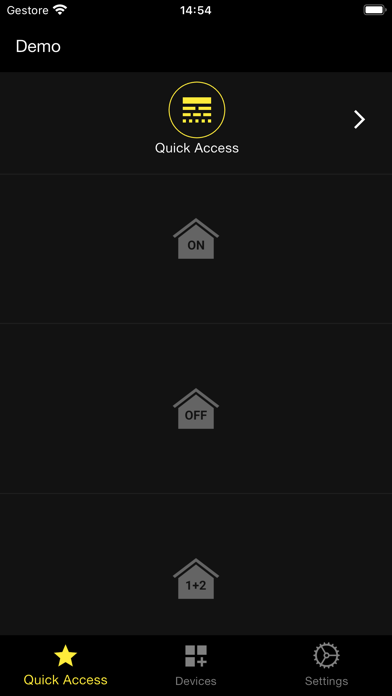
With the Smart Security App, you can manage alarm control units by smartphone. The control units can be connected in network as clients of an existing router or as access points through the GPRS network. In this case, a GSM/GPRS module with active SIM and sufficient credit is required. On tablet and smartphone, the easy intuitive graphic interface enables the user to: - activate all or some of the anti-intrusion areas or deactivate the system - check the status of the control unit and any events occurring - display frames from the Wi-Fi video cameras or detectors with video camera installed - remote control any electrical loads connected to the control unit. The high technology of the control units is fruit of the producer's experience, acquired during more than 35 years' activity in the sector. This App makes them even easier and more flexible to manage, at your fingertips from anywhere covered by a GSM or Wi-Fi network.
Latest release
What’s New
Bug fixes and improvements.
Audience growth
Ratings growth
Baseline captured. Growth appears after the crawler observes a changed rating count.
Momentum comes from crawler snapshots for the tracked storefront. “Viral growth signal” means unusually fast recent rating gains; it is an indicator, not download data.
Price tracking
Price intelligence
First snapshot captured. The trend line starts after the next crawler price observation.
- First observed Aug 14, 2026 · 4:52 PM Free
Screenshots