About this app
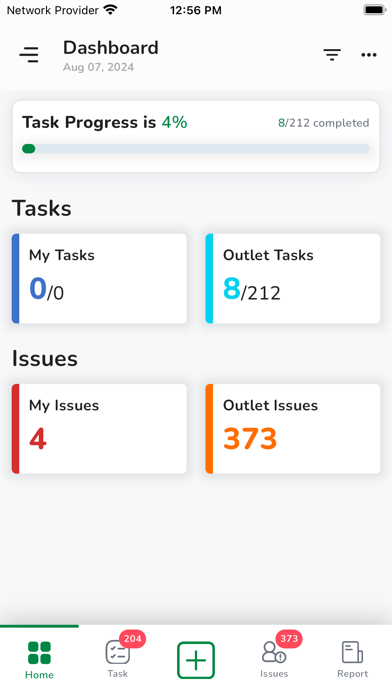
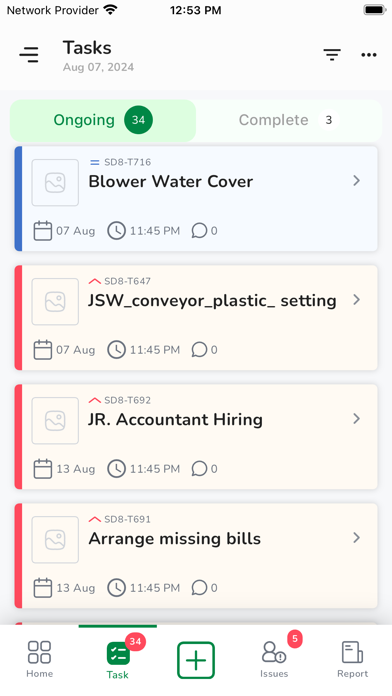
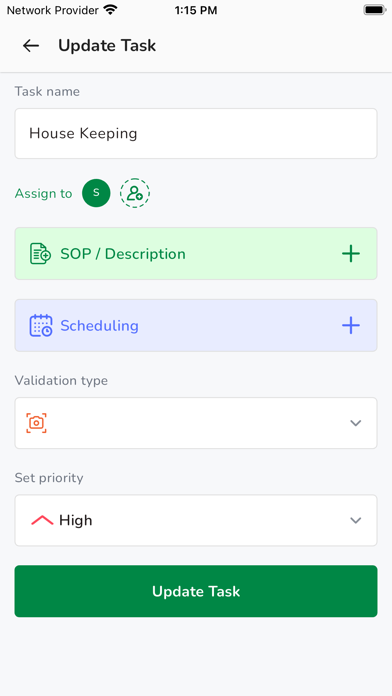
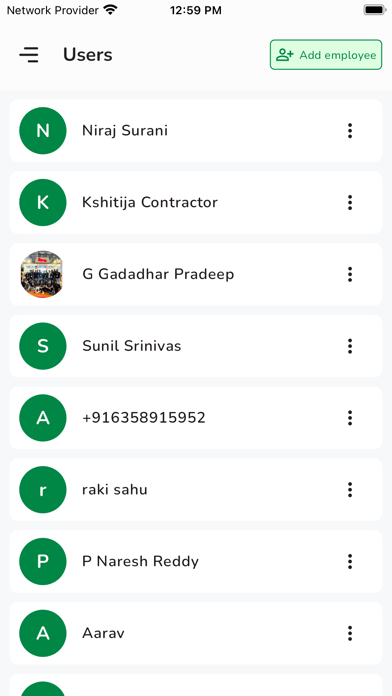
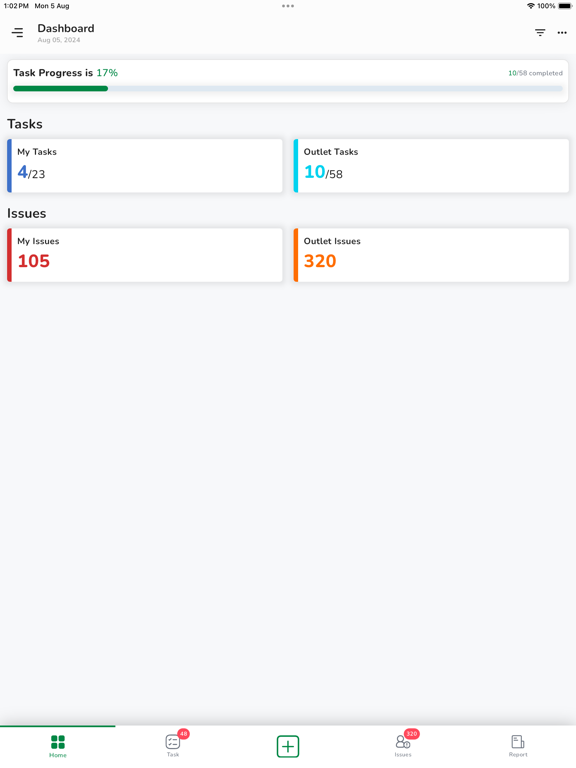
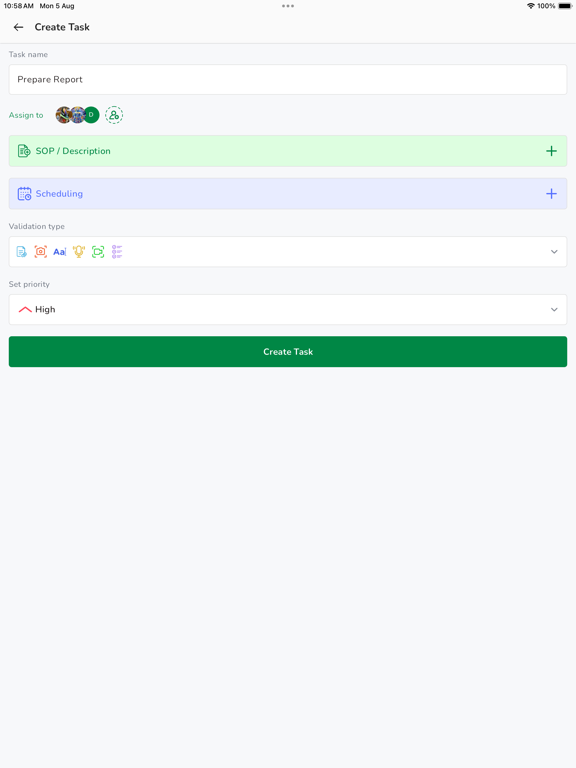
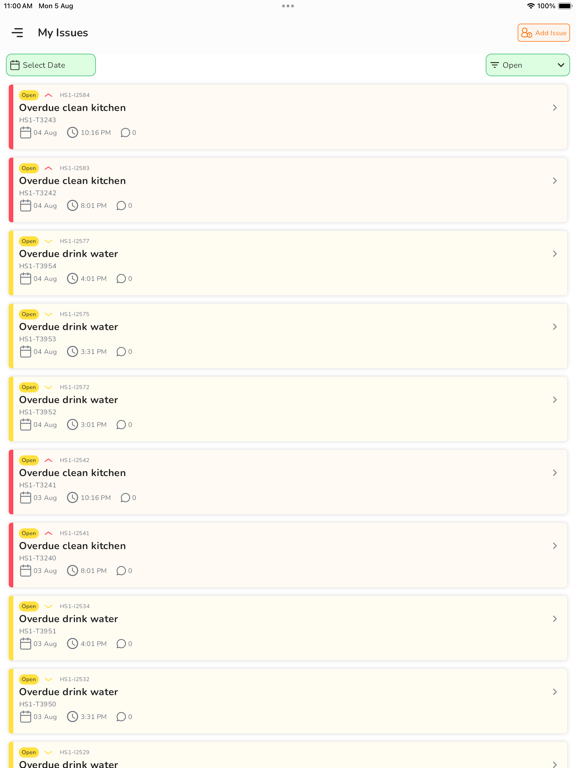
Systemise Project Management. Simplify Success Plan smarter & track faster with an all-in-one tool Automate routine tasks and let AI handle verifications for you. This smart project management app helps you create, allocate, and track your team’s daily tasks and milestones with complete transparency. Assign responsibilities, monitor progress, escalate issues, and verify completion with photo, video, audio, checklist, or document attachments — all in one place. No more endless follow-ups, reminders, or confusion that slow down your projects. Get real-time progress updates, raise or resolve blockers instantly, and keep your workflow running smoothly. You can also create standardized project templates and SOPs for each process to maintain consistency and simplify onboarding for new team members. Designed for teams of all sizes across any industry, this tool is ideal for organizations managing multiple projects, teams, and deadlines — where precision and accountability matter most. Easily manage multiple departments or clients and customize user roles based on hierarchy or project needs. Key Features: - Track project progress & resolve issues instantly - Share quick updates via text, voice notes & media - Create reusable SOPs & project templates - Access real-time dashboards & detailed reports - Prevent task duplication & improve visibility - Set custom permissions for managers & team members Key Benefits: - Improves accountability & ownership across teams - Simplifies project planning & task assignment - Reduces micromanagement and manual tracking - Saves time so you can focus on strategic goals - Builds consistent processes for easy team training Now, manage and monitor your projects efficiently with our intuitive software and 24/7 customer support.
Latest release
What’s New
What's New • New Task Buzzer with instant alerts and reminders • Works across all app states • Multi-device buzzer synchronization • Home-Screen Quick Shortcuts • Bug fixes and performance improvements
Audience growth
Ratings growth
Baseline captured. Growth appears after the crawler observes a changed rating count.
Momentum comes from crawler snapshots for the tracked storefront. “Viral growth signal” means unusually fast recent rating gains; it is an indicator, not download data.
Price tracking
Price intelligence
First snapshot captured. The trend line starts after the next crawler price observation.
- First observed Sep 14, 2026 · 3:57 PM Free
Screenshots