About this app
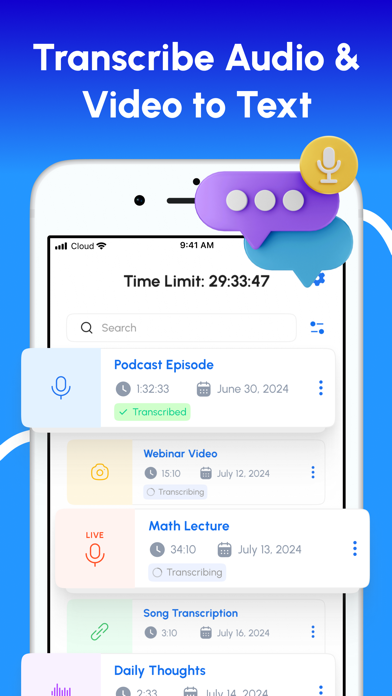
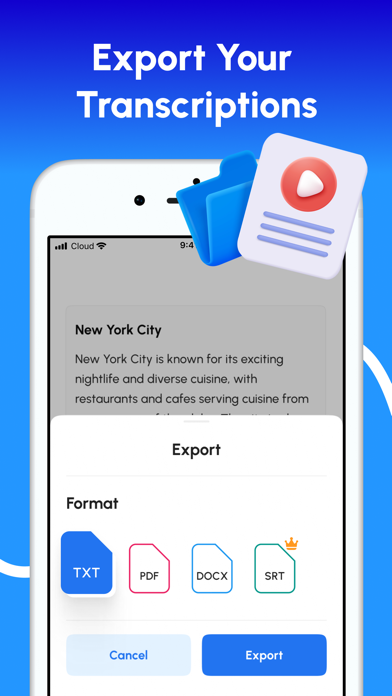
Speech to Text – Voice Typing The Ultimate App to Convert Speech into Text with AI-Powered Accuracy Easily convert voice to text, transcribe audio and video files, and type using your voice with Speech to Text – Voice Typing, your all-in-one transcription and productivity assistant. Whether you need to transcribe interviews, meetings, lectures, voice notes, or videos, our advanced AI ensures fast, accurate, and multilingual transcription – anytime, anywhere. Why Choose Speech to Text – Voice Typing • Voice Typing in Real Time Type with your voice in any situation — emails, notes, messages, or documents. Just speak, and watch your words appear instantly. Perfect for hands-free productivity and accessibility. • Accurate AI-Powered Transcription Delivers highly accurate speech-to-text results using advanced artificial intelligence, even in noisy environments or with diverse accents. • Live Voice-to-Text Transcription Real-time transcription for meetings, lectures, and conferences. Ideal for note-taking and live captioning. • Transcribe Audio and Video Files Upload audio or video from your device or use a link. Supports formats like MP3, WAV, M4A, and more. • Voice Memo Transcription Turn voice memos into text in seconds. Great for capturing personal notes or conducting interviews. • Transcription from URLs Transcribe audio and video directly from online sources such as YouTube and podcasts. • Speaker Identification Automatically distinguishes between speakers for clean, structured transcripts. • Multi-Language Support and Translation Transcribe speech in over 90 languages and dialects, and translate non-English audio into English. • Transcript Editing and Customization Rename speakers, format text, and prepare transcripts for sharing or publication. • Export Options Save transcripts as TXT, PDF, DOCX, or SRT for easy sharing, editing, or subtitle generation. • Ad-Free Experience Work without interruptions or distractions. Use Cases • Voice-type emails, notes, and documents • Transcribe meetings and business calls • Generate subtitles for videos • Convert lectures and lessons into notes • Document voice recordings automatically • Enable live captions for accessibility • Translate international content • Save time with hands-free typing and automated transcription Download Speech to Text – Voice Typing and transform your voice into text — whether you’re typing hands-free or transcribing with AI precision. Privacy policy: https://www.getpaoapps.com/privacy Terms of use: https://www.getpaoapps.com/terms
Latest release
What’s New
Bug fixes and other improvements
Audience growth
Ratings growth
Baseline captured. Growth appears after the crawler observes a changed rating count.
Momentum comes from crawler snapshots for the tracked storefront. “Viral growth signal” means unusually fast recent rating gains; it is an indicator, not download data.
Price tracking
Price intelligence
- First observed Aug 17, 2026 · 6:34 PM Free
Screenshots