About this app
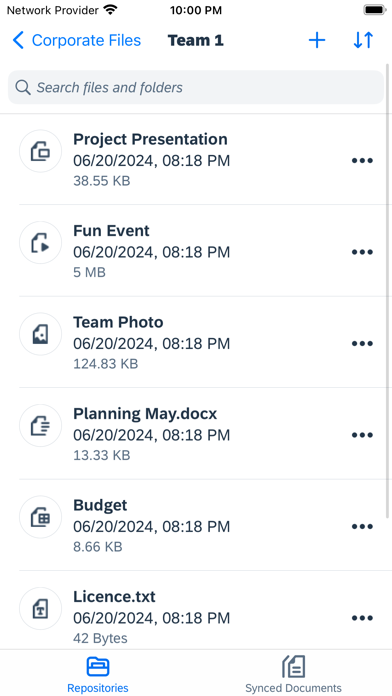
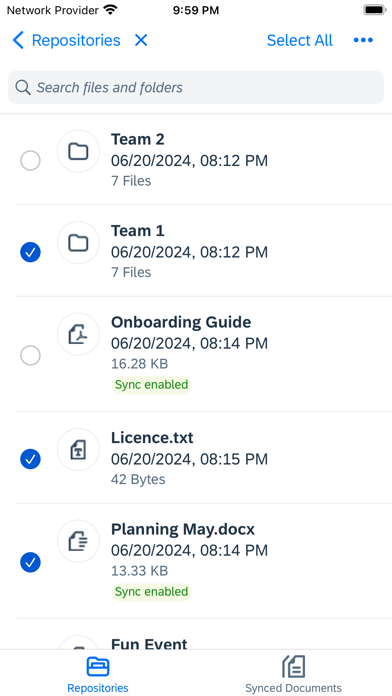
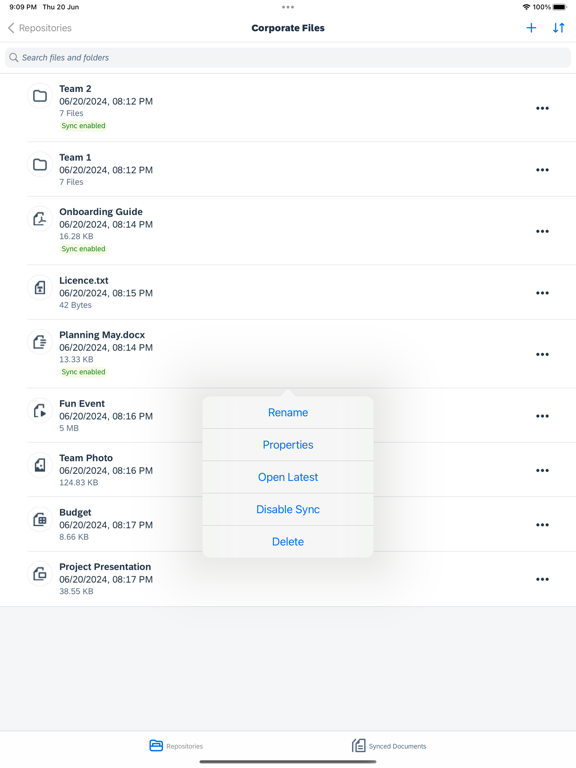
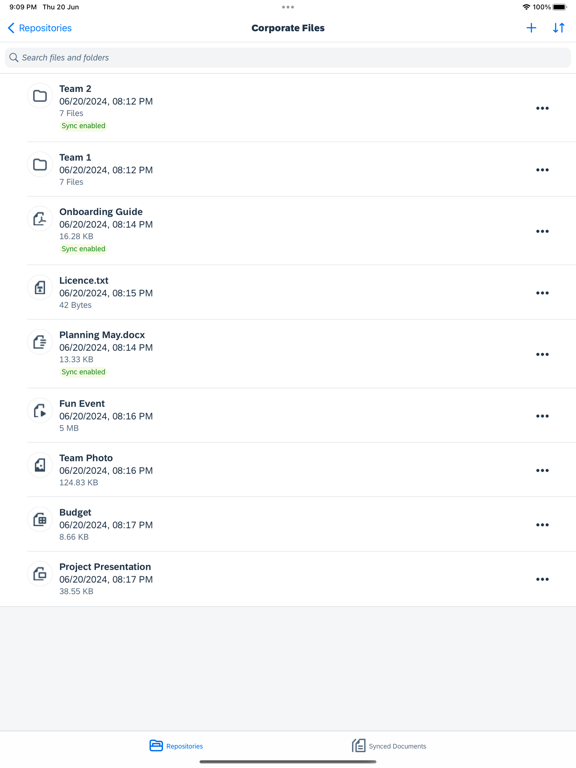
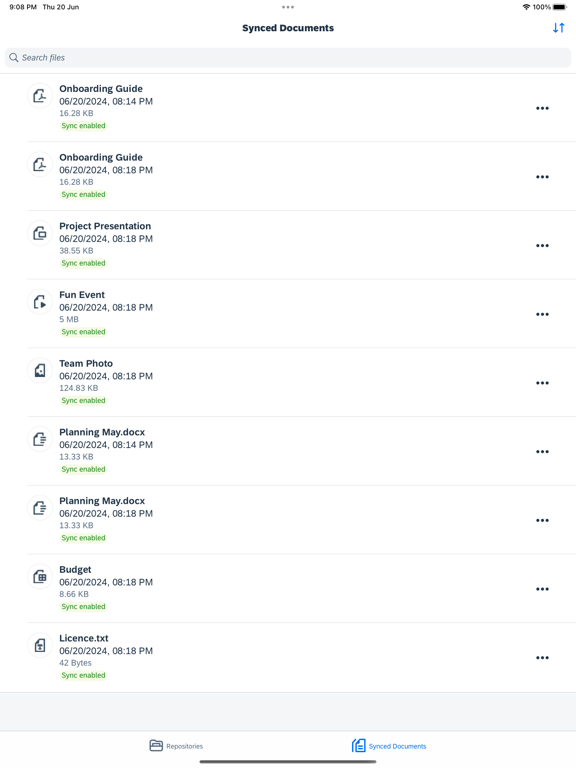
The SAP Document Management mobile app for iOS lets you securely bring all your documents and content with you wherever you go. Unlike manual file transfers using shared folders or e-mail, this app enables you to quickly and easily access and collaborate on files synchronized with the cloud, your computer, and on-premise corporate document management systems - anywhere, anytime. Key features of SAP Document Management mobile app for iOS: 1. Access your content securely, including documents, spreadsheets, presentations, and videos 2. Navigate through your repositories, folders, and documents and view content directly in the app 3. Centrally control the app's settings, like passcode policy and client log uploads 4. Sync documents to your iOS device for offline access in secure and encrypted storage 5. Create, view, and edit content directly in the app and make it available on any other device 6. Create documents and share them with other users 7. Edit additional metadata such as name and description for documents and folders 8. Sorting and Searching across a list of files and folders using properties such as name Note: To use the SAP Document Management mobile app for iOS with your business data, you need to have SAP Document Management service subscription on SAP BTP provided by your IT department. Permissions for iOS: 1. Photos/media: To enable users to upload photos, videos, and any other file from the photo gallery to the SAP Document Management mobile app. 2. Access network state: To update the SAP Document Management mobile app user interface when the network state changes.
Latest release
What’s New
BUG FIXES • Performance improvements & fixes for crash issue. • Other bug fixes.
Audience growth
Ratings growth
Baseline captured. Growth appears after the crawler observes a changed rating count.
Momentum comes from crawler snapshots for the tracked storefront. “Viral growth signal” means unusually fast recent rating gains; it is an indicator, not download data.
Price tracking
Price intelligence
First snapshot captured. The trend line starts after the next crawler price observation.
- First observed Aug 10, 2026 · 1:45 PM Free
Screenshots