About this app
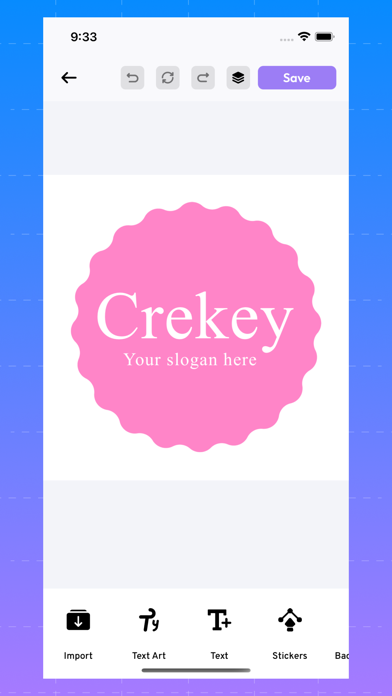
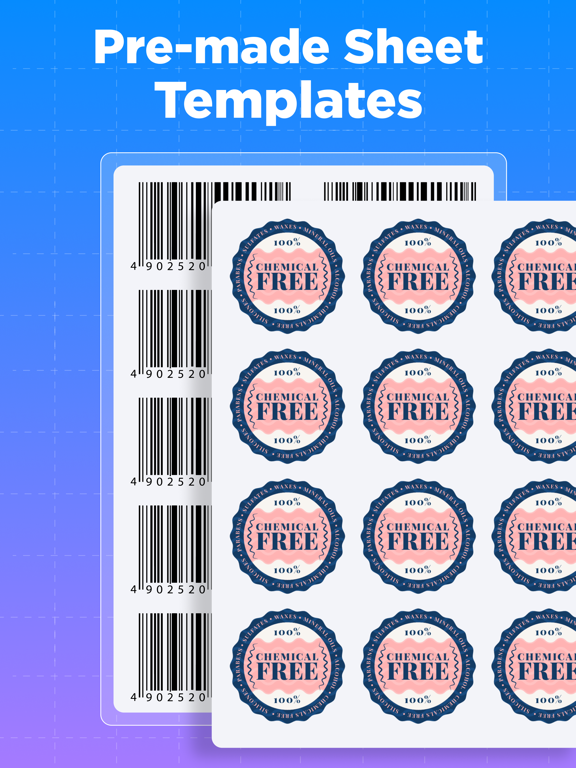
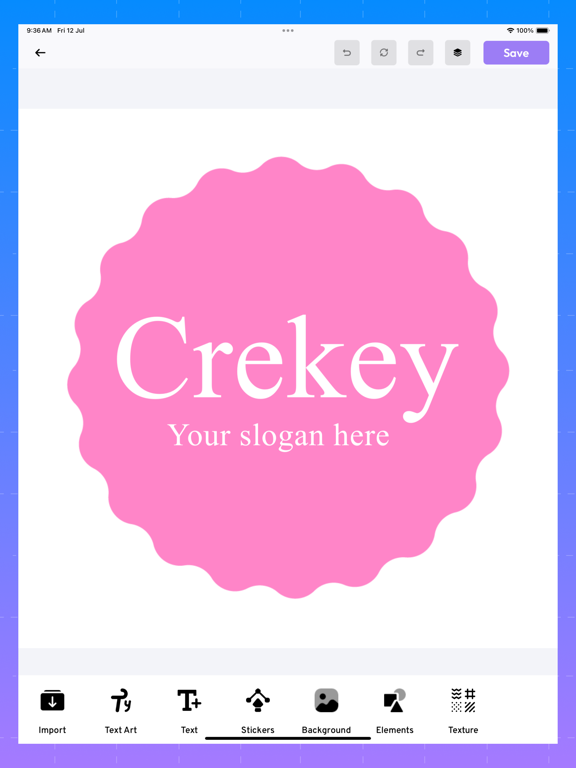
Discover the ultimate solution for all your labeling needs with our revolutionary label-making app. Whether you're organizing your home, creating professional product labels, or designing custom labels for special occasions, our app has everything you need to create stunning, personalized labels with ease. With a wide array of editable templates and the option to create labels from scratch, the possibilities are endless. Our app offers a user-friendly interface that makes label creation a breeze. Choose from a diverse collection of professionally designed templates, or let your creativity shine by designing your own labels from the ground up. Customize every aspect of your label, including text, colors, fonts, and images, to ensure it perfectly fits your needs. The intuitive editing tools provide you with the flexibility to create labels that are as unique as your imagination. Save and export your labels in various formats, from high-quality PNG images to printable PDFs, ensuring your designs are always ready for any purpose. Our app also features seamless integration with printers, allowing you to print your labels directly from the app. No more hassle of transferring files or using third-party software – everything you need is right at your fingertips. Ideal for both personal and professional use, our app is perfect for creating labels for jars, bottles, packages, office supplies, event decorations, and more. The extensive template library covers a wide range of styles and purposes, making it easy to find the perfect design for any occasion. Plus, with regular updates and new templates added frequently, you'll always have fresh inspiration for your projects. Experience the convenience and creativity of our all-in-one label-making app. Download now and start creating beautiful, customized labels that stand out and make a statement. From organization to decoration, our app is your go-to tool for all things labels. Key Features: * Extensive collection of editable label templates * Option to create custom labels from scratch * User-friendly editing tools for personalized designs * Save labels in multiple formats: PNG, PDF, and more * Direct printing capabilities from within the app * Suitable for personal and professional use * Regular updates with new templates and features Make your labeling projects easier, faster, and more creative than ever before. Download our app today and transform the way you design and print labels! Privacy Policy: https://www.abtechapps.store/privacy-policy Terms of Usage: https://www.abtechapps.store/terms-of-service
Latest release
What’s New
New update includes editable labels for your daily needs, along with enhanced text and image options.
Audience growth
Ratings growth
Baseline captured. Growth appears after the crawler observes a changed rating count.
Momentum comes from crawler snapshots for the tracked storefront. “Viral growth signal” means unusually fast recent rating gains; it is an indicator, not download data.
Price tracking
Price intelligence
First snapshot captured. The trend line starts after the next crawler price observation.
- First observed Sep 13, 2026 · 3:26 AM Free
Screenshots