About this app
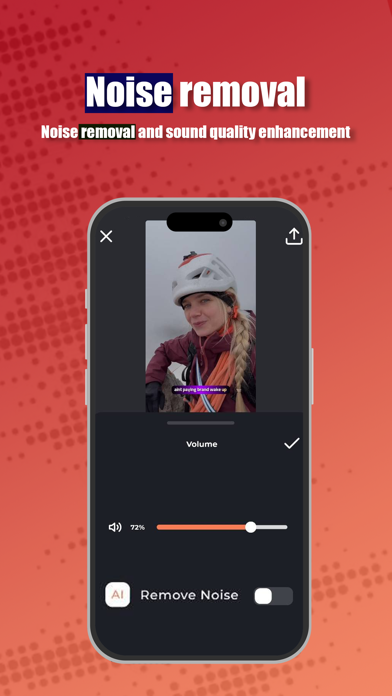
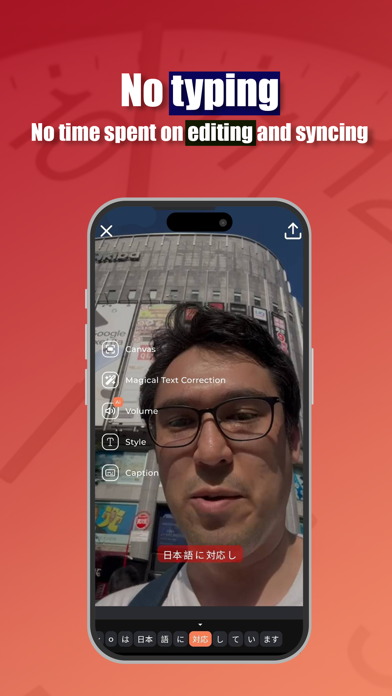
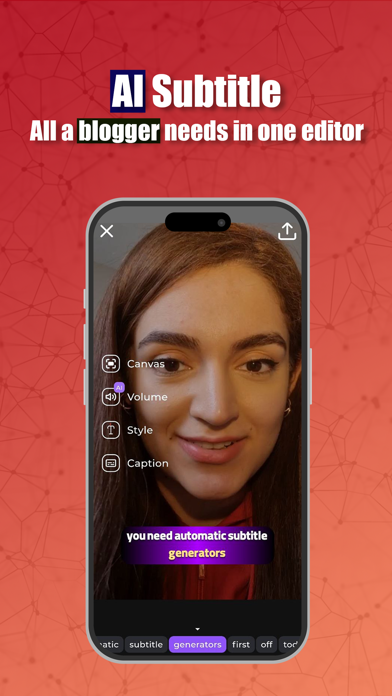
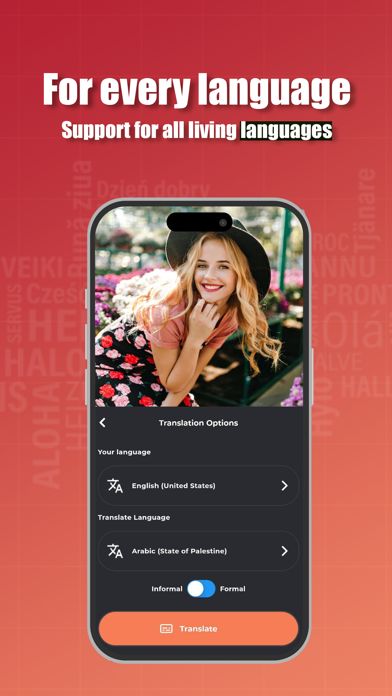
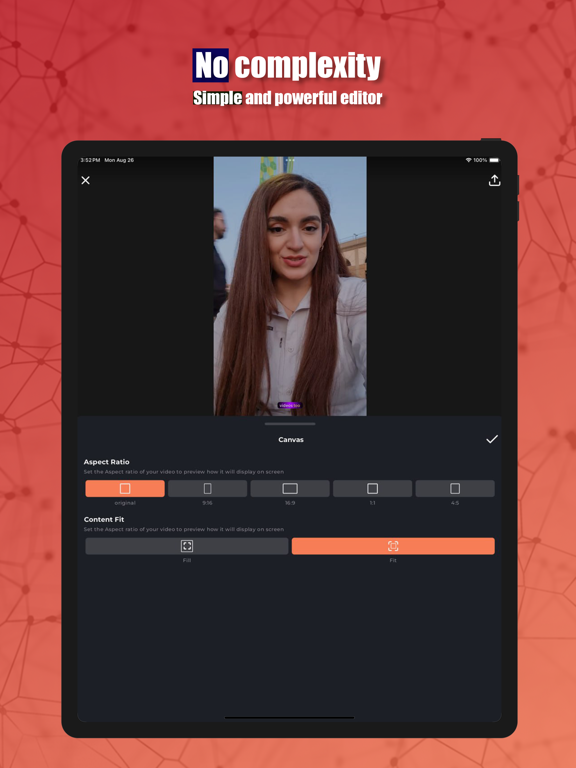
Captiono: The Ultimate AI-Powered Automatic Subtitle Tool Captiono is a powerful tool for generating automatic video subtitles using artificial intelligence. With Captiono, you can create synchronized subtitles for any language with just a few taps. Creating subtitles for videos has always been a difficult and time-consuming task. But now, with the Captiono app, you can create subtitles for your videos in less than 20 seconds with a few simple steps and share your videos with subtitles on social media. Why should all videos have subtitles? 1. Social Responsibility for the Disabled and Hearing Impaired: By using subtitles for videos, you can fulfill your social responsibility towards the disabled and hearing impaired. Respecting the disabled, having videos with subtitles is becoming a necessity on social media. 2. Significantly Increase Video Views: Many people watch videos in public places. If your video does not have subtitles, people in these places will skip your video, reducing your watch time, and eventually, your posts on various networks like Instagram, TikTok, YouTube, etc., will drop out of the algorithm, causing your page to suffer a significant drop. Captiono, developed according to the needs of bloggers on social networks, with the slogan: Customized for Every Blogger's Needs! Everything you need for Instagram Reels or Posts, TikTok, YouTube, and YouTube Shorts is included in this app. Without needing technical knowledge in editing and content creation, you can edit your videos. Besides creating subtitles, Captiono is also a powerful video editor. It includes all the essential editing tools a blogger and content creator needs. Captiono also features other AI tools such as noise removal and sound quality enhancement. Using this AI, you can improve your sound quality without buying expensive microphones. Record videos in noisy environments and use this AI capability to enhance your video’s sound and remove noise. Who should use Captiono? * Bloggers and content creators * Journalists from various networks * Singers for sharing music videos and clips * Educational institutions * Marketing and advertising teams Key Features of Captiono: * Create subtitles in all living languages * Real-time subtitle translation for all living languages * Very simple and user-friendly interface * AI features such as sound quality enhancement and noise removal * Customized for bloggers' needs without complexity Captiono is an essential tool for content creation on social media platforms like Instagram, TikTok, YouTube, Snapchat, and more. With its key features, you can easily make your videos viral and reach millions.
Latest release
What’s New
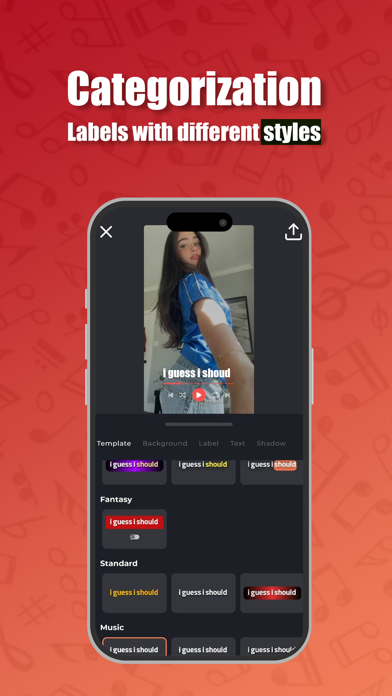
- New video timeline — edit your project scene by scene with full control - Text labels in ready-made designer styles — tap to add, no design work needed - Rotate subtitles and text directly on the canvas - Export at 25, 30, 50, or 60 FPS - Smart HDR keeps your HDR footage true to the original - Faster exports - Fixed reported issues and improved performance
Audience growth
Ratings growth
Momentum comes from crawler snapshots for the tracked storefront. “Viral growth signal” means unusually fast recent rating gains; it is an indicator, not download data.
Price tracking
Price intelligence
- First observed Aug 9, 2026 · 5:48 AM Free
Screenshots