About this app
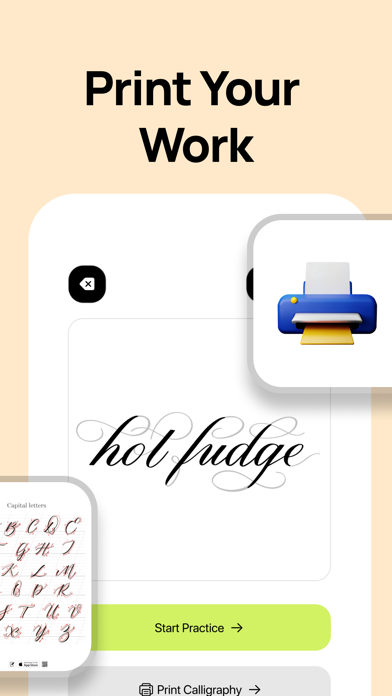
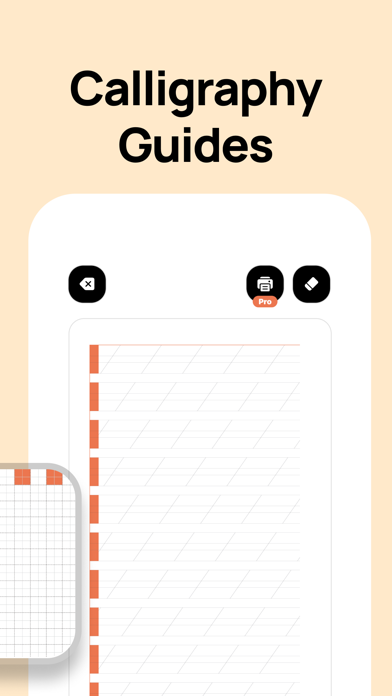
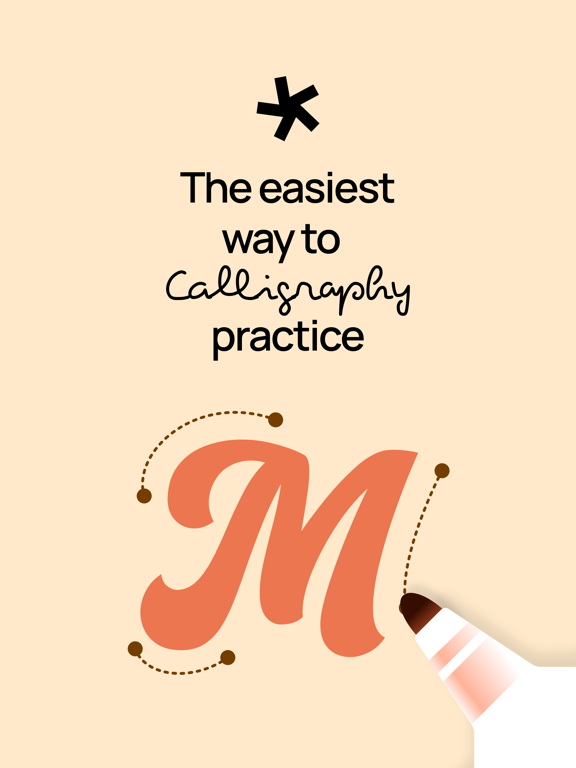
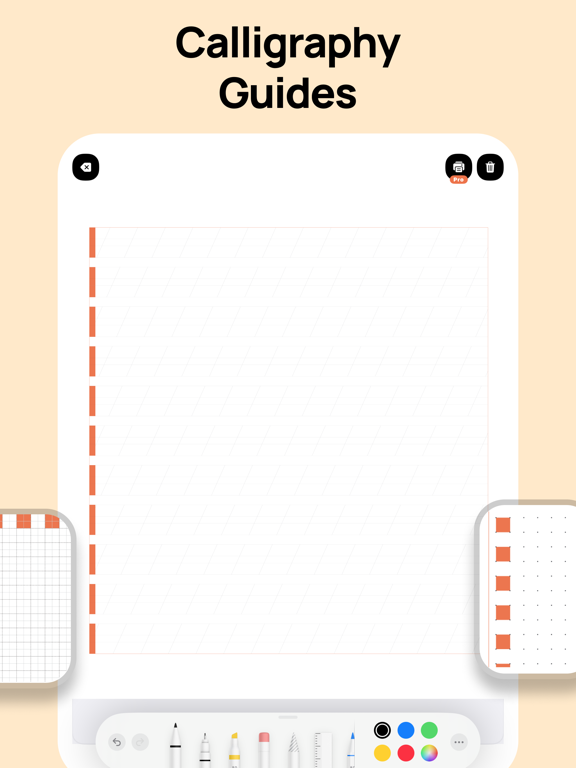
Discover Calligraphy Practice - Cursive, the ultimate digital tool for enhancing your calligraphy and handwriting skills. Whether you're a beginner or an experienced artist, Calligraphy Practice - Cursive provides a comprehensive platform to practice and perfect your cursive writing, sketching, and lettering. Calligraphy Practice - Cursive offers a wide range of features designed to support your creative journey: Calligraphy Practice: Choose from a variety of letters and words to practice. Calligraphy Practice - Cursive provides guided exercises to help you master the art of beautiful handwriting. Sketch and Trace: Open a scene with your chosen words or letters and trace over them with your pen. This hands-on approach helps you refine your strokes and build muscle memory. Cursive Writing: Improve your cursive writing skills with exercises tailored to enhance fluidity and style. Handwriting and Lettering: From basic handwriting to advanced lettering techniques, Calligraphy Practice - Cursive offers a structured approach to learning and improving your skills. Paint and Draw: Use Calligraphy Practice - Cursive’s digital tools to paint and draw, turning your sketches into stunning pieces of art. User-Friendly Interface: The intuitive design of Calligraphy Practice - Cursive makes it easy for users of all levels to navigate and use the app effectively. Calligraphy Practice - Cursive is not just an app; it's a comprehensive digital drawing tool that transforms the way you approach calligraphy and handwriting. Our goal is to provide a supportive and engaging environment where you can explore your artistic potential and achieve your creative goals. Start your artistic journey with Calligraphy Practice - Cursive today and see how easy and enjoyable learning calligraphy can be! Privacy Policy: https://mobyte.com.tr/en/calligraphy-cursive/privacy/ Terms & Conditions: https://mobyte.com.tr/en/calligraphy-cursive/terms/
Latest release
What’s New
Practice streak: See your streak at a glance in the top bar—tap for a quick summary. Home library: Browse All, Favorites, or Recent. When you’re on All, choose a category; Favorites and Recent show your saved and recent pieces in one list. Piece detail: Clearer layout and spacing when you open a calligraphy to practice or print.
Audience growth
Ratings growth
Baseline captured. Growth appears after the crawler observes a changed rating count.
Momentum comes from crawler snapshots for the tracked storefront. “Viral growth signal” means unusually fast recent rating gains; it is an indicator, not download data.
Price tracking
Price intelligence
First snapshot captured. The trend line starts after the next crawler price observation.
- First observed Sep 4, 2026 · 3:31 AM Free
Screenshots