About this app
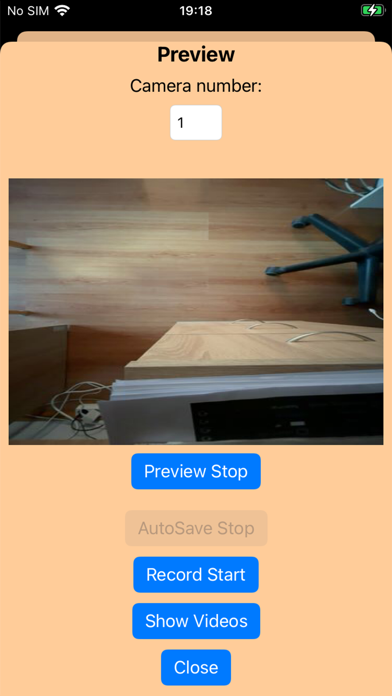
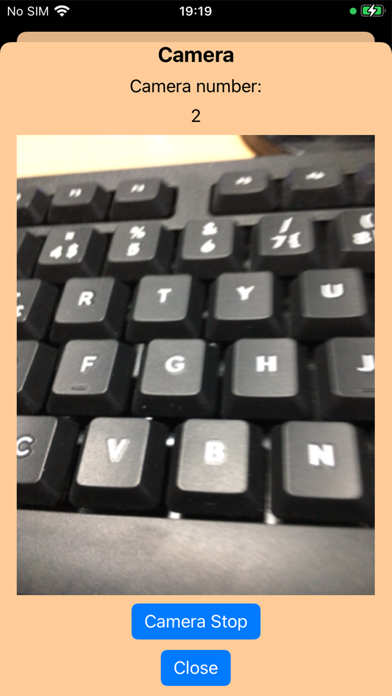
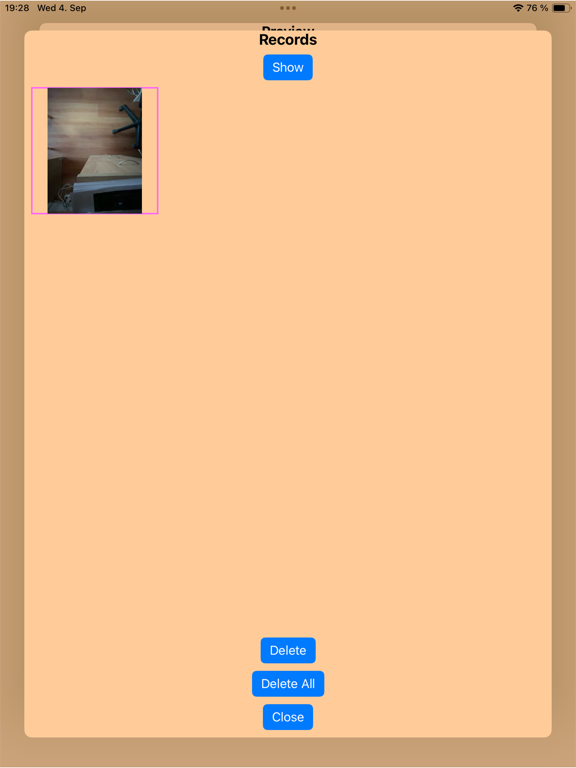
Something Security camera is a filming application. 2 devices are controlled. One phone is filming and the other phone is displaying the filmed image. The code is important, the codes must be the same on both the camera phone and the view phone. The code protects that others cannot see the image you are filming. Camera If you want to use the phone as a camera, press the Camera button. Press the Camera Start button and the camera will work. View If you want to use the phone as a view, press the Preview button. Press the Preview Start button and the view will work. If you want to record videos, press the Record Start button. Videos will be recorded as long as you press the Record Stop button. Video View If you want to view the recorded Video, press the Show Videos button in the View window. In the Video window, you can view and delete the video. Auto Recording and Alarm If the alarm is turned on in the options window, the phone will make a sound when the view image changes. And Auto Recording will also start when the view changes. You can change the length of Auto Recording in the options window. In-App Purchase If you want to use Alarm and Auto Save you need to purchase this product.
Latest release
What’s New
Bug fixes.
Audience growth
Ratings growth
Baseline captured. Growth appears after the crawler observes a changed rating count.
Momentum comes from crawler snapshots for the tracked storefront. “Viral growth signal” means unusually fast recent rating gains; it is an indicator, not download data.
Price tracking
Price intelligence
First snapshot captured. The trend line starts after the next crawler price observation.
- First observed Aug 13, 2026 · 12:00 AM Free
Screenshots