About this app
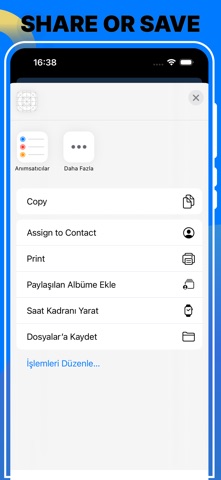
Effortlessly combine multiple images into a single file with our intuitive "Merge Image Files" app. Whether you want to create a collage, combine scanned documents, or merge photos for presentations, our app provides a seamless experience to merge images with just a few taps. Key Features: Batch Processing: Easily combine multiple images at once, perfect for large projects. User-Friendly Interface: Simple and intuitive design ensures you can merge images without any hassle. High-Quality Output: Preserve the original quality of your images while merging them. Customizable Layouts: Choose from various layout options to arrange your images exactly how you want. Support for Multiple Formats: Compatible with popular image formats like JPG, PNG, BMP, and more. Fast and Efficient: Quickly merge images without long waiting times. How to Use: Select Images: Choose the images you want to merge from your device. Customize Layout: Arrange the images in your preferred layout. Merge and Save: Click the merge button to combine the images and save the merged file to your desired location. Terms Of Use: https://projectuser-gl.github.io/terms/image-combiner.html Privacy Policy: https://www.privacypolicies.com/live/4ced07c3-3262-41af-8b4a-8e54a7473ab9
Latest release
What’s New
Screenshots Changed
Audience growth
Ratings growth
Momentum comes from crawler snapshots for the tracked storefront. “Viral growth signal” means unusually fast recent rating gains; it is an indicator, not download data.
Price tracking
Price intelligence
- First observed Aug 11, 2026 · 8:21 AM Free
Screenshots