About this app
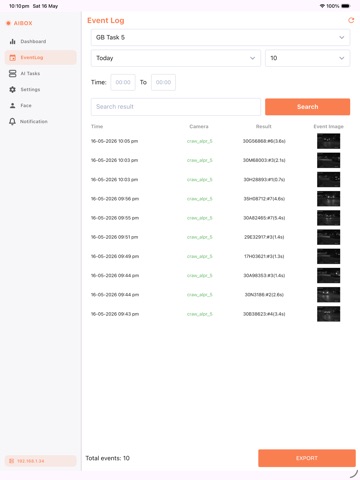
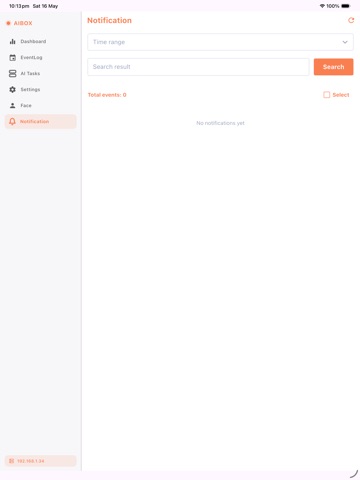
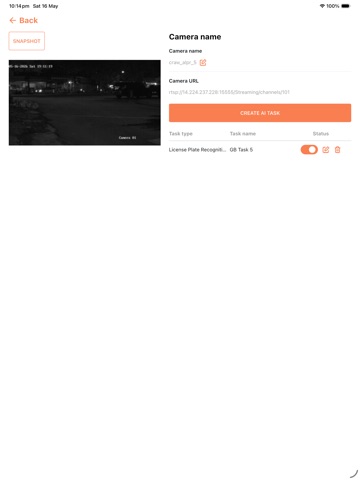
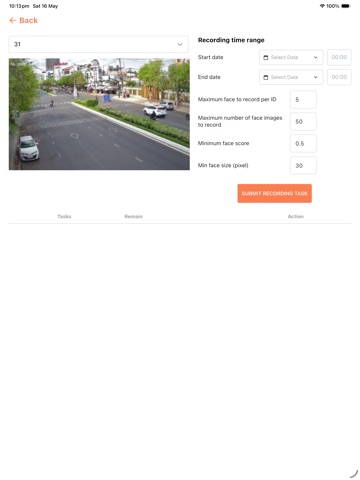
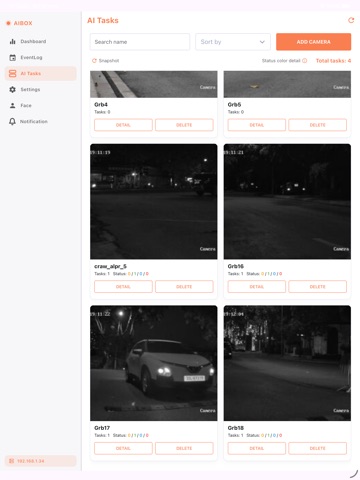
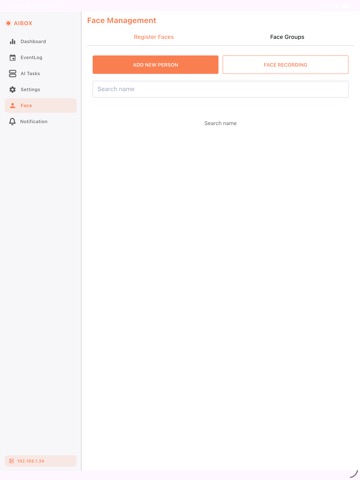
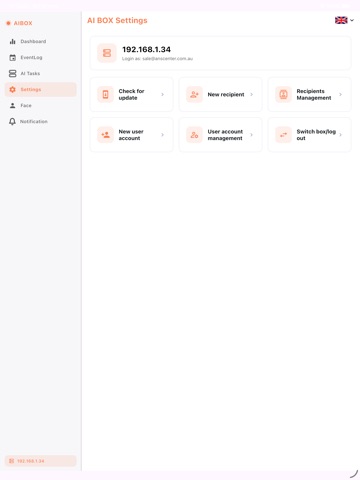
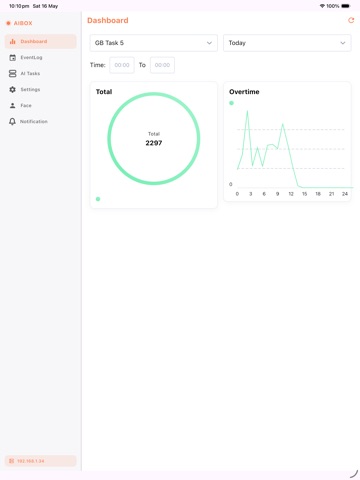
The AI BOX app provides a user-friendly interface to connect and manage the ANS AI BOX device, turning ordinary cameras into intelligent AI-powered solutions. Easily configure tasks like Facial Recognition, Person Intrusion, Fire & Smoke Detection, Weapon Detection, and Fall Detection. Stay informed with real-time alerts via push notifications, texts, or email—all through a secure and intuitive platform. To connect the AI BOX app to the ANS AI BOX device, ensure your mobile device is on the same network as the AI BOX. Learn More: ANS AI BOX (https://www.anscenter.com.au/aibox) Watch the Introduction Video: YouTube (https://www.youtube.com/watch?v=c_jUxzosTfQ)
Latest release
What’s New
Hands-free conversation — Talk to the assistant naturally. Audible cues let you know when it heard you and when it's your turn, so you don't have to watch the screen. It now waits for you to finish instead of cutting you off mid-sentence, and you can re-activate it just by saying the wake phrase. It remembers you — The assistant recalls helpful details from your earlier conversations (kept private to your account). A new Review memory screen lets you search, sort by day, edit, or clear what it remembers. Better voice replies — Natural cloud voices, no more cutting to silence mid-answer, and it now replies fully in your chosen language (Tiếng Việt / English / 日本語) without mixing in other languages or reading out reference numbers. Smarter follow-ups — Ask "why did this happen?" then "how do I fix it?" and it understands what you're referring to. Your own knowledge base — Add documents and web links for the assistant to draw on; each account's documents stay private to that account.
Audience growth
Ratings growth
Baseline captured. Growth appears after the crawler observes a changed rating count.
Momentum comes from crawler snapshots for the tracked storefront. “Viral growth signal” means unusually fast recent rating gains; it is an indicator, not download data.
Price tracking
Price intelligence
First snapshot captured. The trend line starts after the next crawler price observation.
- First observed Aug 8, 2026 · 3:56 PM Free
Screenshots