About this app
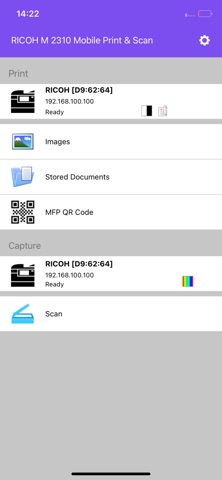
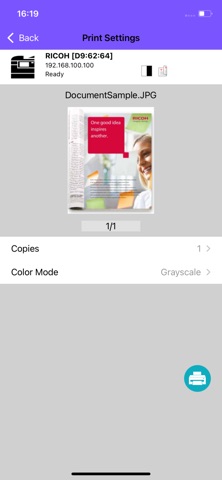
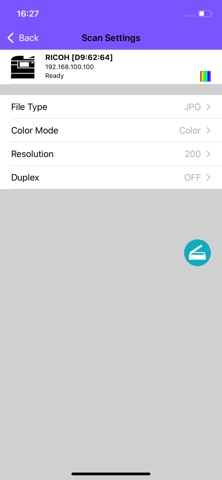
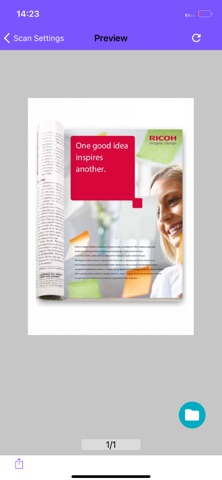
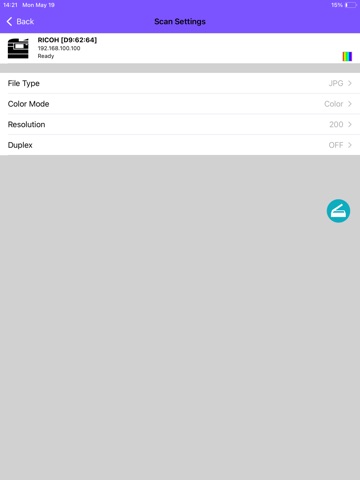
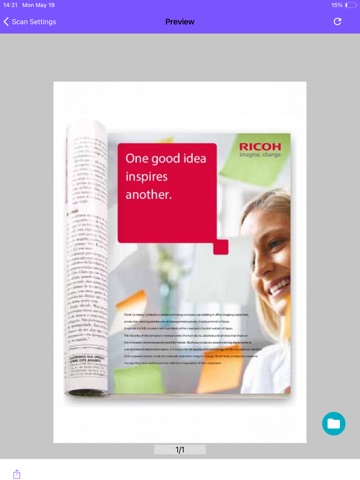
RICOH M 2310 Mobile Print&Scan is an application that allows you to print and scan from RICOH M 2310 Series MFPs utilising your iOS device. Key Features: - Print images and documents stored in iOS or captured by the device's Camera - Utilize advanced MFP print settings such as number of copies and page range - Scan documents from a RICOH M 2310 Series MFP and store the device - RICOH M 2310 Series can be discovered on your network by scanning the QR code printed from RICOH M 2310 Mobile Print&Scan with the RICOH M 2310 Mobile Print&Scan QR code scan function or by searching through your history of the most recently used MFPs - Department codes are recommended to maintain office security ------------------------- System Requirements - Supported RICOH M 2310 Series should be used - SNMP and Web Service settings on the MFP must be enabled - Please contact your dealer or sales representative about configuring this application when using with department codes ------------------------- Supported Languages Chinese (Simplified), Chinese (Traditional), Danish, Dutch, English (US), English (UK), Finnish, French, German, Italian, Japanese, Norwegian, Russian, Spanish, Swedish, Turkish ------------------------- Supported Models M 2310N M 2810N ------------------------- Supported OS iOS 16 iOS 17 iOS 18 ------------------------- Note - MFPs may not be discovered under the following conditions. If not discovered, you may manually enter hostname or use the QR Code *IPv6 is used *Other unknown reasons The company names and product names here are the trademarks of their respective companies.
Latest release
What’s New
Bug Fix
Audience growth
Ratings growth
Baseline captured. Growth appears after the crawler observes a changed rating count.
Momentum comes from crawler snapshots for the tracked storefront. “Viral growth signal” means unusually fast recent rating gains; it is an indicator, not download data.
Price tracking
Price intelligence
First snapshot captured. The trend line starts after the next crawler price observation.
- First observed Aug 17, 2026 · 12:23 AM Free
Screenshots