About this app
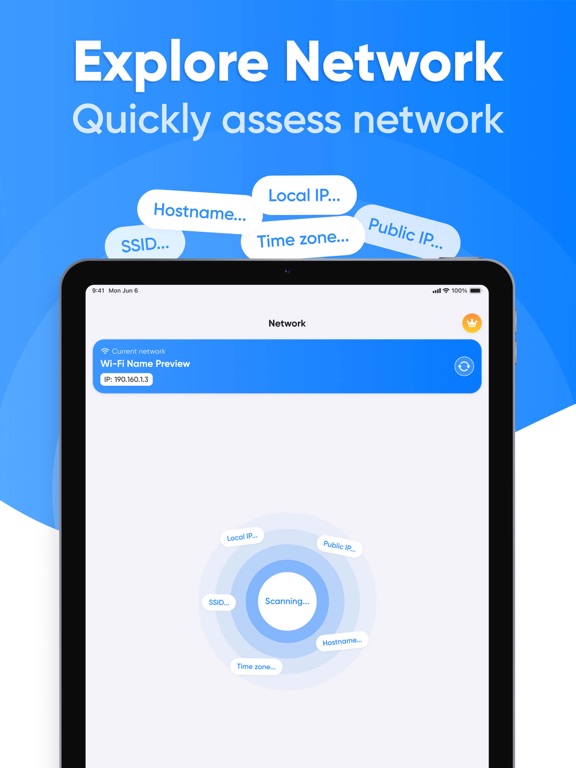
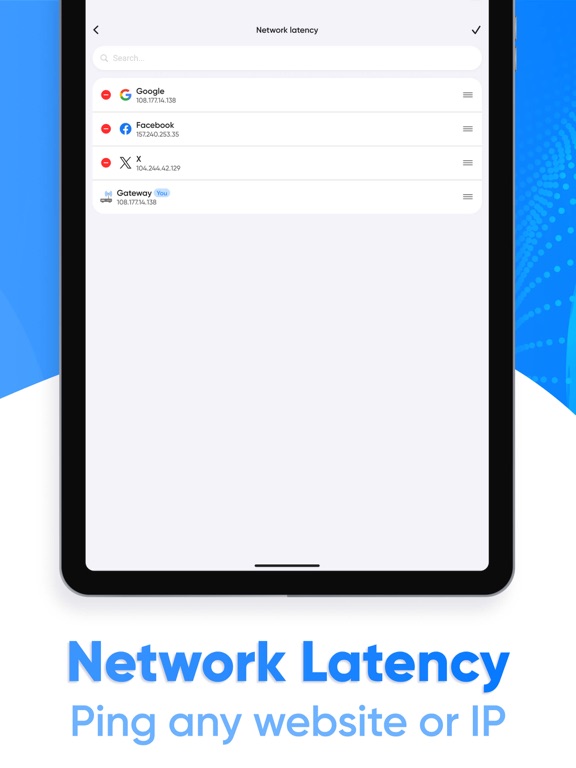
Wi-Fi Analyzer is a powerful and intuitive Wi-Fi network analysis and monitoring app designed for users who want to get the most out of their internet connection. With Wi-Fi Analyzer, you can easily manage your network, identify potential issues, and optimize your connection. Key Features: Wi-Fi Network Scan: Quickly and efficiently scan available Wi-Fi networks in your area, displaying their parameters such as signal strength, encryption type, and channels. Scan Results Update: Easily access up-to-date network information with the real-time scan results update feature. Connection Path View: Track the path your device takes to Wi-Fi to understand how data flows through the network. Detailed Network Overview: Get a complete picture of your network with information about your router, connected devices, and their activity. Website and IP Latency Test: Measure the response time of any website or IP address to evaluate the performance of your internet connection. Connected Devices Overview: See which devices are connected to your network, with the ability to divide them into categories (e.g. smartphones, computers, IoT devices). Detailed View of Connected Device: View information about each connected device, including its IP address, MAC address, and current activity. Device Search Function: Easily find the devices you need on your network with the built-in search function. Wi-Fi Analyzer is your reliable assistant in managing your Wi-Fi network. Optimize your Internet connection, monitor security, and get the most out of your connection! This application contains auto-renewable subscriptions and In-App Purchases: For 1 week - $4.99 For 1 month - $12.99 For 1 year - $39.99 Lifetime - $59.99 Privacy Policy Link: https://docs.google.com/document/d/1gkMbQlvOJWjPVHHTO3dk6Xlq2w4Q7H1ca6nDiP_0EFM/edit?usp=sharing Terms of Use Link: https://www.apple.com/legal/internet-services/itunes/dev/stdeula/
Latest release
What’s New
Minor design updates & performance improvements
Audience growth
Ratings growth
Baseline captured. Growth appears after the crawler observes a changed rating count.
Momentum comes from crawler snapshots for the tracked storefront. “Viral growth signal” means unusually fast recent rating gains; it is an indicator, not download data.
Price tracking
Price intelligence
First snapshot captured. The trend line starts after the next crawler price observation.
- First observed Aug 20, 2026 · 2:37 AM Free
Screenshots