About this app
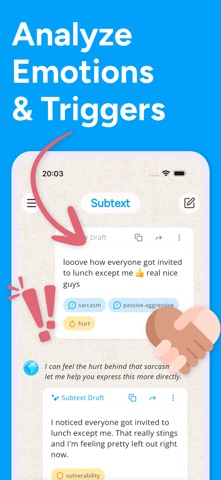
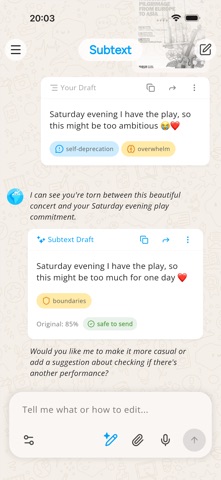
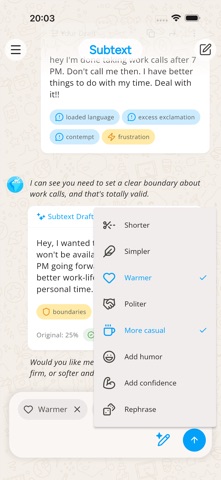
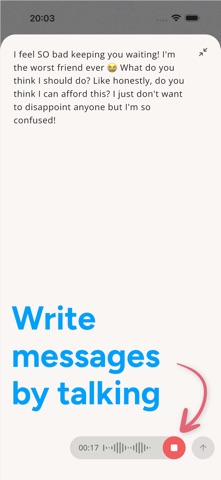
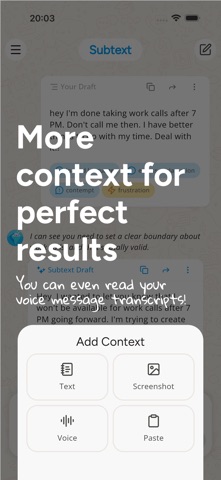
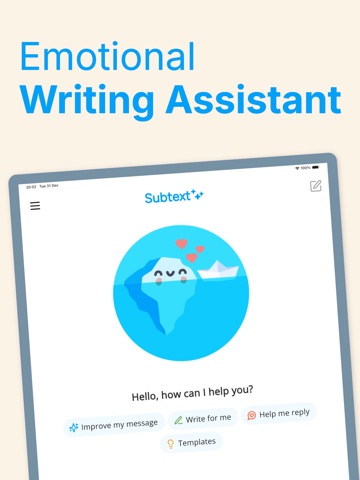
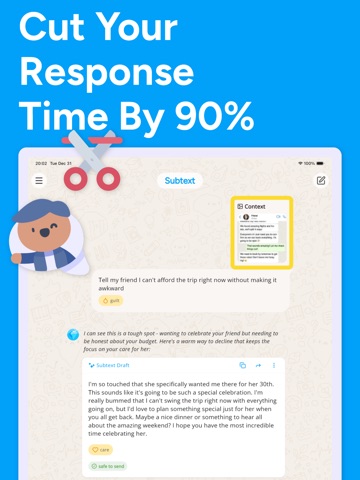
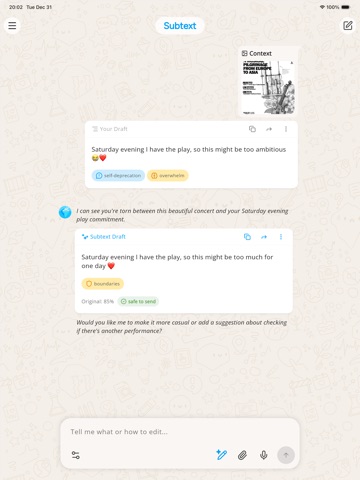
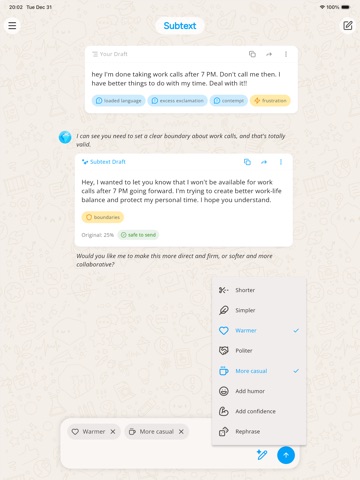
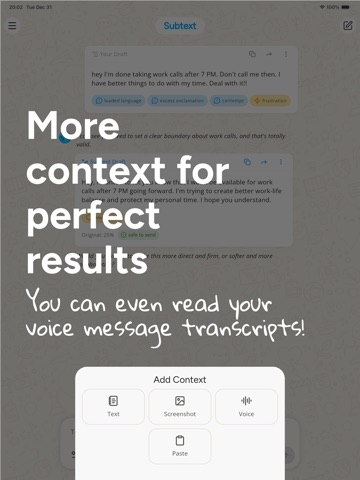
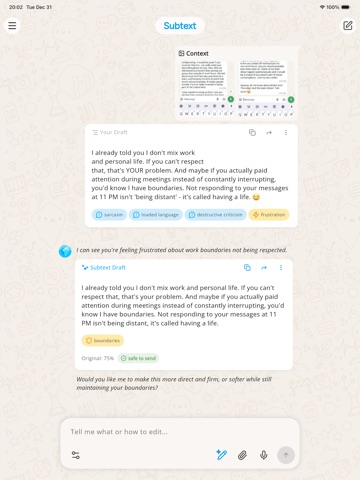
Subtext AI is your writing and communication assistant for everyday messages, replies, and difficult conversations. Write from scratch, paste a draft, or share a screenshot of a conversation. Subtext helps you see how your message may come across, improve your wording, and draft replies that feel clear, thoughtful, and natural. Use it for texts, emails, dating conversations, work replies, group chats, follow-ups, check-ins, and those moments when you know what you want to say but not exactly how to say it. WHO IT'S FOR - People who rewrite the same message five times before sending - Overthinkers, over-editors, and anyone wondering "does this sound okay?" - People navigating sensitive conversations, follow-ups, boundaries, or unexpected replies - Anyone who wants their writing to better match their intention WHAT SUBTEXT DOES - Message Analyzer: Review tone, clarity, and how your message may come across. Spot wording that could feel unclear, too harsh, too passive, or easy to misread. - Writing Coach and Proofreader: Understand why certain phrases need work and how to improve them. Fix grammar, spelling, and sentence structure automatically. - Smart Reply and Response Generator: Generate or improve replies based on conversation context. Paste a screenshot or type the conversation, and get response options that fit. - Tone Tuner: Make your message warmer, clearer, shorter, softer, firmer, or more professional. - Rewriter and Rephraser: Turn rough drafts, scattered notes, and half-finished thoughts into polished messages. - Context Summary: Paste a full conversation and get a breakdown of the key points, possible tone and intent, and reply options. USE IT FOR - Turning drafts and notes into clear messages - Proofreading before you hit send - Quick replies when you're not sure what to say - Navigating sensitive or emotionally loaded conversations - Setting boundaries without overexplaining - Following up on unanswered messages - Work emails and professional communication - Group chats, dating, friendships, and family messages - Exploring how a message might be interpreted before sending WHY PEOPLE USE IT - Write with less second-guessing - Say what you mean without overexplaining or underexplaining - Avoid wording that may come across the wrong way - Get practical, real-time feedback that helps you improve over time - Keep your own voice while making sure your message is clear Subtext uses AI to analyze tone, suggest improvements, and help you communicate with more confidence, one message at a time. Subtext is a writing and communication assistant. It does not provide therapy, diagnosis, or medical advice. AI suggestions may not always be accurate or appropriate. Review messages before sending.
Latest release
What’s New
We spent this week on performance. The app should feel smoother. Tell us if you notice.
Audience growth
Ratings growth
Baseline captured. Growth appears after the crawler observes a changed rating count.
Momentum comes from crawler snapshots for the tracked storefront. “Viral growth signal” means unusually fast recent rating gains; it is an indicator, not download data.
Price tracking
Price intelligence
First snapshot captured. The trend line starts after the next crawler price observation.
- First observed Sep 4, 2026 · 2:29 AM Free
Screenshots