About this app
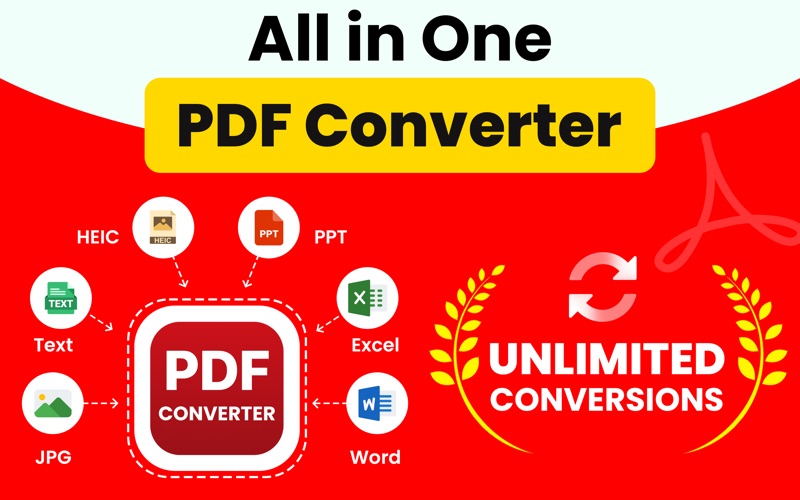
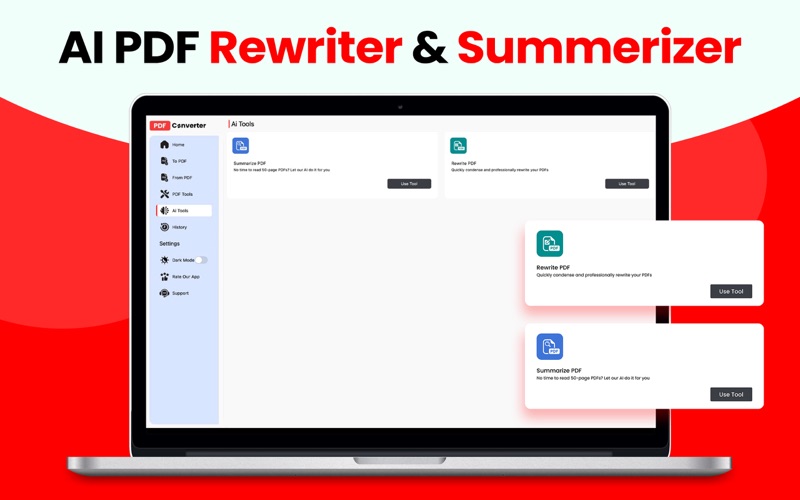
Simplify your document needs with our all-in-one PDF converter and editor app. Our app is your one-stop solution for any PDF task, whether you need to convert, edit, compress, or secure your files. With over 20 powerful conversion options, turning PDFs into editable files—or creating PDFs from various file formats—has never been easier! Seamless Conversions: PDF to Anything, and Vice Versa! Effortlessly transform PDFs to other formats or convert other files into high-quality PDFs with just a tap! Our app supports popular formats including: - Image to PDF – Convert (jpg, png, tiff, gif) images directly into PDF. - Docs to PDF – Convert Word (doc, docx) documents with ease. - Excel to PDF – Keep all your data secure in PDF format. - PPT to PDF – Share presentations in a professional, easily accessible way. - And much more! Essential PDF Editing Tools Beyond conversions, our app is packed with robust tools to help you manage PDFs effortlessly: - Compress PDFs – Reduce file size without sacrificing quality. - Merge PDFs – Combine multiple PDFs into one seamless document. - Lock & Unlock PDFs – Protect sensitive information with passwords. - Rotate PDFs – Easily rotate pages to your preferred orientation. - Delete Blank Pages – Clean up unnecessary pages with ease. - Powerful PDF Enhancements: Rewrite & Summarize Go beyond basic editing with advanced tools: - PDF Rewriter – Modify text and content within your PDF files without converting to another format. - PDF Summarizer – Quickly generate a summary to focus on the key points of any document, saving you time and effort. Why Choose Our PDF Converter App? - User-Friendly Interface – Simple design makes conversions and edits a breeze for everyone. - Fast & Secure – Instant conversions and safe storage of your files. - High-Quality Output – Preserve the formatting and quality of your documents every time. Whether you're a student, professional, or anyone who works with documents, our PDF app is designed to meet all your needs. Install today and experience hassle-free PDF management! ---------------------- This app offers an auto-renewing yearly subscription to provide unlimited access to the all-inclusive solution while you maintain an active subscription. Your account will be charged for renewal within 24 hours before the end of the current period, and the renewal cost will be identified. You may manage your subscription and auto-renewal may be turned off by going to your Account Settings after the purchase. Any unused portion of a free trial period, if offered, will be forfeited when you purchase a subscription, where applicable. Billing Membership auto-renewal subscription instructions: - Weekly: 1 week, $5.99 - Monthly: 1 month, $12.99 - Yearly :12 months, $34.99 Read more about our terms and conditions here: Terms & Conditions: https://codegen.pk/terms-conditions/ Privacy Policy: https://codegen.pk/privacy-policy/
Latest release
What’s New
Minor bugs fixed and optimized performance.
Audience growth
Ratings growth
Baseline captured. Growth appears after the crawler observes a changed rating count.
Momentum comes from crawler snapshots for the tracked storefront. “Viral growth signal” means unusually fast recent rating gains; it is an indicator, not download data.
Price tracking
Price intelligence
First snapshot captured. The trend line starts after the next crawler price observation.
- First observed Aug 8, 2026 · 5:08 PM Free
Screenshots