About this app
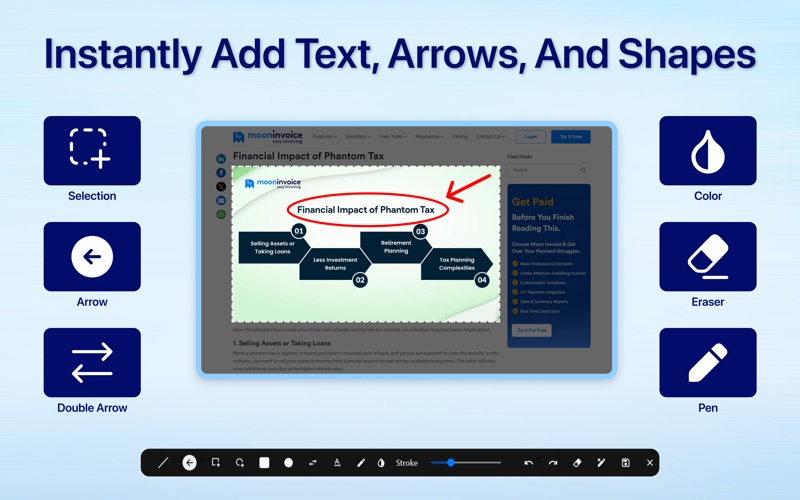
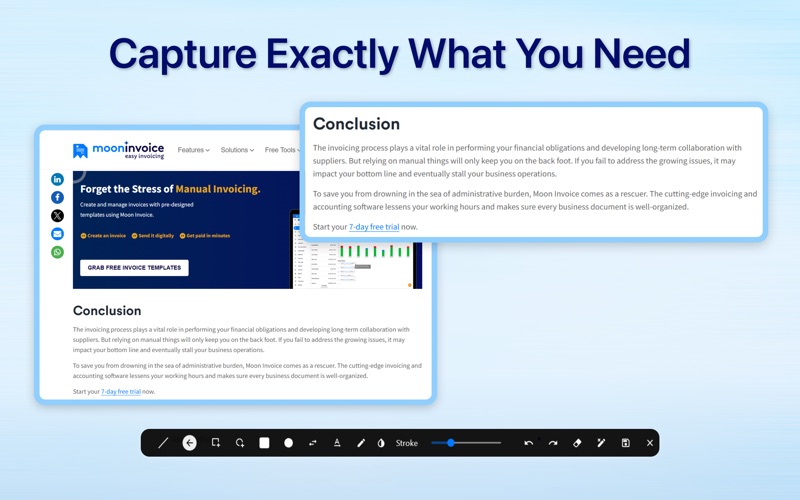
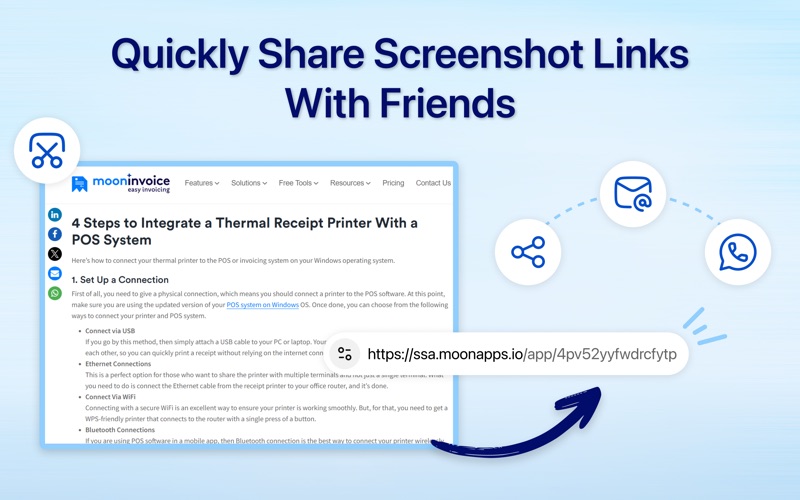
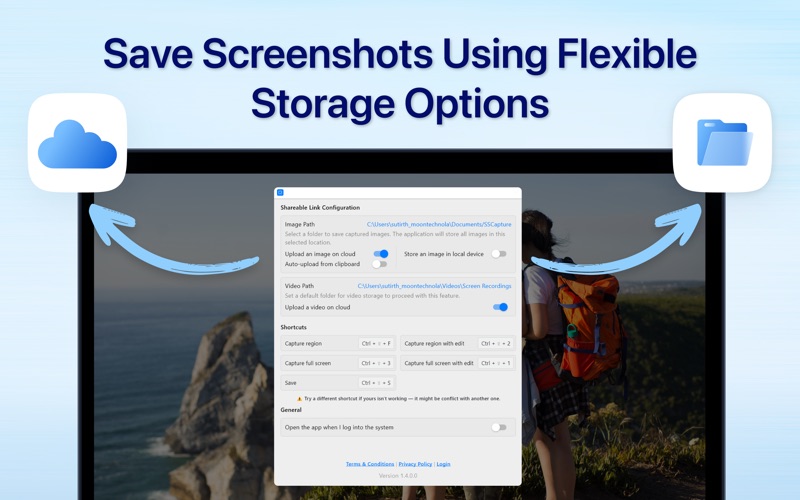
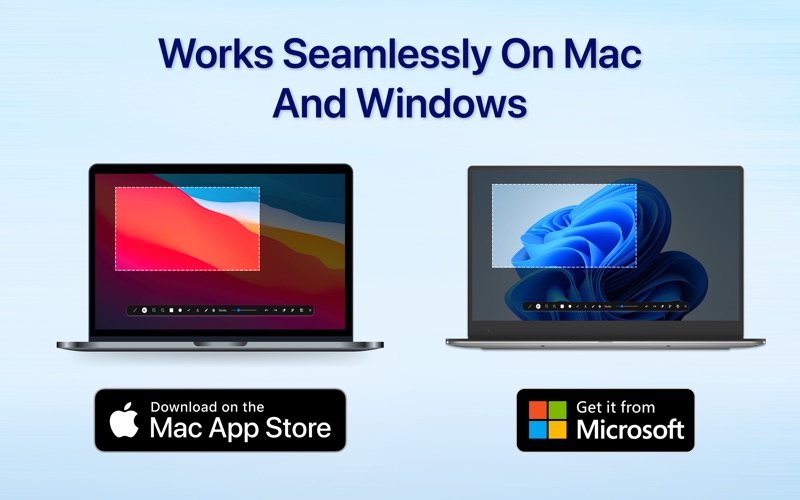
The Ultimate Screenshot & Annotation Tool for Mac & Windows Say hello to your new favorite screen capture tool — built for speed, flexibility, and total control. Whether you’re snapping a full screen, selecting a region, or editing on the fly, this app makes capturing and sharing screenshots effortless. Key Features: Screen Capture Made Easy • Full screen, region, and instant edit captures • Keyboard shortcuts for quick actions (fully customizable) Image Annotation & Editing • Draw with lines, arrows, rectangles, circles, and double arrows • Freehand pencil tool, text tool, and color picker • Adjust stroke width, erase, undo/redo, or clear all in one click Clipboard Integration • Monitor clipboard for images and auto-upload with short link generation Save or Upload – You Choose • Save images locally to your selected folder • Upload to the cloud automatically or manually Works Across Platforms • Fully compatible with both macOS and Windows Whether you're a content creator, developer, teacher, or just someone who shares a lot of screenshots. This app makes your workflow faster and smarter. Try it out and see how easy capturing and sharing can be.
Latest release
What’s New
Minor bug fixes.
Audience growth
Ratings growth
Baseline captured. Growth appears after the crawler observes a changed rating count.
Momentum comes from crawler snapshots for the tracked storefront. “Viral growth signal” means unusually fast recent rating gains; it is an indicator, not download data.
Price tracking
Price intelligence
First snapshot captured. The trend line starts after the next crawler price observation.
- First observed Aug 7, 2026 · 11:27 PM Free
Screenshots