About this app
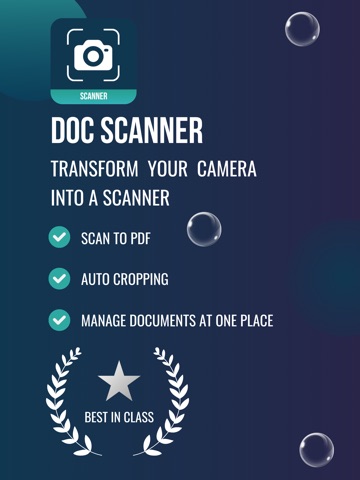
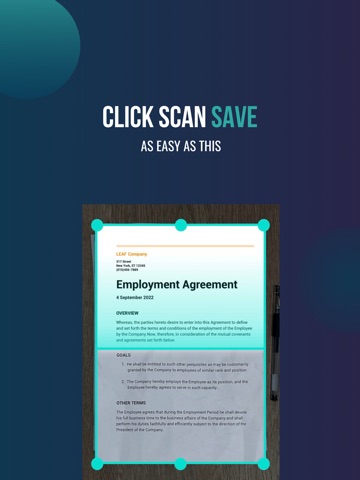
Doc Scanner - Scan to PDF & Document Manager Turn your phone into a powerful document scanner with Doc Scanner! Effortlessly scan, crop, and convert your documents into high-quality PDFs in seconds. Whether it's receipts, invoices, notes, or business cards, Doc Scanner makes document management simple and efficient. Key Features: Scan to PDF - Instantly scan documents and save them as PDF files. Auto Cropping - Smart edge detection ensures precise and clean scans. Organise & Manage - Keep all your scanned documents in one place for easy access. Perfect for students, professionals, and anyone who needs a fast and reliable document scanning solution. Download Doc Scanner now and digitise your paperwork effortlessly! Terms of Use: https://github.com/superwebarmy/thealpha/blob/main/doc-scanner-terms-of-use.md
Latest release
What’s New
Fixed minor bugs and improved performance
Audience growth
Ratings growth
Baseline captured. Growth appears after the crawler observes a changed rating count.
Momentum comes from crawler snapshots for the tracked storefront. “Viral growth signal” means unusually fast recent rating gains; it is an indicator, not download data.
Price tracking
Price intelligence
First snapshot captured. The trend line starts after the next crawler price observation.
- First observed Aug 19, 2026 · 10:35 AM Free
Screenshots