About this app
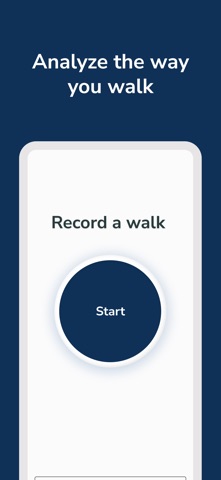
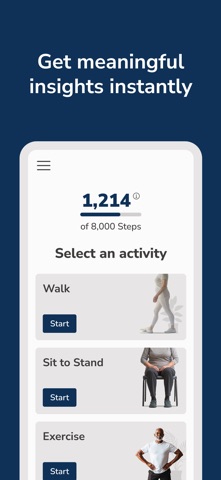
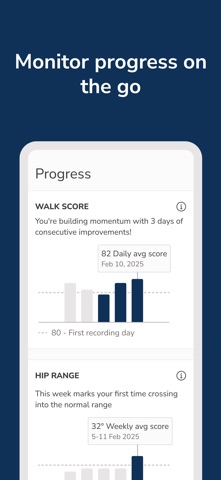
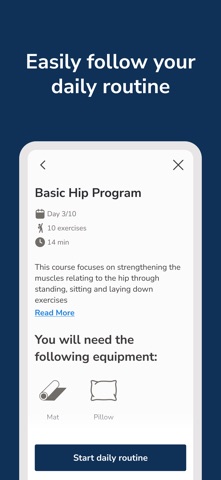
Every step tells a story - we help you and your healthcare provider see it. OneStep is the easiest way to see how well you’re moving. Just place the phone in your pocket and take a 30 second walk. That’s all it takes. No additional hardware, no cameras involved. Our clinically validated app uses your smartphone’s sensors to analyze your gait in seconds - revealing insights about your balance, recovery, and risk of falls. Whether you’re recovering from surgery, managing a health condition, or just staying active, OneStep helps you track progress and stay connected with your care provider. Backed by science. Loved by patients. Trusted by leading healthcare providers. Because we are how we move - and now it’s easier than ever to see it. Please note: Accessing OneStep is only possible via select healthcare providers. To learn more, ask your provider to contact us by visiting www.onestep.co .
Latest release
What’s New
This version includes bug fixes and UI improvements
Audience growth
Ratings growth
Baseline captured. Growth appears after the crawler observes a changed rating count.
Momentum comes from crawler snapshots for the tracked storefront. “Viral growth signal” means unusually fast recent rating gains; it is an indicator, not download data.
Price tracking
Price intelligence
First snapshot captured. The trend line starts after the next crawler price observation.
- First observed Sep 1, 2026 · 2:50 PM Free
Screenshots