About this app
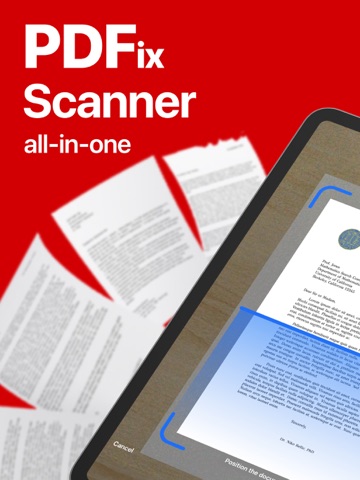
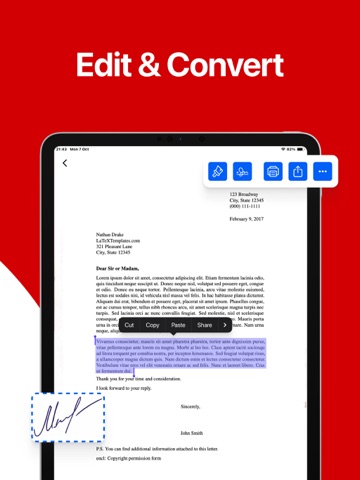
Scan and edit your documents with ease using PDFix. Transform your mobile device into a portable scanner and PDF editor with this powerful app designed to streamline document management, whether you're at home or on the go. Main Features: 1. Scan to PDF: Effortlessly capture documents using your phone's camera and convert them into high-quality PDF files. 2. Edit PDFs: Modify text, images, and layouts within your PDF documents to tailor them to your needs. 3. Text Recognition (OCR): Convert scanned documents into editable text with Optical Character Recognition technology. 4. Secure Files: Protect your important documents with encryption and password options to maintain privacy and security. 5. Cloud Integration: Save and access your files on popular cloud services like Google Drive, Dropbox, and more for seamless workflow. Subscription Plans: 1. Weekly subscription 2. Annual subscription Privacy Policy: https://pdfix-scan-and-edit.lovable.app/privacy Terms of Use: https://pdfix-scan-and-edit.lovable.app/terms
Latest release
What’s New
Bug fixes
Audience growth
Ratings growth
Baseline captured. Growth appears after the crawler observes a changed rating count.
Momentum comes from crawler snapshots for the tracked storefront. “Viral growth signal” means unusually fast recent rating gains; it is an indicator, not download data.
Price tracking
Price intelligence
First snapshot captured. The trend line starts after the next crawler price observation.
- First observed Aug 15, 2026 · 7:20 AM Free
Screenshots