About this app
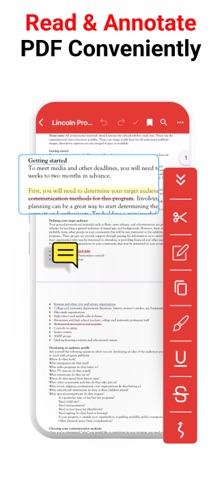
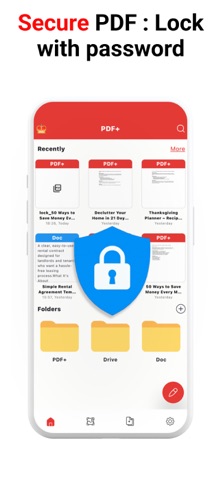
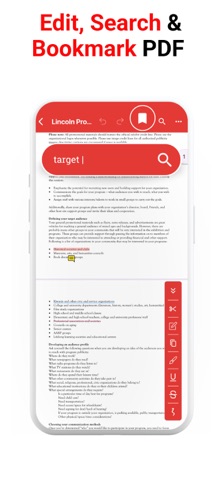
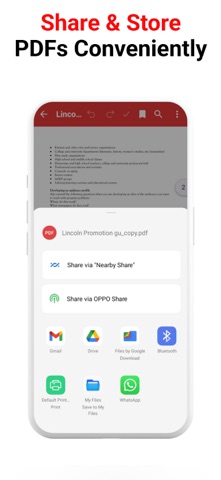
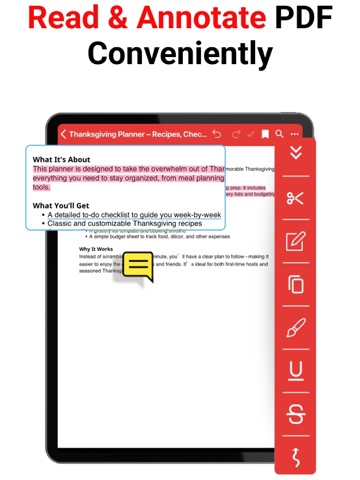
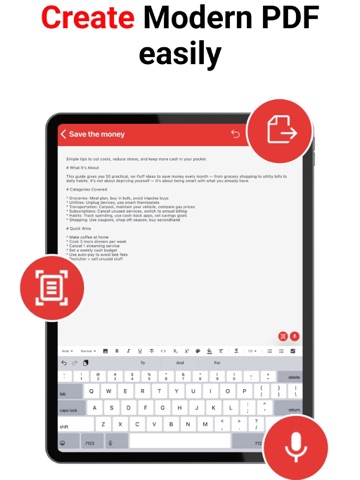
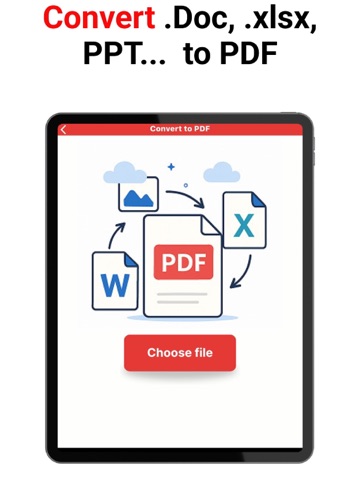
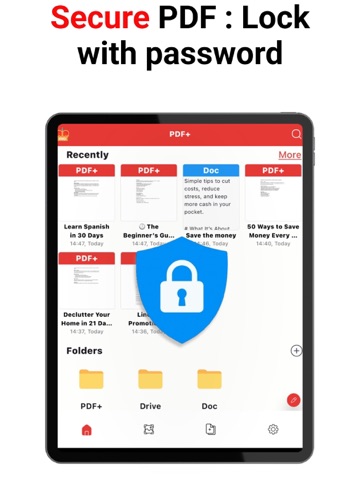
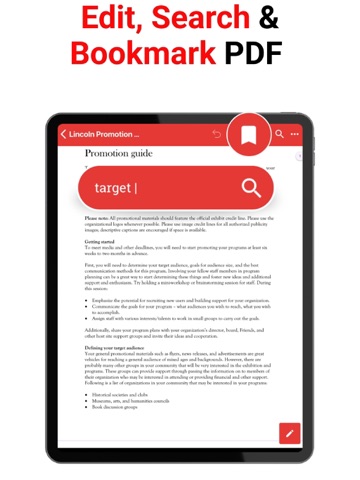
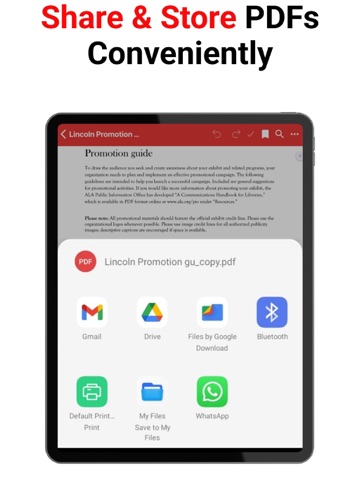
Discover the ultimate solution for all your PDF needs with PDF Reader, Editor & Converter! Whether you need to read any PDF file on your mobile, convert photos into PDFs, edit documents on the go, this app provides a powerful, intuitive, and user-friendly experience. Key Features: * PDF Reader: View and navigate PDF files effortlessly with a smooth and fast reading experience. * Create PDFs from Text: Compose and format text documents directly in the app and export them as professional-quality PDFs. * Photos to PDF Converter: Easily convert images from your gallery or camera into high-quality PDF files. * PDF Editor: Add annotations, highlight text, insert signatures, and make other edits directly within your PDF. * Text Extraction: Extract text from scanned PDFs or images using advanced OCR technology. * Secure Your PDFs: Protect sensitive information with password encryption. * File Organization: Rename, move, and organize your PDF files efficiently. Why Choose PDF + ? * Fast and Reliable: Lightning-fast conversions and smooth editing tools. * Easy to Use: Designed with a clean and intuitive interface for all users. * High Quality: Retain original formatting and quality in every conversion. * With PDF Reader, Editor & Converter, handling PDF documents has never been easier. Perfect for students, professionals, and anyone who frequently works with PDFs. Download now and take full control of your documents! Get started today and simplify your PDF management experience! SUPPORT Support Email: support@wondapro.com Terms of use: https://www.wondapro.com/wondapro-terms-of-use Privacy policy: https://www.wondapro.com/wondapro-privacy-policy For complete access to features of this App, you will need to allow access to the following: *Camera & Photo Gallery – the app help to scan photo to get text easily. *Microphone & Speech Recognition – so that speech-to-text feature will work. Payments and Renewal in the App: * You can manage or turn off auto-renew in your Account settings at any time after purchase * "Try Free" for 3 first days available for monthly subscription, auto renew and charge after finishing 3 days. Cancel any time. * No cancellation of the current subscription is allowed during the active period after payment
Latest release
What’s New
Upgrade the user experience - Modern and convenient PDF application loved worldwide.
Audience growth
Ratings growth
Baseline captured. Growth appears after the crawler observes a changed rating count.
Momentum comes from crawler snapshots for the tracked storefront. “Viral growth signal” means unusually fast recent rating gains; it is an indicator, not download data.
Price tracking
Price intelligence
First snapshot captured. The trend line starts after the next crawler price observation.
- First observed Aug 19, 2026 · 11:47 PM Free
Screenshots