About this app
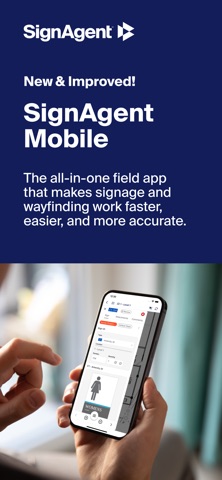
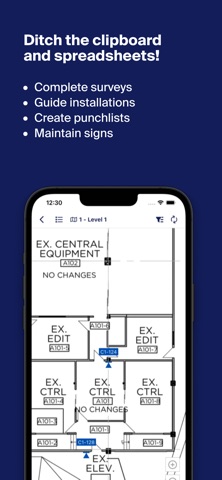
Working on another time-consuming sign survey, audit, installation, or punch list? Say goodbye to your camera, clipboard, and roll cart. The SignAgent Mobile app lets you take pictures of signs, assign state and type, view messages, and add comments. Your data is captured as you go and immediately synced with your SignAgent project in real time. Sign audits that once took weeks or even months to complete can now be finished in a matter of days. Capabilities: - Access all sign information on your mobile device (sign state, sign type, location, number, quantity, messaging, artwork, and comments for every sign) using a list view, floor plans, or outdoor maps. - Complete on-site surveys to capture existing sign information: take pictures, add comments, assign sign types, and add sign tag markers to their exact position on your location plan or map. - Easily evaluate signs with approval and rejection features. System Requirements: - Requires iOS 16 or later. - Compatible with iPhone 8 or later, iPad Pro and iPad Air.
Latest release
What’s New
Routine updates Minor bug fixes
Audience growth
Ratings growth
Baseline captured. Growth appears after the crawler observes a changed rating count.
Momentum comes from crawler snapshots for the tracked storefront. “Viral growth signal” means unusually fast recent rating gains; it is an indicator, not download data.
Price tracking
Price intelligence
First snapshot captured. The trend line starts after the next crawler price observation.
- First observed Aug 15, 2026 · 4:32 PM Free
Screenshots