About this app
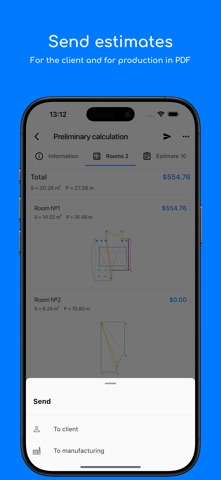
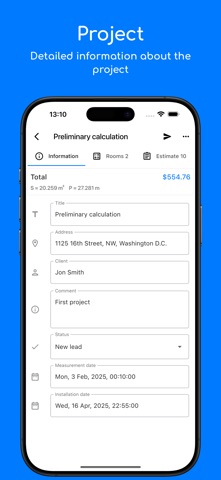
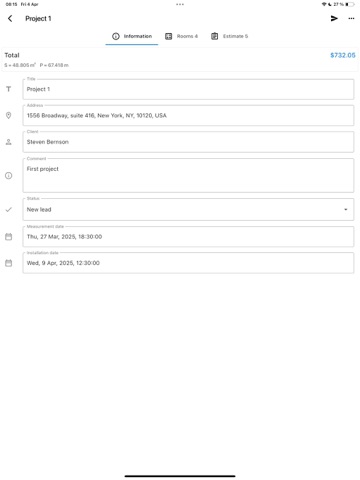
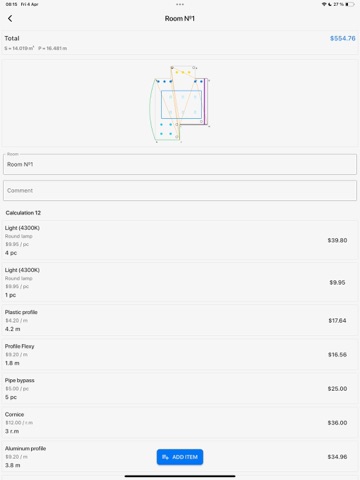
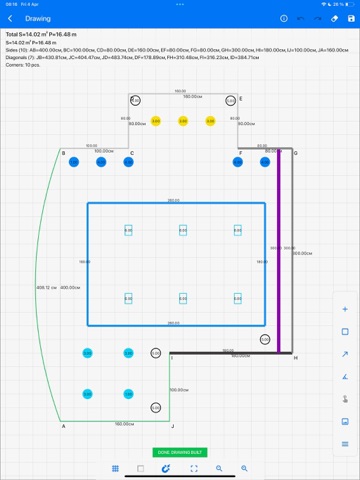
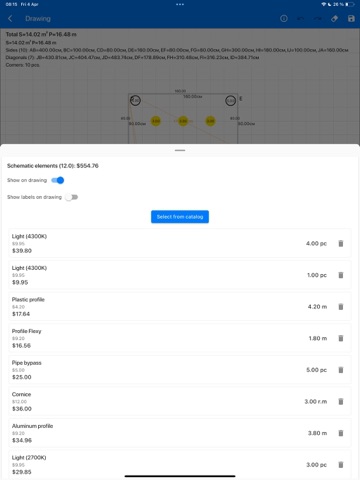
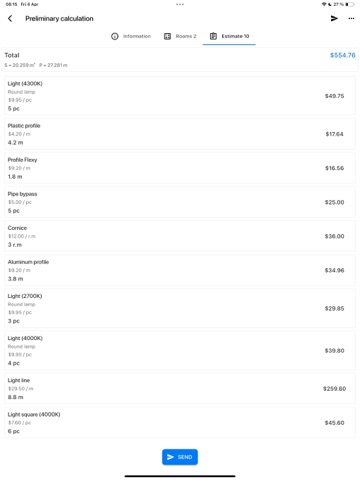
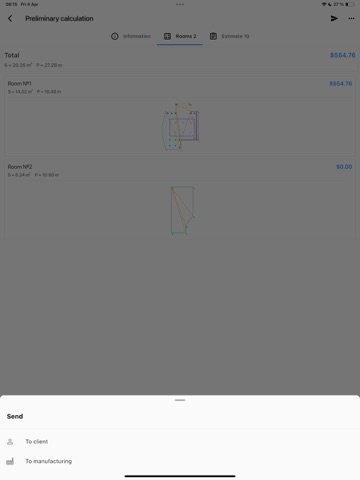
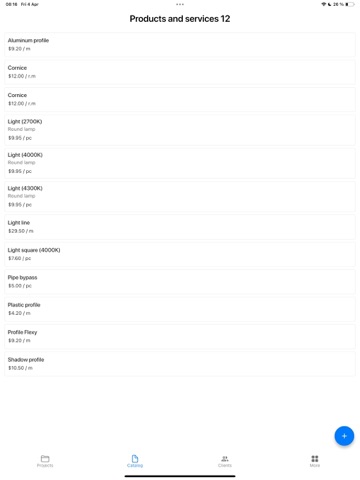
Ceilings is an app designed to automate 80% of routine tasks for stretch ceiling measurers and installers-streamlining measurements and project documentation. The app allows you to quickly and conveniently create drawings and calculate project estimates. You can then export them to PDF for further use, or send commercial offers to clients or the production team in just two clicks. Drawing Creation • Build simple or complex shapes by placing corner points. The app automatically calculates area and perimeter based on the angles. Estimates You can perform quick calculations without a drawing. Each estimate can include a name, comment, and items from your price list-making the app ideal for estimating both materials and labor. Drawing Tools • Create drawings by placing points (corners). These can be adjusted during or after creation. • To simplify the process, sides snap to right angles (can be toggled off). Available features for drawing: • Automatic diagonal generation. • Side length calculation during shape editing. • Display angles and optionally hide side dimensions. • Pan and zoom for easier navigation. • Manual input of side and diagonal lengths. • Display on-drawing information about lengths, diagonals, and corner count. Project Management Create and manage projects, view status, area, perimeter, and client contact info. • Project List View: Clearly see all projects grouped by stage. Track progress, area, and perimeter at a glance. • Detailed Project View: Access address, client contacts, measurement and installation dates, project stage, and comments. Add, edit, or delete rooms within a project. Products and Services Create and manage items you offer-add them to estimates as needed. Each item includes: • Name • Retail and cost price • Unit of measurement (pcs, meters, square meters, liters, etc.) Clients Maintain a client database with name and phone number. This makes contact management efficient and lets you quickly find the right person.
Latest release
What’s New
- Fixed a hanging error that occurred when sending estimates to the client
Audience growth
Ratings growth
Baseline captured. Growth appears after the crawler observes a changed rating count.
Momentum comes from crawler snapshots for the tracked storefront. “Viral growth signal” means unusually fast recent rating gains; it is an indicator, not download data.
Price tracking
Price intelligence
First snapshot captured. The trend line starts after the next crawler price observation.
- First observed Aug 19, 2026 · 9:03 AM Free
Screenshots