About this app
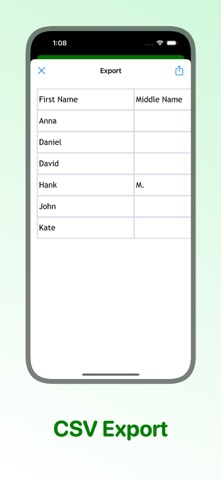
Quickly export your iPhone contacts to Excel, CSV, or vCard! Backup, transfer, or organize your address book effortlessly. Need to quickly export contacts to Excel or backup your phone contacts? Our Contacts Exporter app makes it effortless! Easily export your entire address book as an Excel (XLSX), CSV, or vCard (VCF) file with just a few taps. KEY FEATURES - Export contacts to Excel (XLSX), CSV, or vCard (VCF) - One-tap backup and transfer – no complicated steps - Send via email or save directly to your device - Compatible with Microsoft Excel & Apple Contacts - Safe & private – your contacts never leave your device - Organize, backup, or migrate your address book instantly Whether you need to backup contacts, transfer contacts to a new phone, or just organize your contacts in Excel, this app has you covered. Download now and take control of your contacts today!
Latest release
What’s New
Bug fixes
Audience growth
Ratings growth
Baseline captured. Growth appears after the crawler observes a changed rating count.
Momentum comes from crawler snapshots for the tracked storefront. “Viral growth signal” means unusually fast recent rating gains; it is an indicator, not download data.
Price tracking
Price intelligence
First snapshot captured. The trend line starts after the next crawler price observation.
- First observed Aug 12, 2026 · 10:55 PM Free
Screenshots