About this app
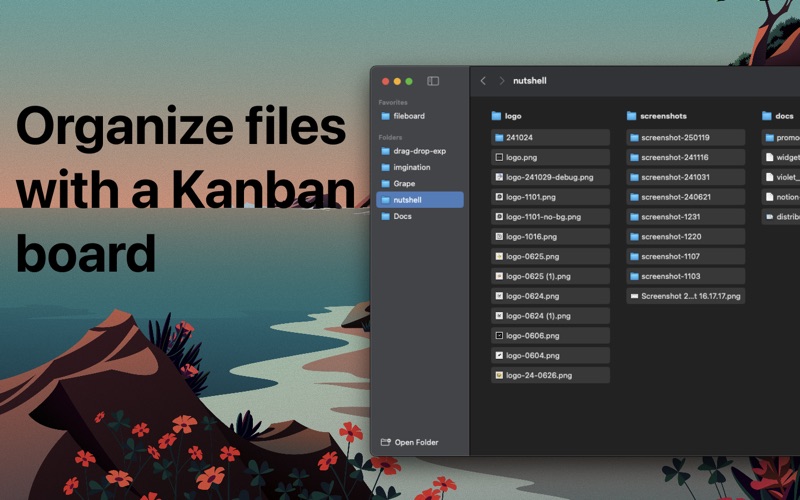
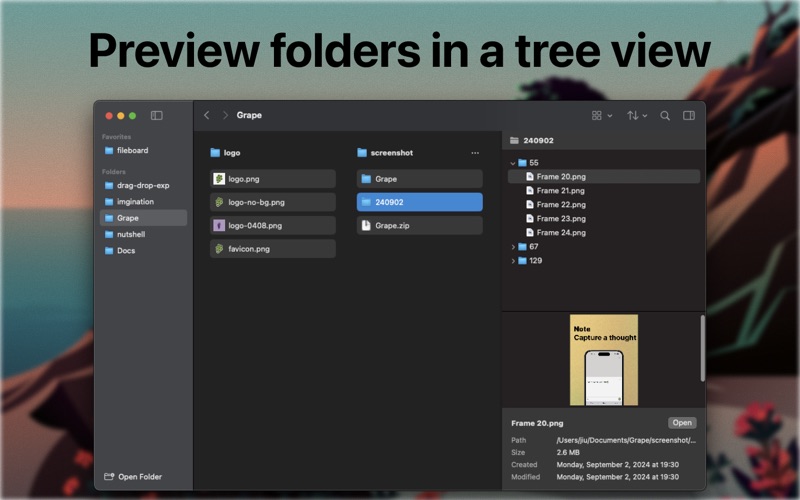
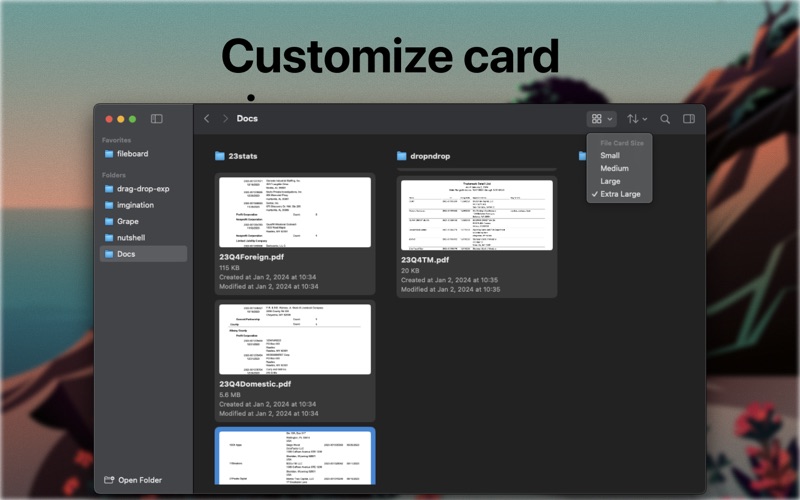
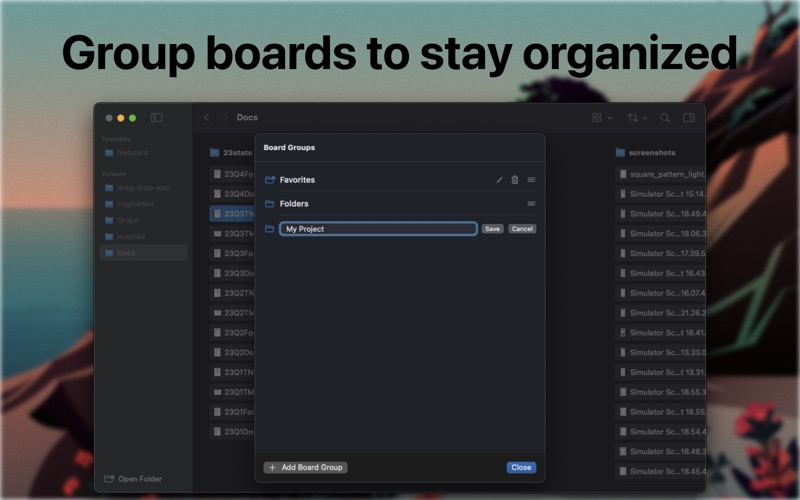
FileBoard brings the clarity of a Kanban board to your Mac files—while staying grounded in the real folder structure on disk. Create a board from any folder. Each column maps to a subfolder, and every card is an actual file. When you drag a file between columns, FileBoard moves it between folders, so your organization stays consistent everywhere—not just inside the app. Visual file organization that matches your workflow - Turn a folder into a board in seconds - Columns = subfolders, cards = files - Drag & drop to move files through stages (e.g., Inbox → In Progress → Done) - Keep projects tidy without losing the simplicity of folders Preview files and folders without losing context - Click any card to open a preview panel for many file types - Preview folders too, with a tree view to browse what’s inside Built for focused daily use - Smooth Kanban interactions and fast keyboard-friendly navigation - Quick searching and filtering to find what you need - Works with your existing file system—no importing or duplication FileBoard is practical file management: the structure of folders, with the clarity of a board.
Latest release
What’s New
• Fixed an issue where the app could crash after some files were deleted. • Added the file path to the preview panel. • Moved the Open Folder button to the bottom of the sidebar.
Audience growth
Ratings growth
Baseline captured. Growth appears after the crawler observes a changed rating count.
Momentum comes from crawler snapshots for the tracked storefront. “Viral growth signal” means unusually fast recent rating gains; it is an indicator, not download data.
Price tracking
Price intelligence
First snapshot captured. The trend line starts after the next crawler price observation.
- First observed Aug 27, 2026 · 3:46 PM Free
Screenshots