About this app
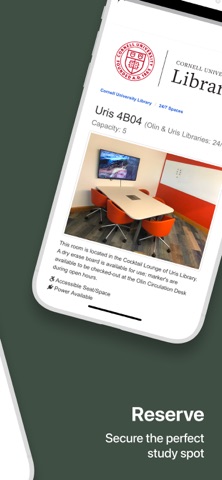
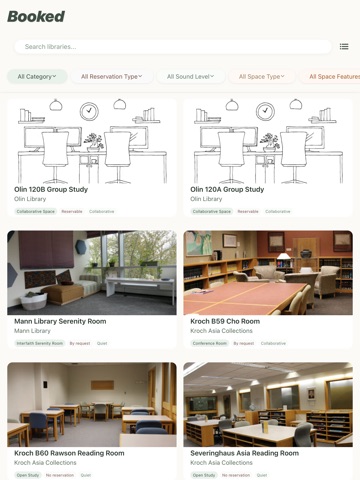
Booked makes it easy for Cornell students to find and reserve study spaces across campus. Whether you’re looking for a quiet corner in the library or a group study room in your college’s building, Booked helps you discover available spaces and reserve them directly through Cornell’s official systems. Designed with student needs in mind, Booked offers: - A clean, intuitive interface to browse all reservable spaces - Smart filters by location, time, amenities, and capacity - Real-time availability pulled from Cornell's booking systems - Quick access to official reservation portals No more guessing which rooms are free or bouncing between websites. With Booked, the information you need is in your pocket — anytime, anywhere. Built by Cornell students for Cornell students.
Audience growth
Ratings growth
Baseline captured. Growth appears after the crawler observes a changed rating count.
Momentum comes from crawler snapshots for the tracked storefront. “Viral growth signal” means unusually fast recent rating gains; it is an indicator, not download data.
Price tracking
Price intelligence
First snapshot captured. The trend line starts after the next crawler price observation.
- First observed Aug 31, 2026 · 9:39 PM Free
Screenshots