About this app
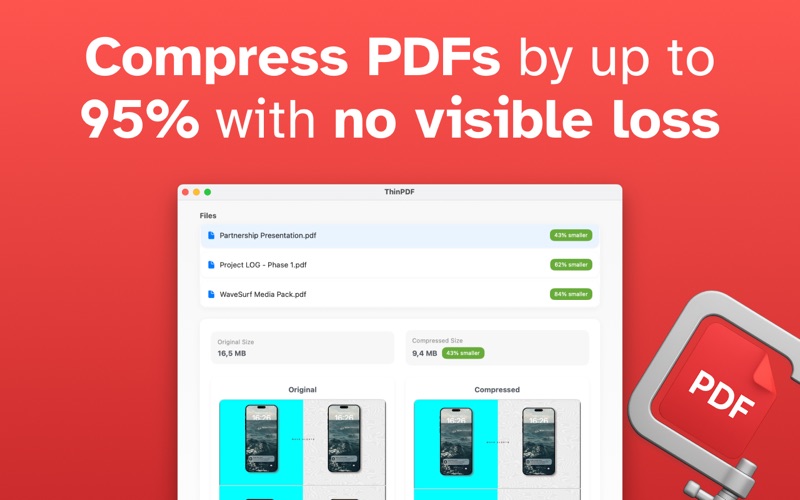
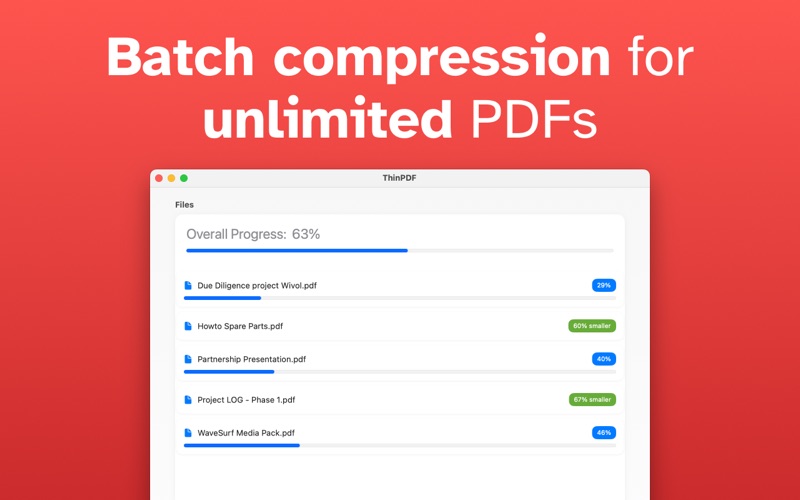
Effortlessly reduce PDF file sizes without compromising quality. ThinPDF is a powerful, lightweight macOS app designed to intelligently compress PDF files by optimizing their embedded images—perfect for professionals, students, and anyone managing large documents. Built with Apple-native technologies, ThinPDF delivers fast, reliable performance and a beautiful, intuitive interface designed for macOS. Whether you’re managing a single file or compressing in bulk, ThinPDF simplifies the process with drag-and-drop ease and customizable settings. ** Key Features ** • Advanced Image Optimization - Downsample high-resolution images - Recompress JPEGs with adjustable quality settings - Convert non-JPEG formats (e.g., PNG) to JPEG - Optional grayscale conversion for further size reduction • Compression Settings Panel - Fine-tune image quality (0–100 scale) - Set maximum resolution by DPI or pixel size - Toggle image format conversion - Strip or retain PDF metadata (author, title, etc.) • Live Preview and Comparison - Instantly see original vs. compressed file sizes - Thumbnail previews to compare before and after - Real-time estimates of compression gains • Simple Drag-and-Drop Interface - Drop one or multiple PDF files into the app window - Automatic file queue and processing • Batch Processing Support - Apply consistent compression settings across multiple PDFs - Ideal for archiving, emailing, or uploading document collections • Preserve Structure and Readability - Maintain document layout, fonts, and accessibility - Focused compression on images only—text and structure remain untouched Why Choose ThinPDF? • Native macOS experience with seamless performance • Clean, modern interface built for usability • Total control over compression quality and behavior • Perfect for reducing file sizes for email, web upload, or storage Take control of your PDF file sizes without the clutter or complexity. Whether you need to shrink a few documents or process large batches, ThinPDF makes it fast, smart, and simple.
Latest release
What’s New
Update for age rating
Audience growth
Ratings growth
Baseline captured. Growth appears after the crawler observes a changed rating count.
Momentum comes from crawler snapshots for the tracked storefront. “Viral growth signal” means unusually fast recent rating gains; it is an indicator, not download data.
Price tracking
Price intelligence
First snapshot captured. The trend line starts after the next crawler price observation.
- First observed Aug 8, 2026 · 8:40 AM $2.99
Screenshots