About this app
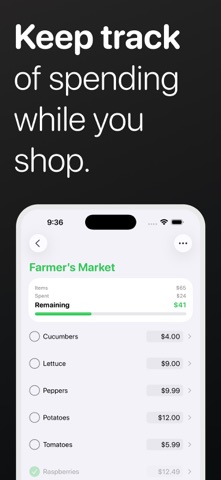
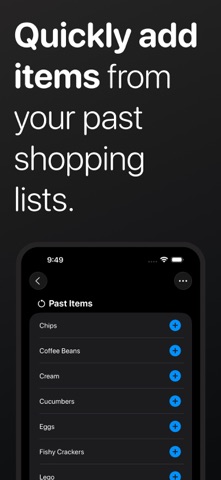
Spendoo keeps things clear, simple, and on your terms. Create flexible lists for anything you need to keep track of—groceries, household budgets, travel plans, Christmas shopping, or special events. With an intuitive design that feels more like a to-do list than a financial tool, Spendoo helps you stay in control without overwhelming you with charts and connections to your bank. • Create spending lists for anything • Set a budget and track totals as you go • Perfect for everyday use or one-time events • No bank account connection required • Easy to learn, quick to use Start organizing your spending today! Terms of Use: https://www.apple.com/legal/internet-services/itunes/dev/stdeula/
Latest release
What’s New
Thanks for using Spendoo! This update includes minor bug fixes.
Audience growth
Ratings growth
Baseline captured. Growth appears after the crawler observes a changed rating count.
Momentum comes from crawler snapshots for the tracked storefront. “Viral growth signal” means unusually fast recent rating gains; it is an indicator, not download data.
Price tracking
Price intelligence
First snapshot captured. The trend line starts after the next crawler price observation.
- First observed Oct 15, 2026 · 9:16 PM Free
Screenshots