About this app
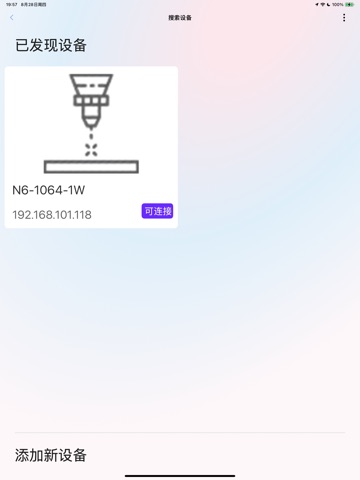
DeepLaser is a comprehensive control application designed specifically for laser engraving enthusiasts and professional users. Through advanced image processing technology and precise device control, it effortlessly transforms your creative ideas into exquisite engraved works. Core Features Smart Device Connection - Supports both WiFi and Bluetooth dual connection methods for stable laser engraver control Professional Image Processing - Built-in multiple filter effects, supports black & white, grayscale, woodcut, stamp and other artistic style conversions Precise Parameter Control - Supports 50+ material presets including acrylic, wood, leather, metal, etc. Multiple Engraving Modes - Scanning, dot matrix, vector, outline, fill and other engraving methods Real-time Preview Effects - Preview final results before engraving to ensure perfect works Text Engraving Function - Supports multiple fonts, can generate QR codes and barcodes History Management - Save all projects for repeated production anytime Image Editing Features Fine adjustment of brightness, contrast, and sharpness Smart cropping and size adjustment Multiple artistic filter effects Support camera capture and photo album import Professional-grade image preprocessing Professional Control Precise laser power control (0-100%) Engraving speed adjustment (0-10000) Engraving passes setting Z-axis offset adjustment Safety features including fan, lighting, flame detection Supported Materials Supports professional parameter presets for 50+ materials including acrylic, aluminum alloy, anodized aluminum, bamboo, basswood, ceramic, leather, stainless steel, solid wood, plywood, PVC, ABS, etc. Multi-language Support Supports Chinese, English and other multiple language interfaces. Let DeepLaser become your reliable assistant in laser engraving creation, turning creativity into reality!
Latest release
What’s New
Improved WiFi connection stability in device AP mode Added WiFi auto-keep feature to prevent automatic network switching during device configuration Optimized permission request frequency for better user experience Fixed known issues
Audience growth
Ratings growth
Baseline captured. Growth appears after the crawler observes a changed rating count.
Momentum comes from crawler snapshots for the tracked storefront. “Viral growth signal” means unusually fast recent rating gains; it is an indicator, not download data.
Price tracking
Price intelligence
First snapshot captured. The trend line starts after the next crawler price observation.
- First observed Aug 10, 2026 · 2:08 PM Free
Screenshots