About this app
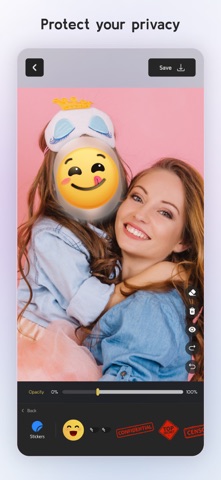
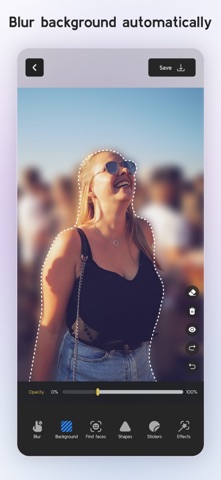
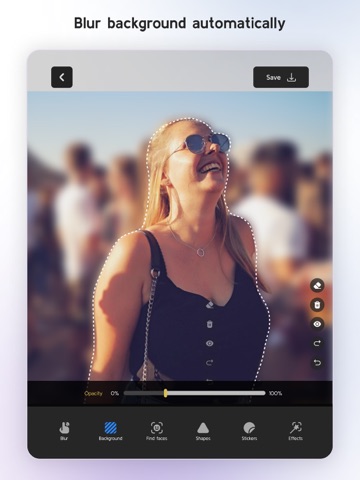
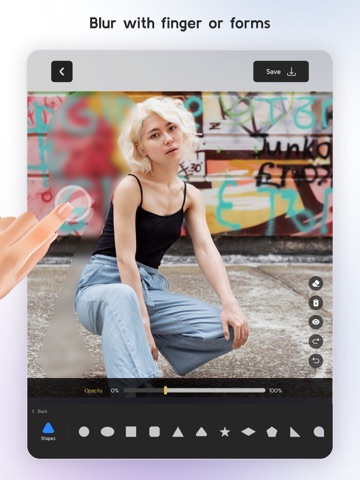
Blur and Pixelate Faces in Your Photos Need to blur part of a photo or apply a fun effect with precision? This intuitive editor lets you paint effects directly onto the image with your finger. Zoom in for fine detail and control exactly where the effect goes — whether it’s a face, object, or background. Main Features: • Apply effects by drawing directly on the photo: blur, pixelate, or crystallize specific areas. • Zoom in to paint with precision. • Automatically detect the background and apply effects to it with one tap. • Face detection lets you choose which faces to apply the effect to — or skip them entirely. • Add customizable shapes that apply effects only inside them. • Place fun stickers anywhere on your image. • Works with photos from your camera or gallery. • Fast, free, and optimized for iOS. Blur, pixelate, or stylize your photos exactly how you want — whether for privacy, creativity, or just for fun. The utility app to blur faces and hide anything you need in your pictures. https://www.apple.com/legal/internet-services/itunes/dev/stdeula/
Latest release
What’s New
Fixed an issue that caused the app to crash when accessing the save screen on some older devices. Removed ads for a cleaner experience. Added new subscription options. Updated libraries to improve performance and stability.
Audience growth
Ratings growth
Baseline captured. Growth appears after the crawler observes a changed rating count.
Momentum comes from crawler snapshots for the tracked storefront. “Viral growth signal” means unusually fast recent rating gains; it is an indicator, not download data.
Price tracking
Price intelligence
First snapshot captured. The trend line starts after the next crawler price observation.
- First observed Sep 14, 2026 · 4:23 PM Free
Screenshots