About this app
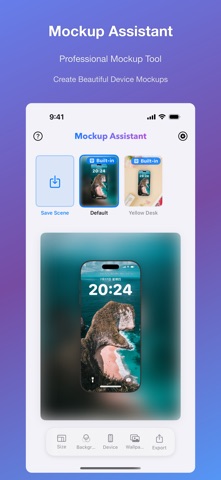
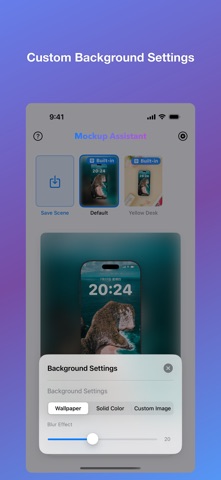
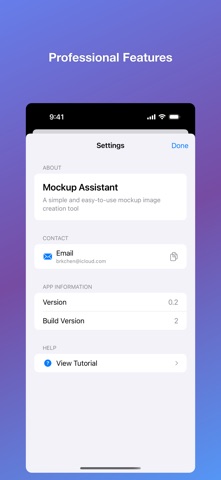
A simple and easy-to-use mockup image creation tool Main Features: • Free Customization: Support custom sizes, backgrounds, device positions, etc., to create unique mockup images • Multiple Scenes: Provides various beautiful scene templates including default scenes, yellow desk, etc., to meet different needs • High Quality Export: Support high-resolution export to ensure your work looks perfect on any platform Core Features: Device Configuration: Adjust device display, size, position and rotation Background Settings: Choose solid color background or custom image Size Selection: Select preset sizes or create custom sizes High Quality Export: Set export quality and save to photo album How to Use: 1. Select or create a scene style 2. Click the canvas size button to choose the right size 3. Use config buttons to adjust device, background, and other settings 4. Click the export button to save your wallpaper For feedback or support, contact: brkchen@icloud.com
Latest release
What’s New
Add component color setting options
Audience growth
Ratings growth
Baseline captured. Growth appears after the crawler observes a changed rating count.
Momentum comes from crawler snapshots for the tracked storefront. “Viral growth signal” means unusually fast recent rating gains; it is an indicator, not download data.
Price tracking
Price intelligence
First snapshot captured. The trend line starts after the next crawler price observation.
- First observed Sep 4, 2026 · 1:48 AM Free
Screenshots