About this app
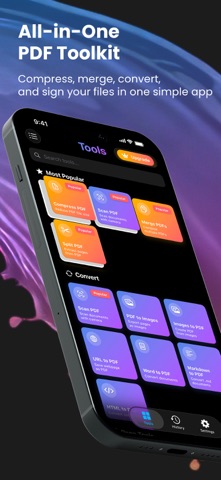
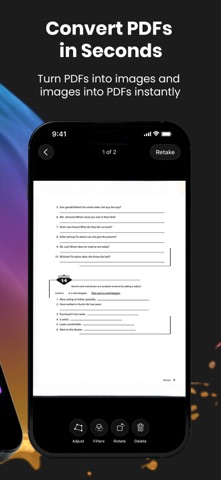
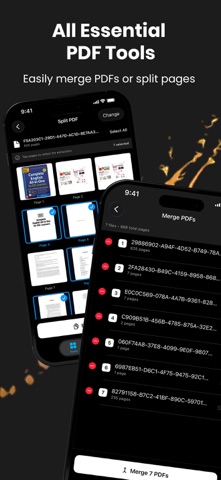
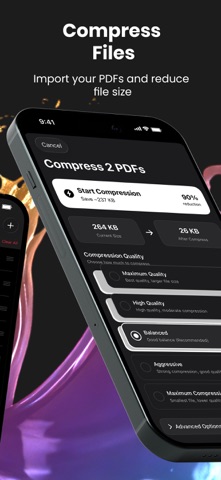
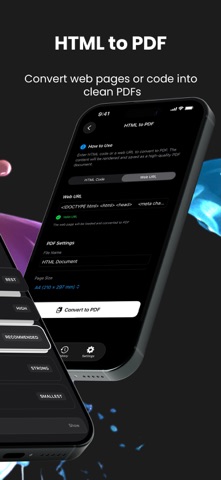
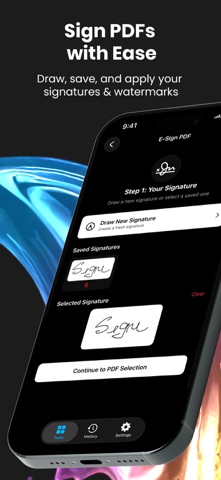
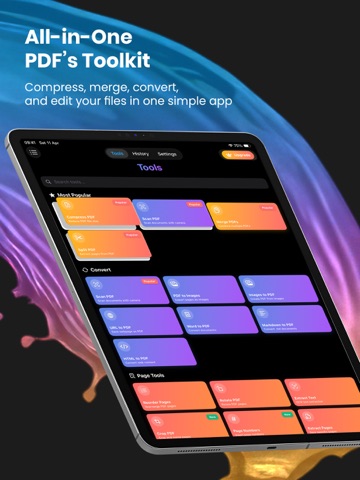
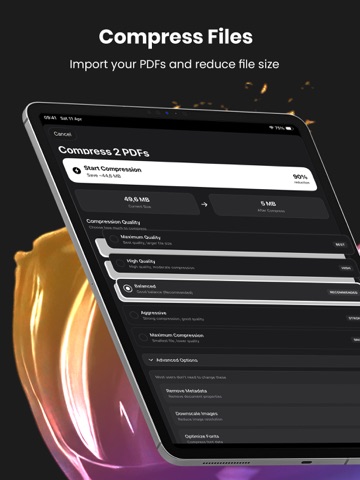
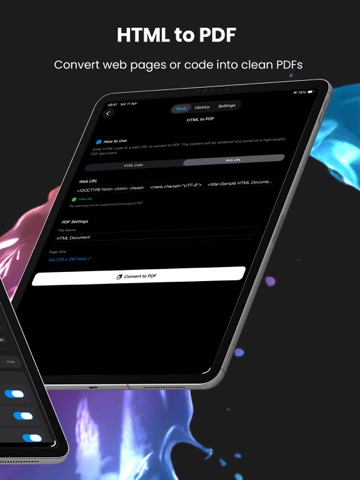
Pdfino is a complete PDF toolkit, 39 tools in one app, for the contracts, invoices, receipts, forms and study notes that land on your phone every week. Everything runs on your device. No file is uploaded, and there is no account to create. Scan paper into a clean PDF, shrink a file that is too big to email, merge a stack into one document, sign it and send it, without leaving the app. COMPRESS AND SEND Import your PDFs and reduce the file size, with five quality levels and a whole batch at a time. You can also ask Siri to compress a PDF for you. SCAN AND CONVERT IN SECONDS Scan with the camera, with edge detection, multi page capture and four filters. Turn images into a PDF, export any PDF back out as PNG or JPEG, and convert Word documents, Markdown, HTML and live web pages into clean PDFs. MERGE, SPLIT AND REARRANGE Combine several PDFs into one, pull out only the pages you need, then reorder, rotate, crop, resize, replace or delete pages, and add page numbers, headers, footers and bookmarks. SIGN, FILL AND PROTECT Draw your signature, keep up to five saved, and place one anywhere on the page. Fill in existing form fields, add a text or image watermark, then flatten the result. Password protect a PDF, set printing and copying permissions, unlock one you own, or strip the metadata out. Redaction rebuilds the page from the blacked out image, so the text underneath leaves the file instead of hiding behind a rectangle anyone can drag away. ALSO IN THE BOX Highlight, underline and leave sticky notes. Pull the plain text out of a scan, or run OCR on a PDF in nine languages. Translate the text inside a PDF. Scan a QR code and save the contact card. Repair a damaged PDF, optimize a heavy one, or compare two by page count and size. A History tab remembers every job, and search covers every tool. Works on iPhone and iPad. PRIVATE BY DEFAULT Your documents never leave your device. Scanning, OCR, compression, conversion and redaction all happen locally, there is no Pdfino server, and there is nothing to sign into. Only two tools reach the internet, and only to fetch a web address you typed in yourself. TRY EVERYTHING BEFORE YOU PAY Every tool is free once a day, and Annotate, Fill Forms, Redact, Translate and Compare have no daily limit at all. Nothing is hidden behind a wall you cannot look over first. Pdfino is free to use, with one use of every tool each day, ten compressions in total, and ads. The subscription removes the daily limit, the compression allowance and the ads. It is an auto renewing subscription offered weekly at the price shown in the app for your region, charged to your Apple Account when you confirm the purchase. New subscribers whose Apple Account is eligible start with a 3 day free trial, and any unused part of a trial is forfeited on purchase. It renews for the same period and price unless auto renew is turned off at least 24 hours before the current period ends. Manage or cancel it in Settings, tap your name, then Subscriptions. Terms of Use: https://pdfino.com/terms.html Privacy Policy: https://pdfino.com/privacy.html Standard License Agreement (EULA): https://www.apple.com/legal/internet-services/itunes/dev/stdeula/ Download Pdfino and put all 39 tools in your pocket.
Latest release
What’s New
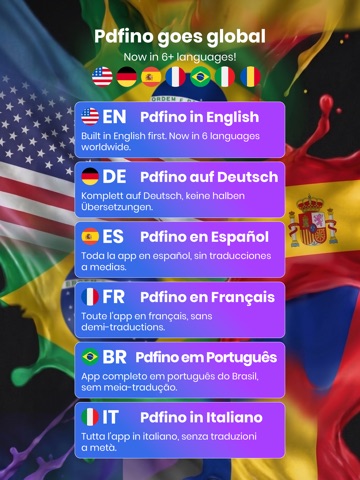
Four finished tools were sitting where nobody could reach them. They are now in the tool list where they belong, and the placeholder screens that used to stand in for them are gone. Pdfino now speaks 16 languages, all of them complete, with 675 new translations in this release. Every screen was checked again at the largest accessibility text sizes, so nothing overlaps or gets cut off when you size the text up. Your PDF history now lives in proper storage instead of a temporary one, and the app no longer leaves a second full size copy of every PDF in your Documents folder. That is a lot of space back. Restore Purchases has moved to where people actually look for it. Thank you for every review and bug report. Keep them coming.
Audience growth
Ratings growth
Baseline captured. Growth appears after the crawler observes a changed rating count.
Momentum comes from crawler snapshots for the tracked storefront. “Viral growth signal” means unusually fast recent rating gains; it is an indicator, not download data.
Price tracking
Price intelligence
First snapshot captured. The trend line starts after the next crawler price observation.
- First observed Sep 9, 2026 · 3:49 AM Free
Screenshots