About this app
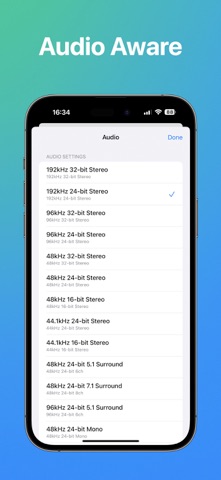
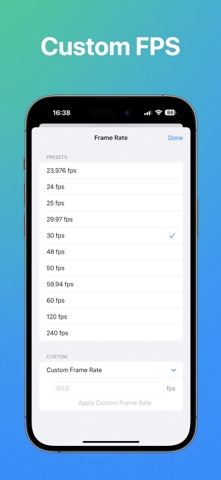
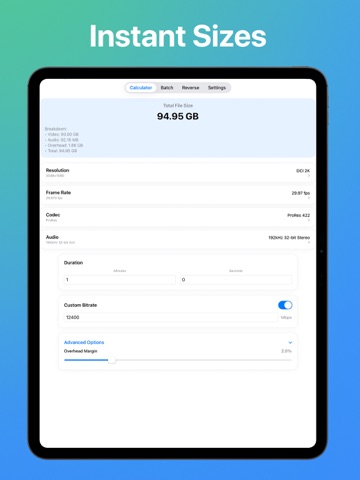
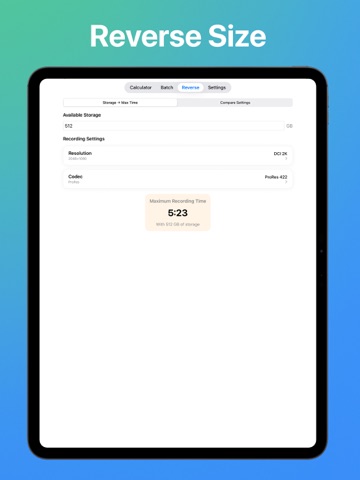
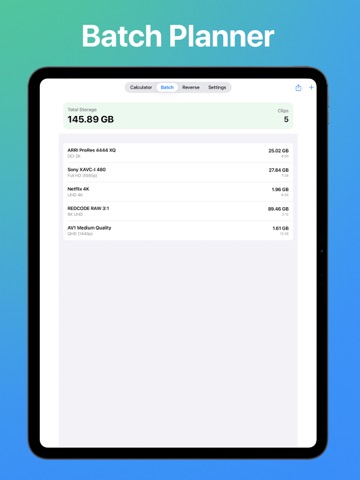
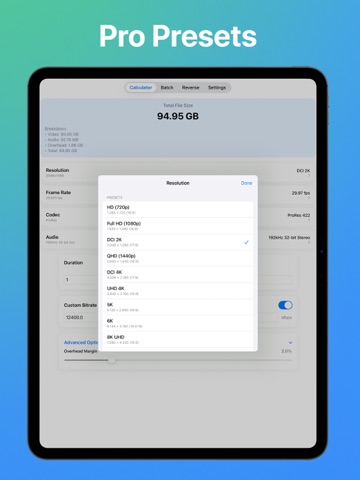
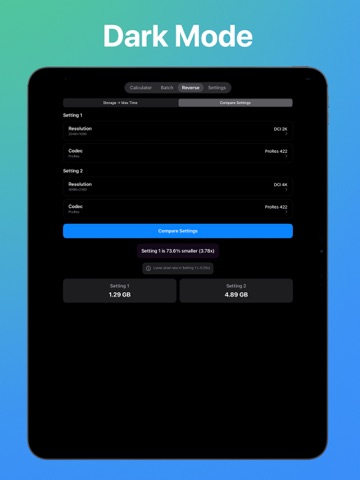
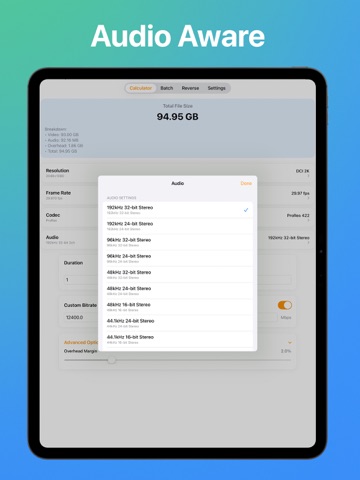
Video Size Calculator Pro helps filmmakers, editors, and creators predict video file sizes before recording or export. Choose resolution, frame rate, codec, audio format, and duration to get instant, accurate estimates — then balance quality vs storage with confidence. Works offline, no accounts or tracking. Core tools • Size Calculator: 20+ resolution presets (720p → 8K/8K DCI), 15+ FPS (23.976 → high-speed), 25+ codec families (ProRes, H.264/H.265/HEVC, DNxHD/HR, AV1, VP9, MPEG-2, ProRes RAW), audio presets, overhead margin, binary/decimal storage toggle. • Batch Calculator: Add multiple clips with their own settings, see per-clip + total size, and export a summary for planning. • Reverse Calculator: Start from a target file size + duration; get suggestions and side-by-side comparisons to hit your goal. Why you’ll like it • Fast & accurate calculations with a polished, SwiftUI-native design, haptics, smooth animations, and large touch targets. • Accessibility first: Dynamic Type, VoiceOver, and high-contrast friendly. • No accounts, no ads, no tracking SDKs; calculations stay on device. What’s new in 1.1 • iPad enabled: Universal build with proper orientations and centered, large-screen layout. • Pro Unlock (one-time, non-consumable): Pro Themes, Project Profiles (save/load named presets with iCloud KVS), explained comparisons, and more premium touches. • Styled paywall: gradient header, feature icons, price badge, disabled state until StoreKit is ready, and helpful alerts. • Full localization pass across 8 languages (EN, ZH-Hans, JA, KO, DE, FR, ES, PT-BR). • Calculation correctness & polish improvements.
Latest release
What’s New
• iPad enabled: Universal build with proper orientations and centered, large-screen layout. • Pro Unlock (one-time, non-consumable): Pro Themes, Project Profiles (save/load named presets with iCloud KVS), explained comparisons, and more premium touches. • Styled paywall: gradient header, feature icons, price badge, disabled state until StoreKit is ready, and helpful alerts. • Full localization pass across 8 languages (EN, ZH-Hans, JA, KO, DE, FR, ES, PT-BR). • Calculation correctness & polish improvements.
Audience growth
Ratings growth
Baseline captured. Growth appears after the crawler observes a changed rating count.
Momentum comes from crawler snapshots for the tracked storefront. “Viral growth signal” means unusually fast recent rating gains; it is an indicator, not download data.
Price tracking
Price intelligence
First snapshot captured. The trend line starts after the next crawler price observation.
- First observed Sep 11, 2026 · 11:58 PM Free
Screenshots