About this app
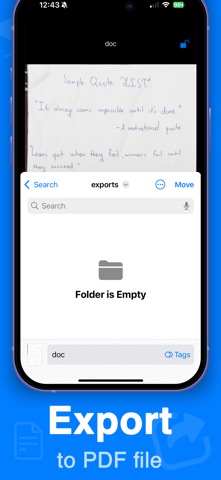
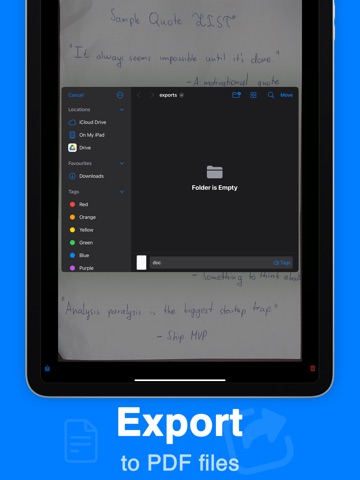
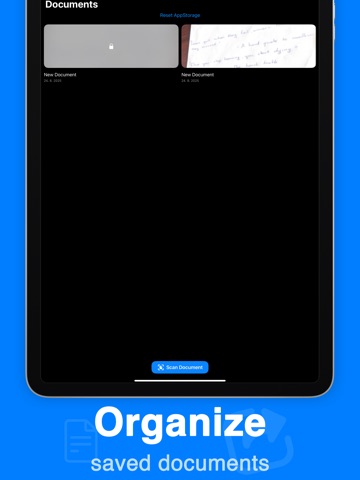
Scan documents easily and export them into PDF. Document scanner with many features. How to use this app: 1. Scan the document using the scan document button 2. Save the document inside the app to organize all your documents in one place 3. Lock the document using face id 4. Export the document into PDF into a separate folder All data is handled locally, so this app is private and does not share documents with third party services. All scanned documents stay on your device. Features: - Excellent scan quality - Automatically recognizes documents to scan - Saves documents locally - Can export documents to PDF files There is a PRO subscription available. Premium Subscription: Upgrade to professional access by purchasing an auto-renewing subscription. Please note that payment will be charged to your iTunes account upon confirmation of purchase. Your subscription will automatically renew at the same price and for the selected duration (monthly or annual) unless canceled at least 24 hours before the current period ends. Auto-renewal can be disabled at any time through your account settings. Available subscription options include the following (prices may vary by country): • 1-week pro: $3.99 (with 3-day free trial) • 1-year premium: $19.99 (no free trial available) EULA: https://dczt.dev/eula-terms-of-use.html Privacy Policy: https://dczt.dev/app-privacy-policy.html
Audience growth
Ratings growth
Baseline captured. Growth appears after the crawler observes a changed rating count.
Momentum comes from crawler snapshots for the tracked storefront. “Viral growth signal” means unusually fast recent rating gains; it is an indicator, not download data.
Price tracking
Price intelligence
First snapshot captured. The trend line starts after the next crawler price observation.
- First observed Aug 6, 2026 · 9:05 PM Free
Screenshots