About this app
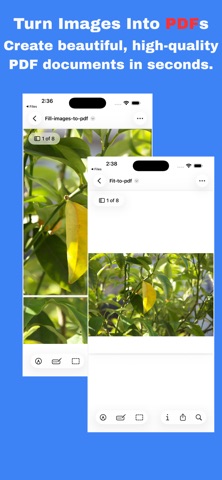
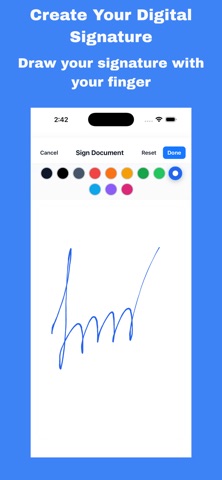
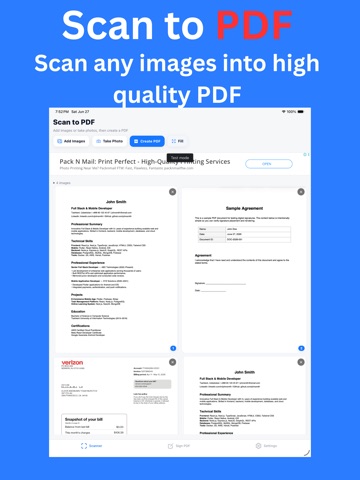
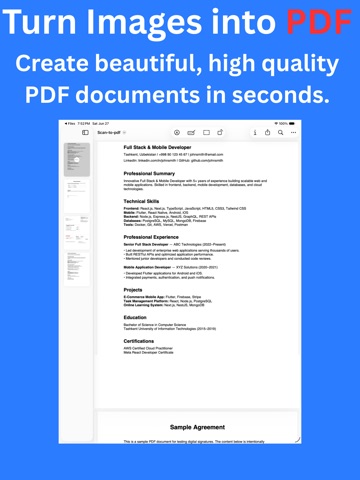
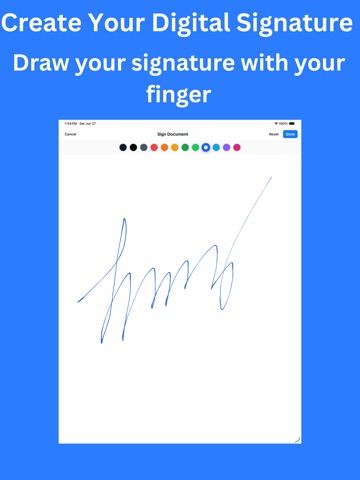
PDF Office: Scan & Sign is your complete mobile solution for managing PDF and document tasks. Whether you need to scan a paper document, sign a contract, or convert files, this app gives you all the tools in one simple interface. Key Features: • Sign Documents – Add your signature to PDFs and forms quickly. • Scan to PDF – Turn paper into high-quality digital documents. • Edit and Fill Forms – Write text, fill out forms, and make notes. • Convert Files – Convert documents to PDF and share instantly. • Share and Save – Export your signed or scanned files via email, cloud, or messaging apps. Whether you are a student, professional, or small business owner, PDF Office makes paperwork simple and secure. Why Choose PDF Office? • Easy to use design • Works offline, no internet required • Keeps your documents private and secure • Saves time with instant scan and sign Perfect for contracts, forms, ID scans, school assignments, receipts, and more. Download PDF Office: Scan & Sign today and take control of your documents from anywhere.
Latest release
What’s New
* Added a brand-new PDF Scanner. * Create high-quality PDFs from images and photos. * Improved PDF signing experience with precise signature placement. * Performance improvements and bug fixes. * Enhanced stability and smoother user experience.
Audience growth
Ratings growth
Baseline captured. Growth appears after the crawler observes a changed rating count.
Momentum comes from crawler snapshots for the tracked storefront. “Viral growth signal” means unusually fast recent rating gains; it is an indicator, not download data.
Price tracking
Price intelligence
First snapshot captured. The trend line starts after the next crawler price observation.
- First observed Sep 13, 2026 · 1:29 AM Free
Screenshots