About this app
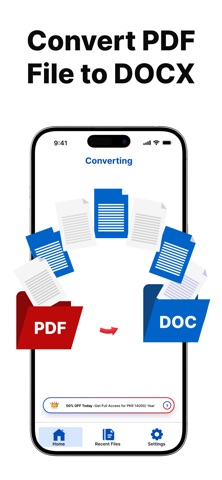
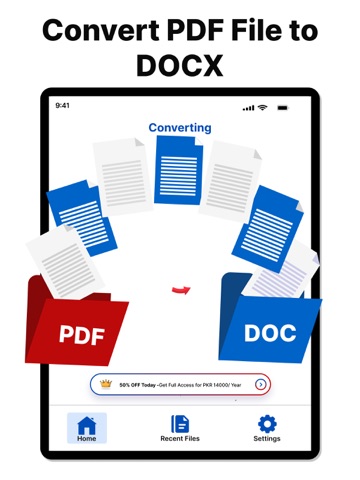
Do you want to convert your PDF files into editable Word documents without any extra effort? With our PDF to Word Converter App, turning PDFs or images into Word files is simple, fast, and reliable. Whether you need small edits or want to rework an entire document, this app provides everything in one place. The app makes PDF to Word conversion quick and stress-free. Select any PDF from your device, tap one button, and get a fully editable Word file within seconds while keeping the original text, formatting, and layout intact. No more typing everything again manually. PDF to Word Conversion Convert any PDF file into a Word (.docx) file with high accuracy. Headings, paragraphs, images, and tables stay correctly formatted. You can edit, update, or reuse your documents instantly, whether they are reports, proposals, class notes, or scanned forms. Image to Word Conversion (OCR) If you have a photo of a document or a scanned page, the built-in OCR technology extracts the text with precision. Convert printed materials, handwritten notes, receipts, or scanned pages into editable Word files easily. Fast and Simple The converter processes both small and large files quickly. There are no complicated steps. Upload, convert, and start editing immediately. Multiple Language Support The app supports various languages including English, Arabic, Urdu, French, Spanish, and more, making it useful for users worldwide. Easy to Use Interface A clean and simple interface allows anyone to use the app. All tools are easy to access, and the process is straightforward. How It Works: Open the app. Select a PDF file or image. Tap the Convert button. Wait a few seconds. Download or open your editable Word file. Perfect For: Students converting notes or study materials. Professionals handling business documents or contracts. Teachers converting scanned pages. Anyone needing quick document conversion. Safe and Secure Your documents are processed safely, ensuring your information remains private. Key Features: Convert PDF files to editable Word (.docx) Convert images to Word using OCR Preserve layout and formatting Fast and accurate conversion Multi-language support Simple and clean interface Secure file processing Download the PDF to Word Converter App and make your document work easier, faster, and smarter. Privacy Policy: https://alriazlimited.com/privacy-policy-al-riaz-ltd Terms and Conditions: https://alriazlimited.com/terms-and-conditions
Latest release
What’s New
- Minor Bugs Fixed. - Performance and Stability. - Improvement in User Experience.
Audience growth
Ratings growth
Momentum comes from crawler snapshots for the tracked storefront. “Viral growth signal” means unusually fast recent rating gains; it is an indicator, not download data.
Price tracking
Price intelligence
- First observed Aug 8, 2026 · 5:28 PM Free
Screenshots